NinjaTrader 8 indicators with source-code context and workflow notes
Source code matters because traders can inspect the logic, adjust defaults, and understand limitations before trusting a chart tool. These pages prioritize transparency over black-box promises and help traders move from download to verification faster.
Read the product page before copying or editing source.
Keep original downloaded files separate from experimental edits.
Change one setting or logic block at a time.
Compile and test source changes on a clean chart before saving a workspace.
Why source helps
Transparent code makes it easier to see whether an indicator is a simple reference tool, a delayed confirmation tool, or a condition marker that needs extra context.
Good edit candidates
Colors, labels, line widths, lookbacks, and threshold defaults are usually safer to change than core calculation logic.
Source is not a guarantee
Readable code does not mean a trading idea is profitable. It simply gives you a better way to inspect, test, and understand the chart tool.
Use source to improve the workflow, not just the file
The strongest source-backed pages are the ones that help you inspect logic, verify settings, and decide whether the indicator belongs in the session plan before it reaches a live workspace.
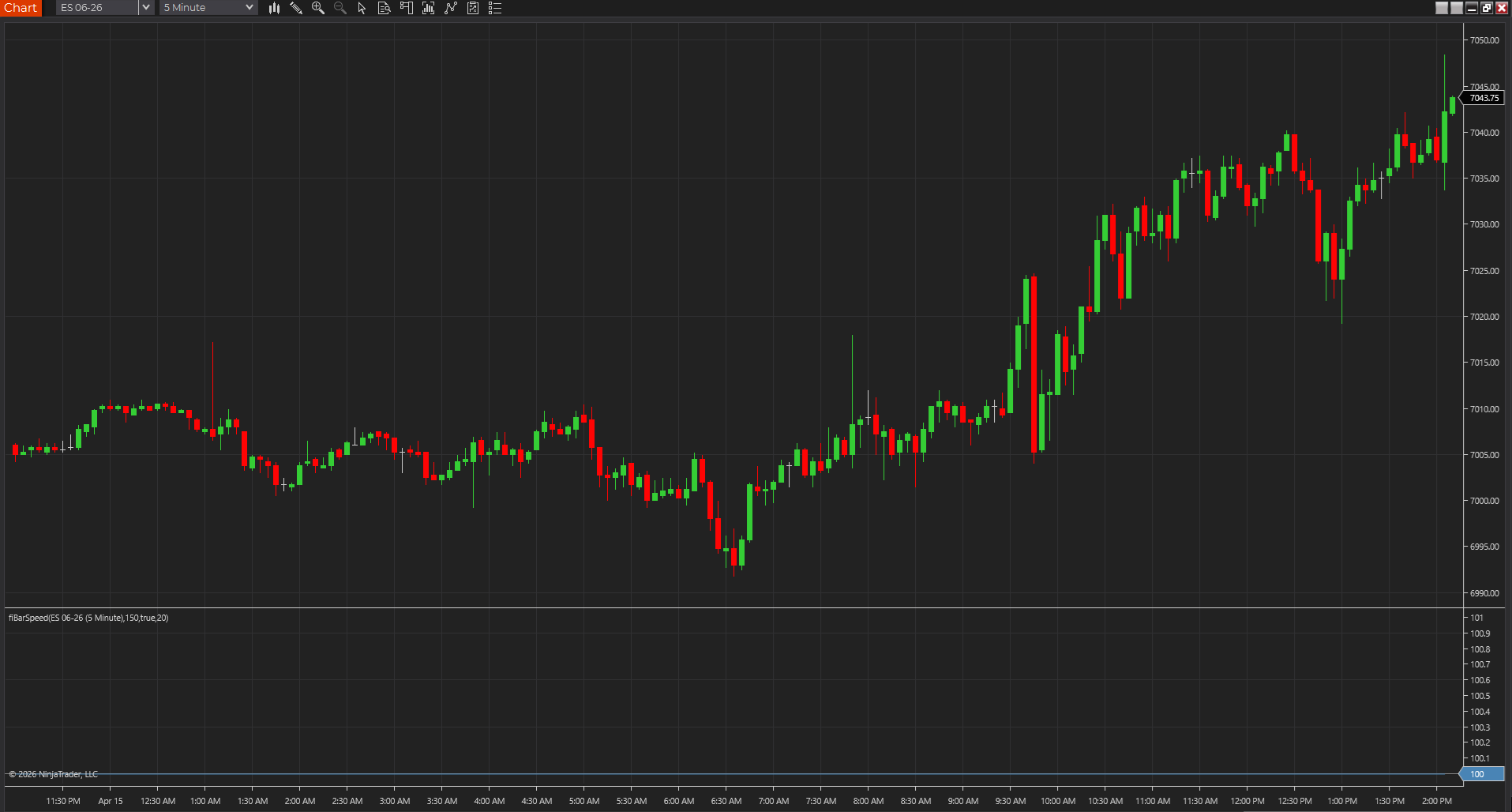
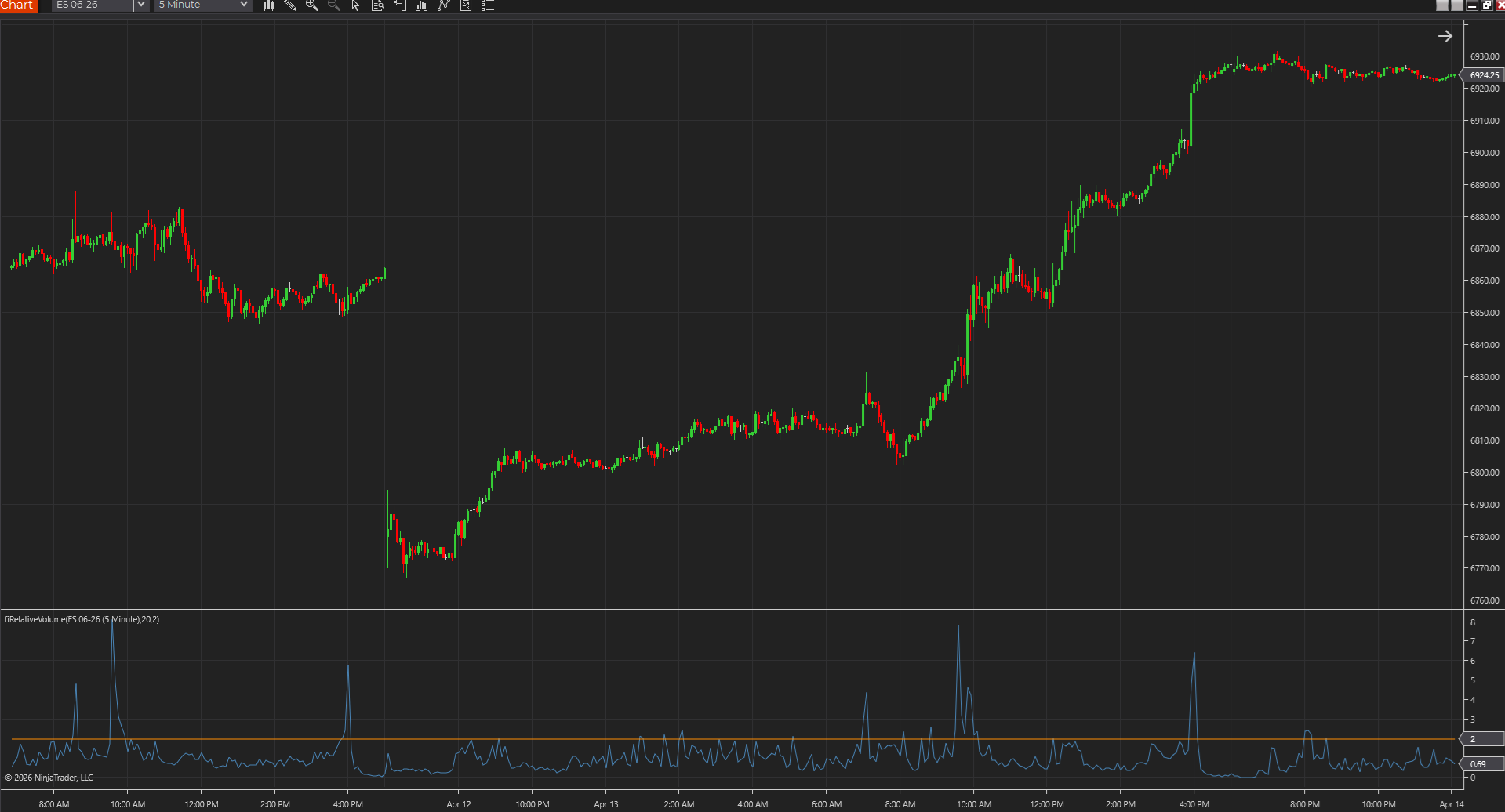
Shows whether bars are printing with real urgency or just drifting, so participation shifts stand out faster across tick, range, Renko, volume, and time charts.
NinjaTraderTradeStationTradingView
+4 more
: additional platforms include MetaTrader, MultiCharts, MT4, MT5
Download ready1 chart screenshotSource code included
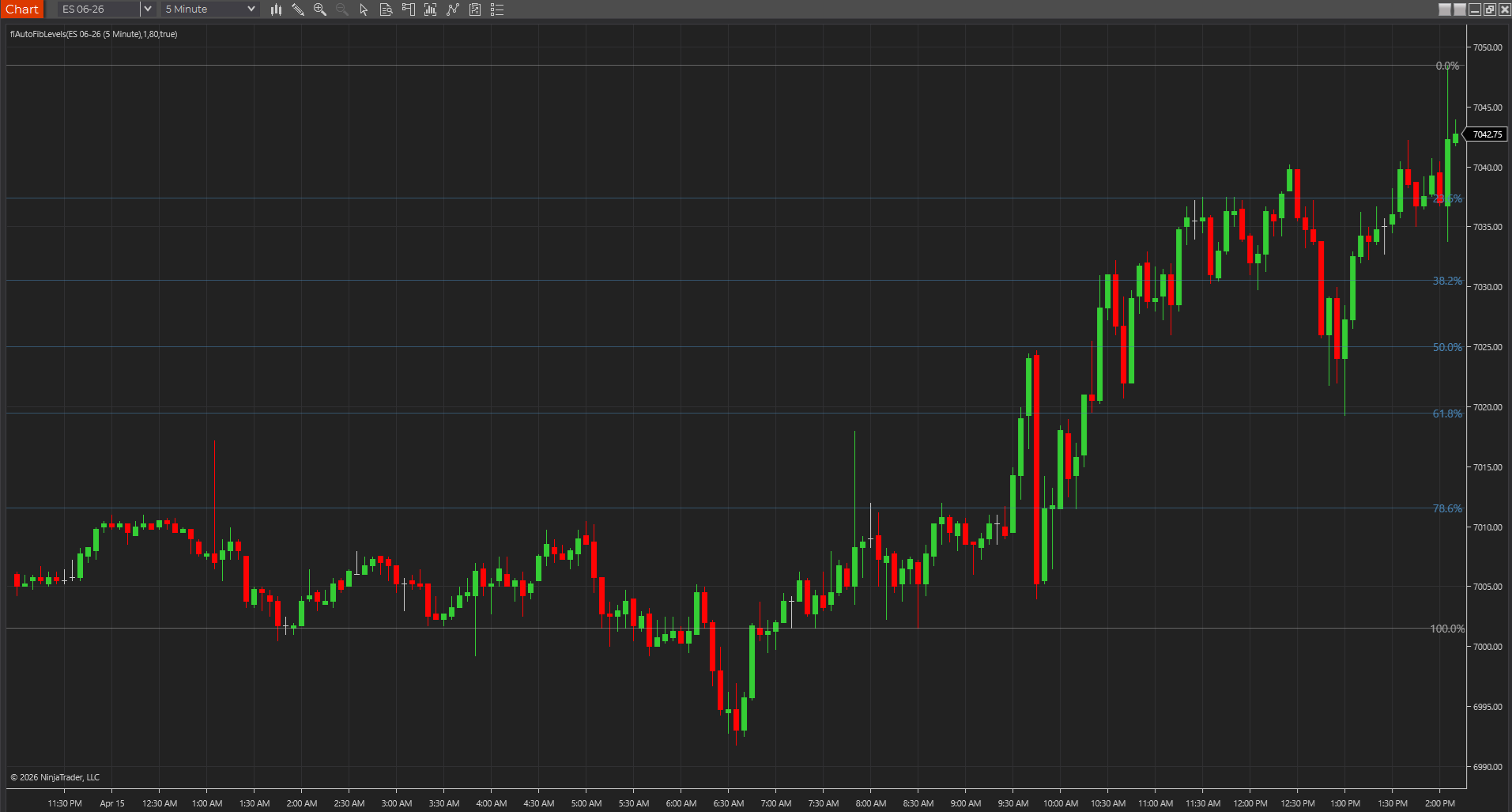
Keeps the recent swing's main Fibonacci retracement levels on screen so NinjaTrader and cross-platform traders can keep pullback zones visible without manual drawing.
NinjaTraderTradeStationTradingView
+4 more
: additional platforms include MetaTrader, MultiCharts, MT4, MT5
Download ready1 chart screenshotSource code included
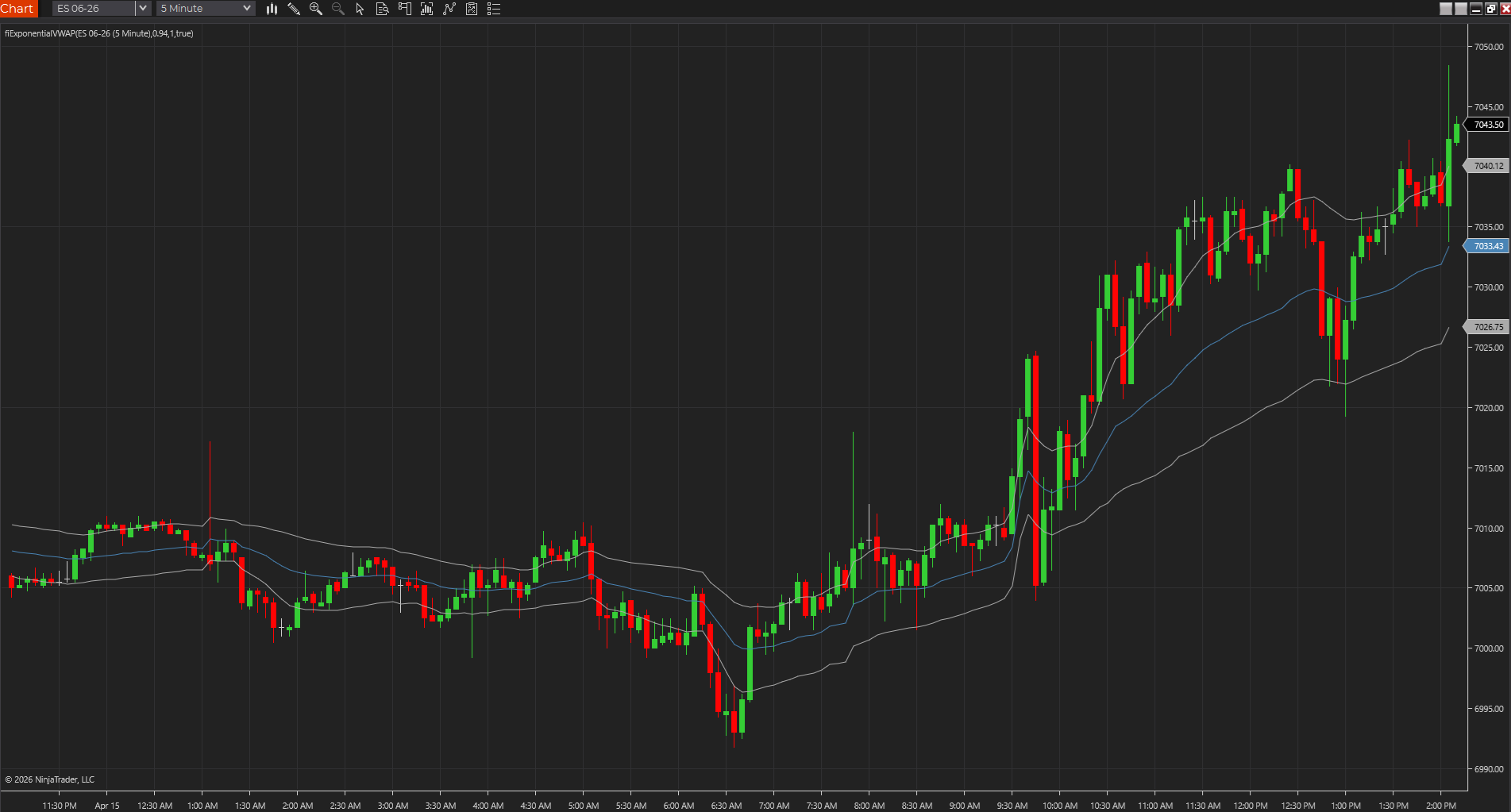
Uses exponential weighting to create a faster volume-weighted reference than standard session VWAP, which can help fair value react sooner during intraday shifts.
NinjaTraderTradeStationTradingView
+4 more
: additional platforms include MetaTrader, MultiCharts, MT4, MT5
Download ready1 chart screenshotSource code included
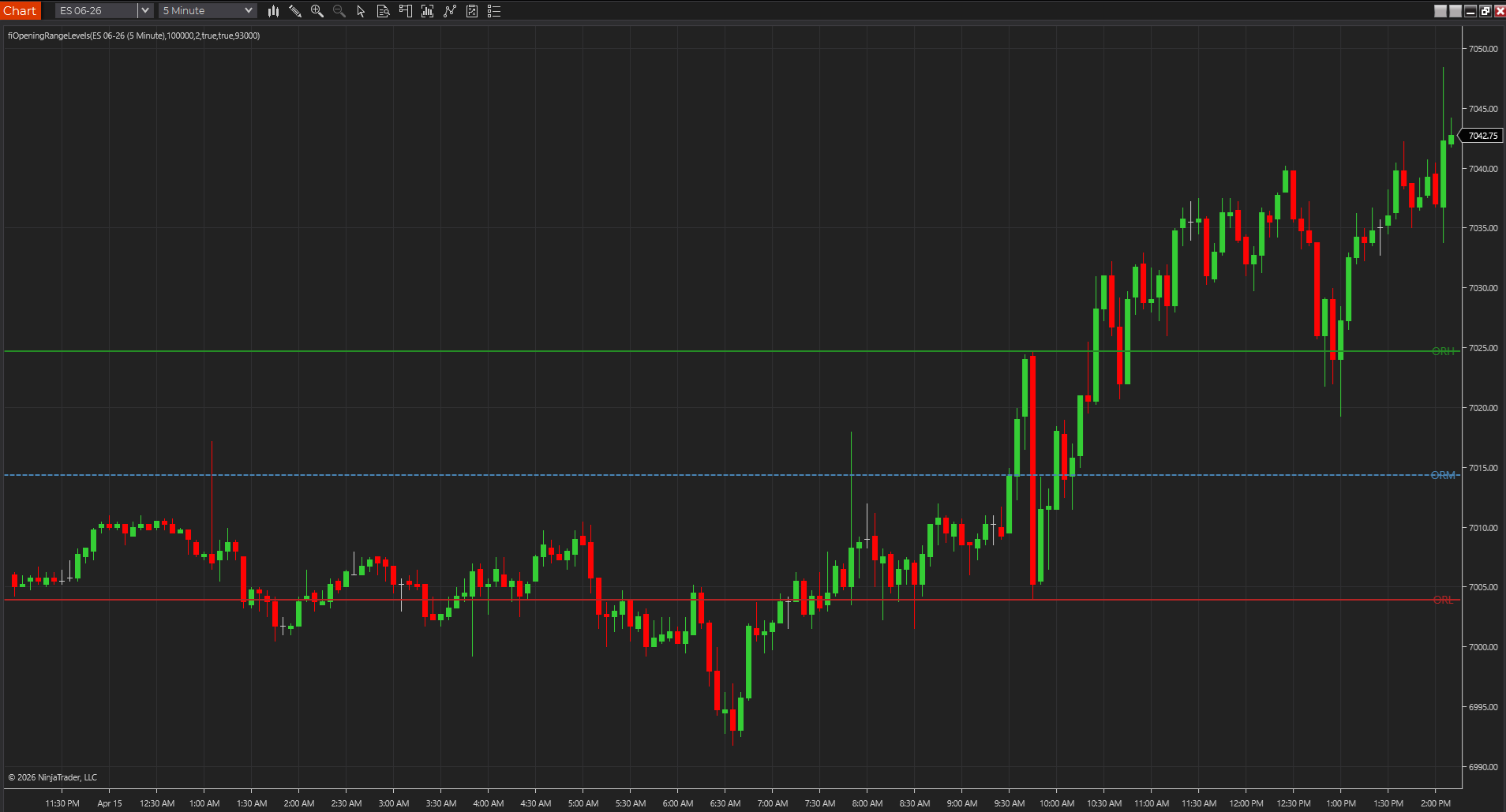
Marks the opening range high, low, and midpoint so traders can frame the first session expansion before deciding whether a breakout deserves attention.
NinjaTraderTradeStationTradingView
+4 more
: additional platforms include MetaTrader, MultiCharts, MT4, MT5
Download ready1 chart screenshotSource code included
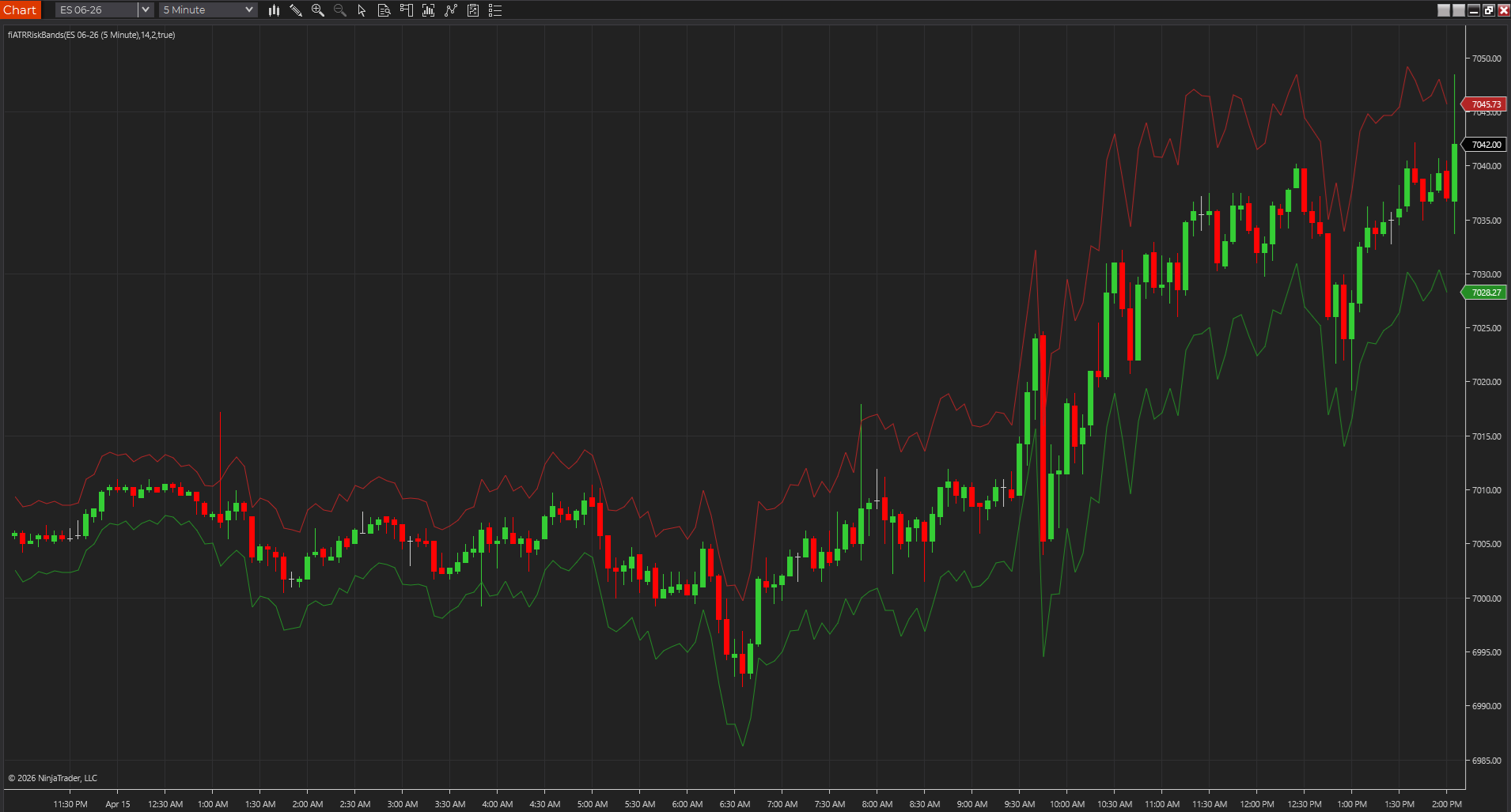
Plots a volatility envelope around price so traders can judge breathing room, stop distance, and stretch with less guesswork than a fixed-tick mindset.
NinjaTraderTradeStationTradingView
+4 more
: additional platforms include MetaTrader, MultiCharts, MT4, MT5
Download ready1 chart screenshotSource code included
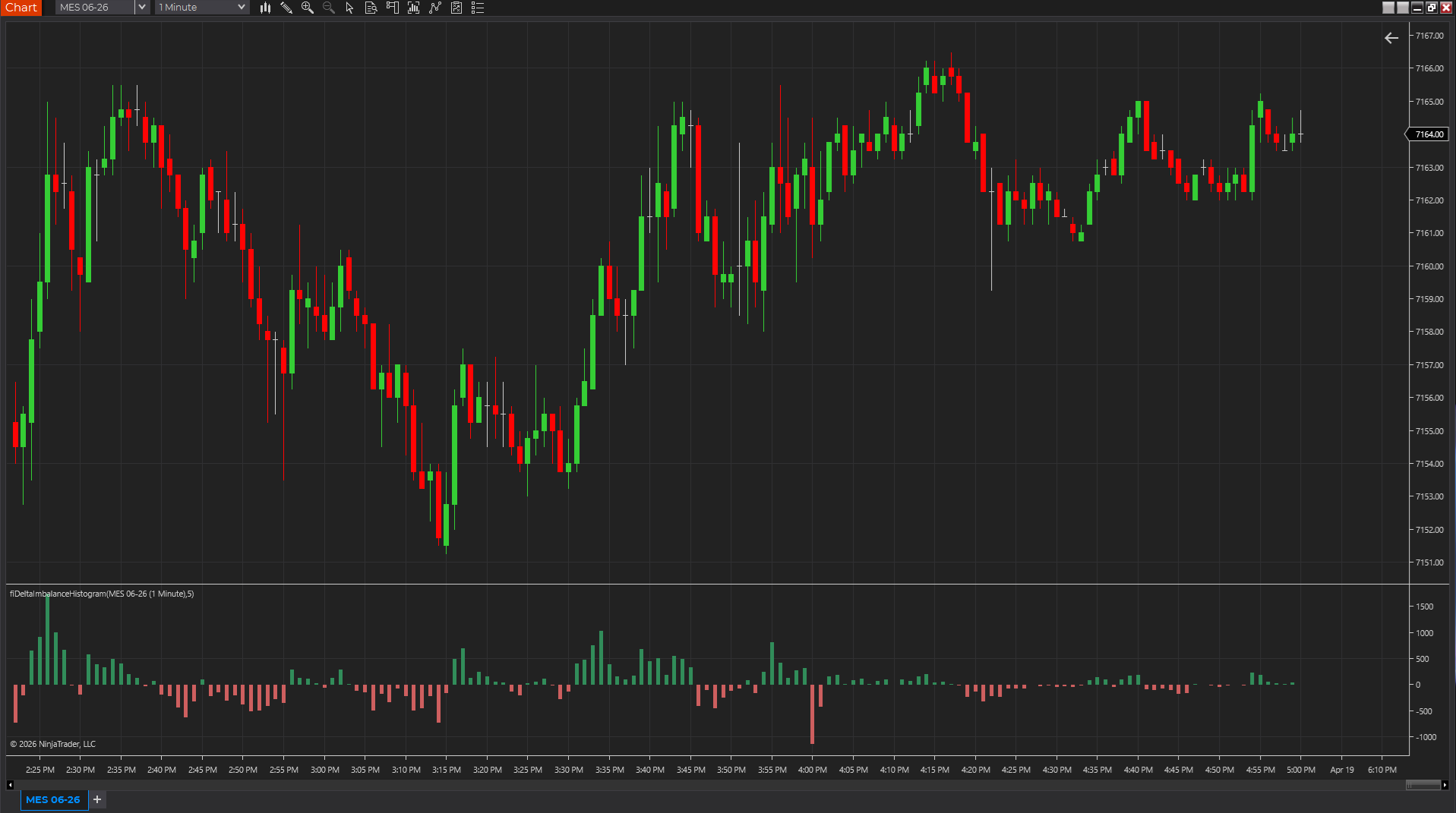
Uses candle body, range, and volume as a lightweight pressure proxy so traders can see whether momentum is skewing positive or negative without a full footprint feed.
NinjaTraderTradeStationTradingView
+4 more
: additional platforms include MetaTrader, MultiCharts, MT4, MT5
Download ready1 chart screenshotSource code included