Most NT8 indicators should be imported as ZIP packages from inside NinjaTrader. This page gives traders a clean install sequence and the follow-up checks that prevent small import problems from becoming workspace problems.
Close unrelated workspaces before importing a new indicator.
Use NinjaTrader's import menu instead of extracting files manually.
Read compile errors carefully; they often identify duplicate names or missing dependencies.
Test the imported indicator on a blank chart before loading it into an active workspace.
Import flow
Open NinjaTrader, choose Tools > Import > NinjaScript Add-On, select the ZIP file, and let NinjaTrader compile the package. If the import fails, save the exact error text before trying another fix.
Clean-chart test
After import, create a simple chart with a common instrument and timeframe. Add the indicator by itself, confirm it plots, then adjust settings one at a time.
When an import fails
Common causes include duplicate indicator class names, old generated cache sections, missing referenced assemblies, or code written for a different NinjaTrader major version.
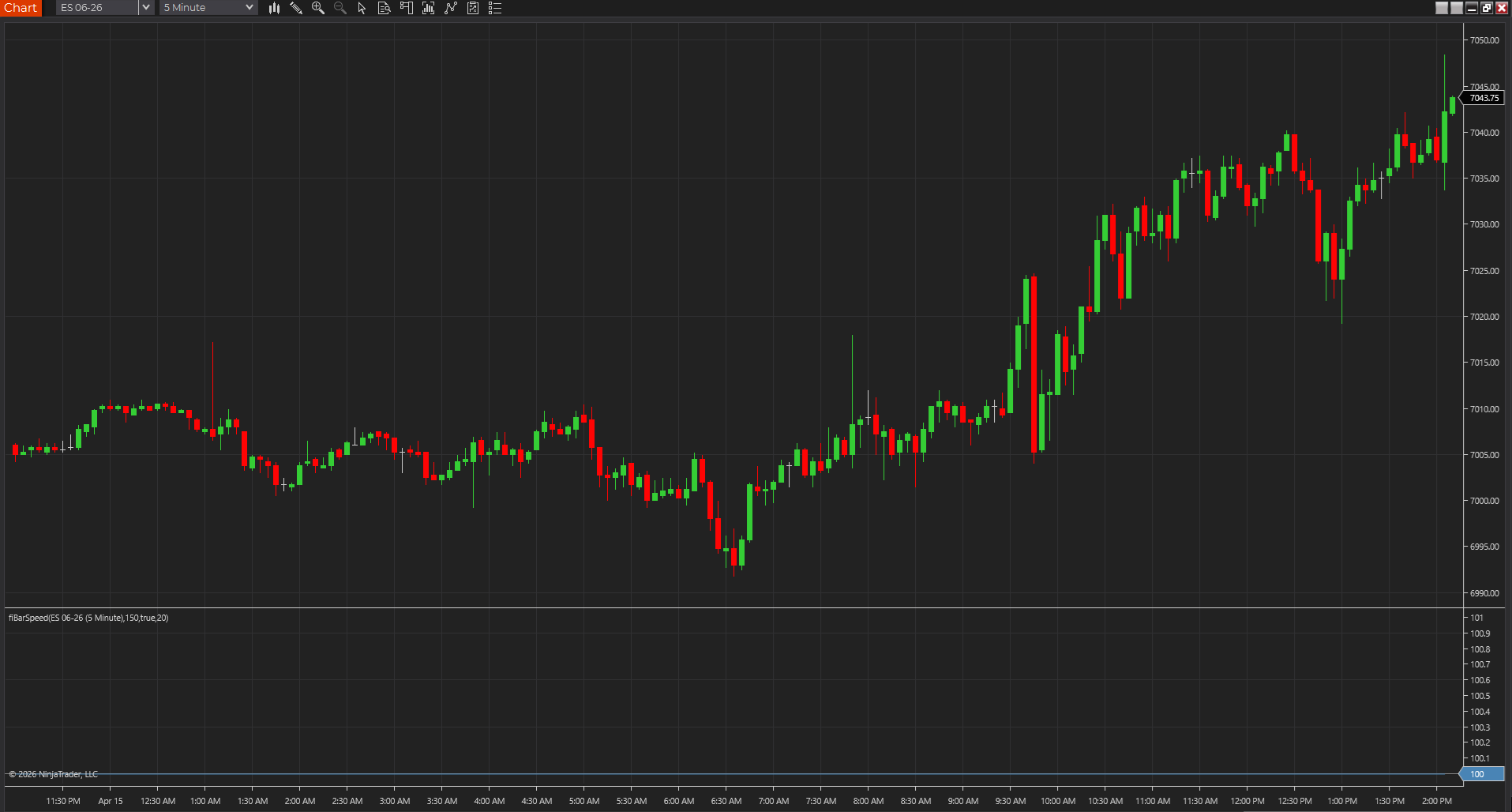
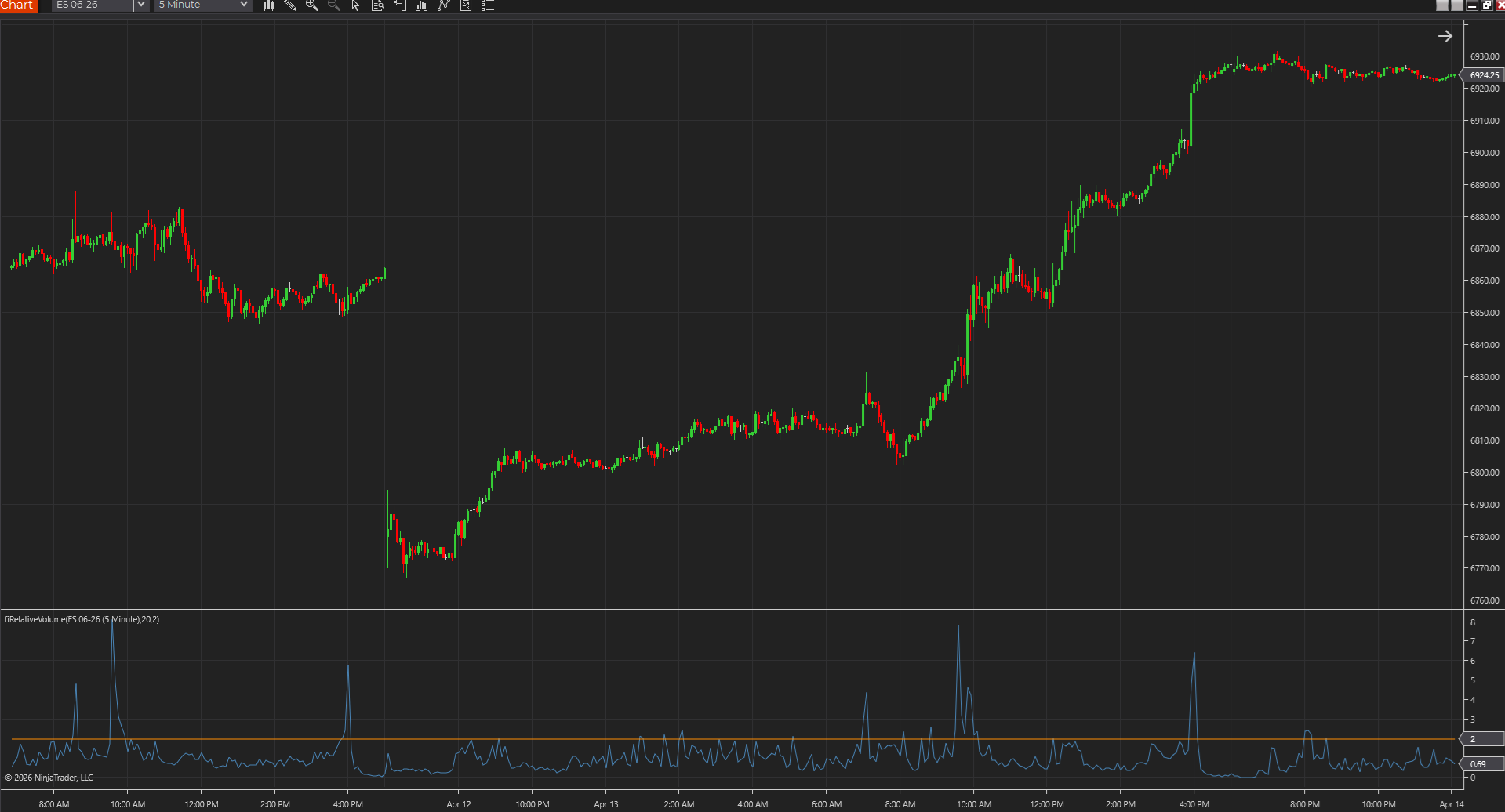
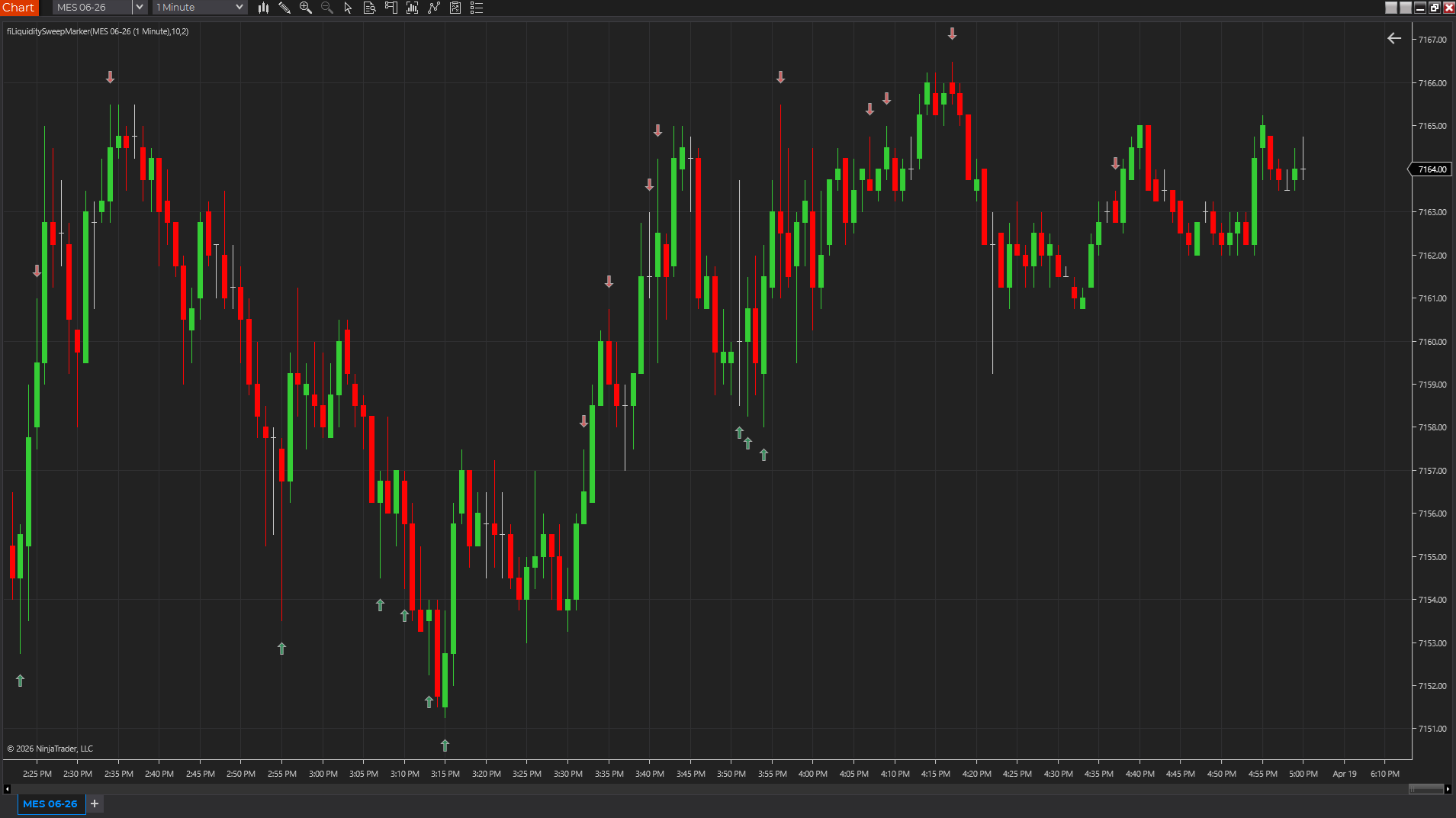
Shows whether bars are printing with real urgency or just drifting, so participation shifts stand out faster across tick, range, Renko, volume, and time charts.
NinjaTraderTradeStationTradingView
+4 more
: additional platforms include MetaTrader, MultiCharts, MT4, MT5
Download ready1 chart screenshotSource code included
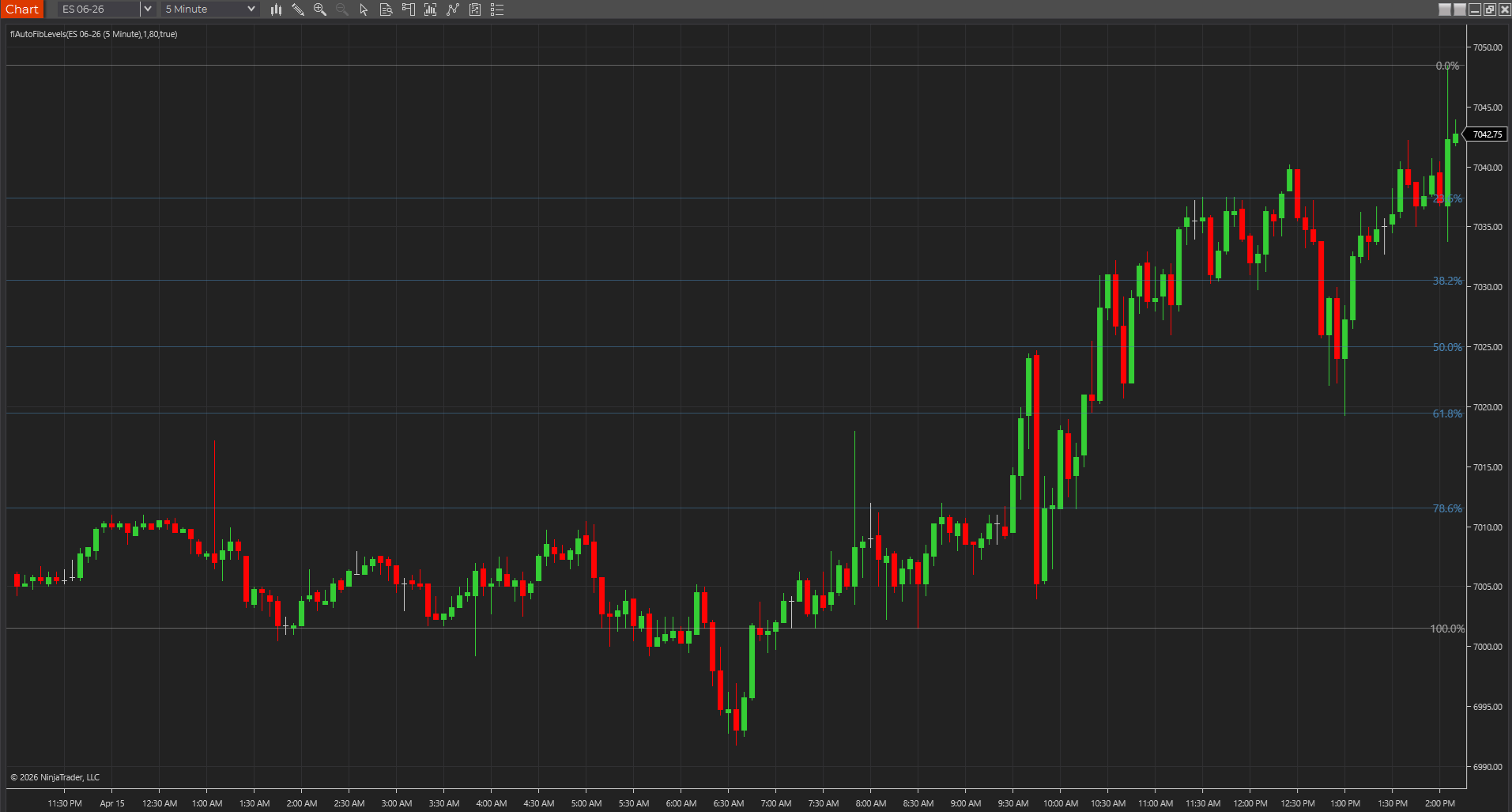
Keeps the recent swing's main Fibonacci retracement levels on screen so NinjaTrader and cross-platform traders can keep pullback zones visible without manual drawing.
NinjaTraderTradeStationTradingView
+4 more
: additional platforms include MetaTrader, MultiCharts, MT4, MT5
Download ready1 chart screenshotSource code included
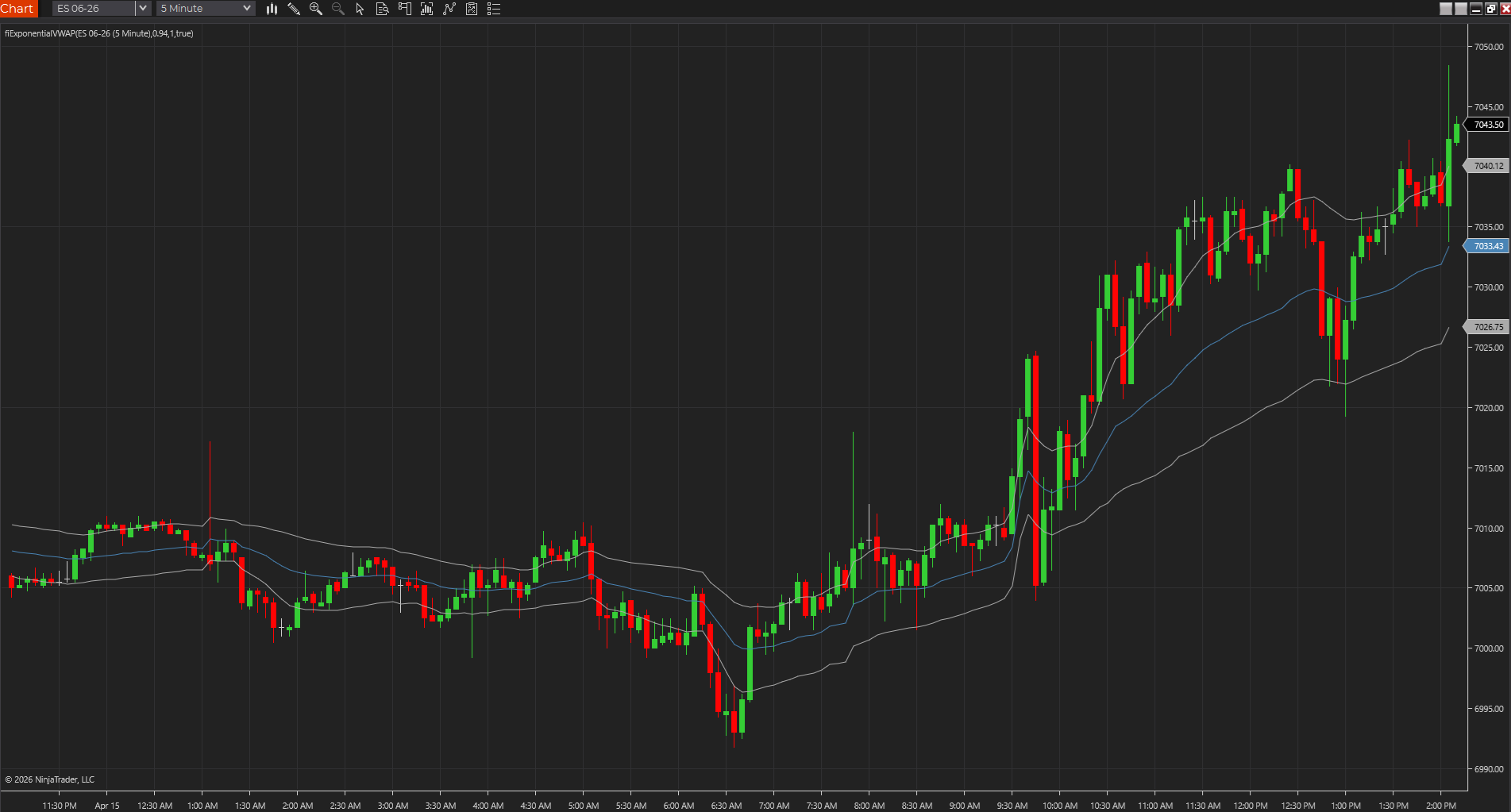
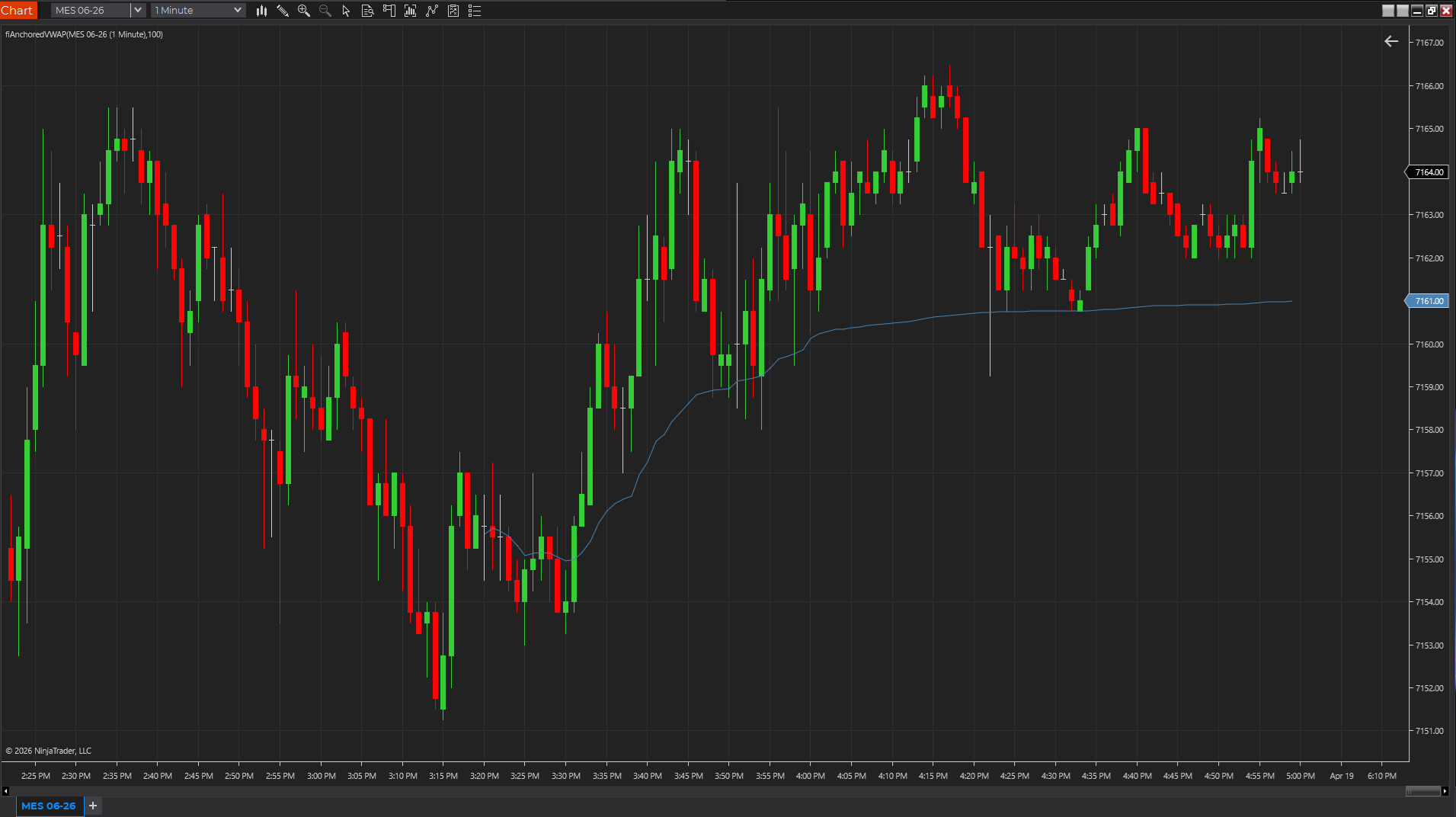
Uses exponential weighting to create a faster volume-weighted reference than standard session VWAP, which can help fair value react sooner during intraday shifts.
NinjaTraderTradeStationTradingView
+4 more
: additional platforms include MetaTrader, MultiCharts, MT4, MT5
Download ready1 chart screenshotSource code included
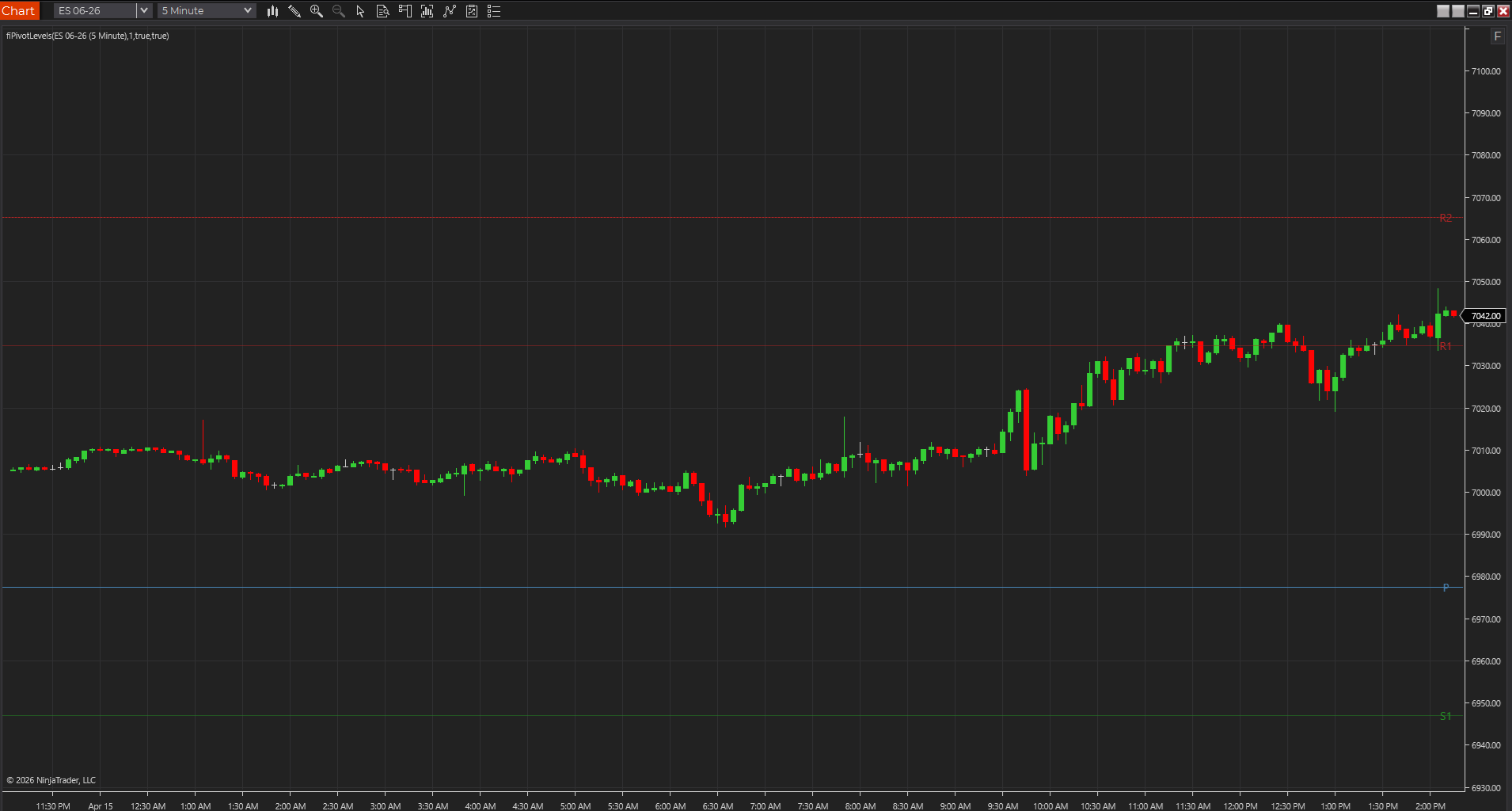
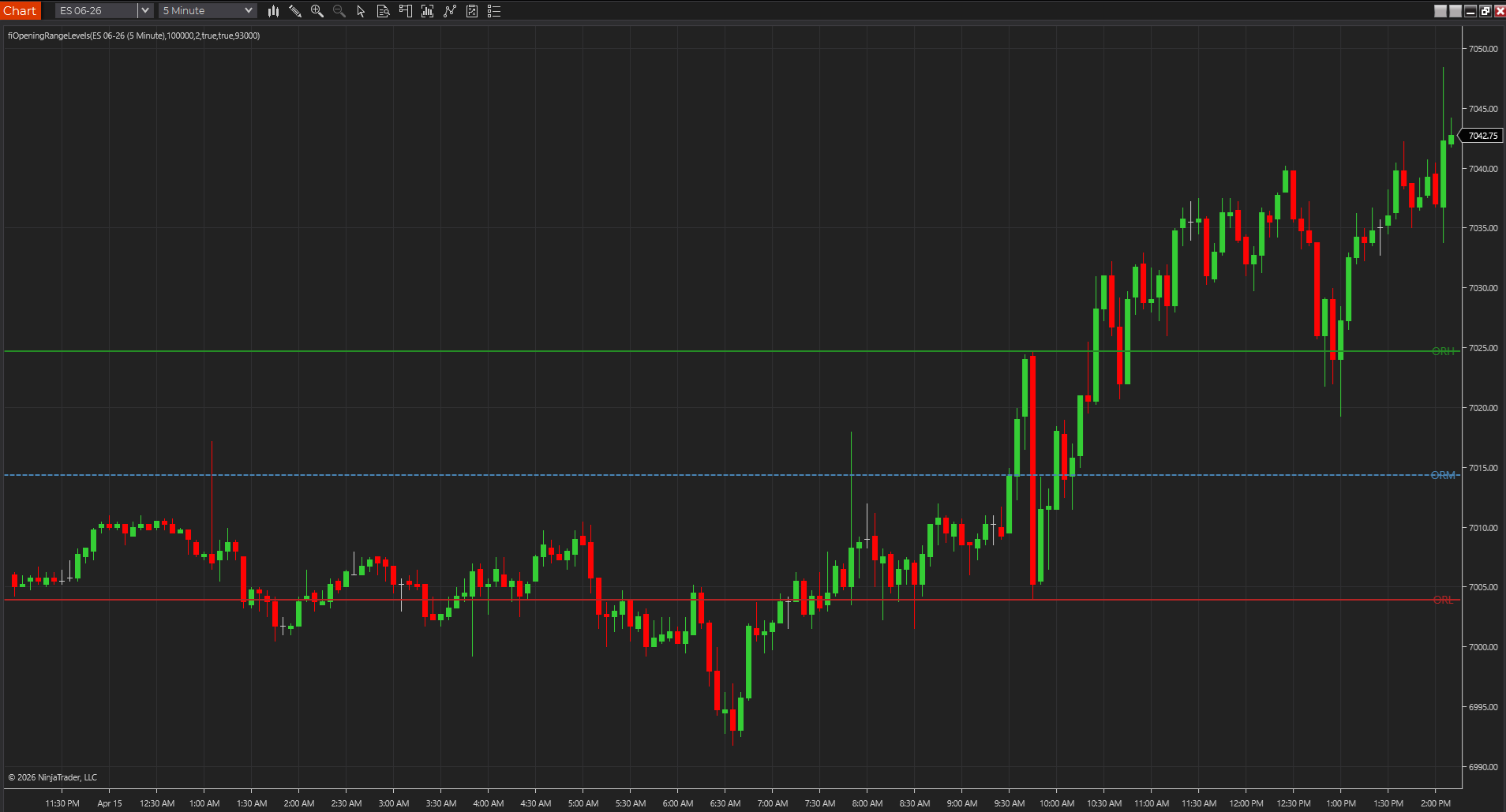
Marks the opening range high, low, and midpoint so traders can frame the first session expansion before deciding whether a breakout deserves attention.
NinjaTraderTradeStationTradingView
+4 more
: additional platforms include MetaTrader, MultiCharts, MT4, MT5
Download ready1 chart screenshotSource code included
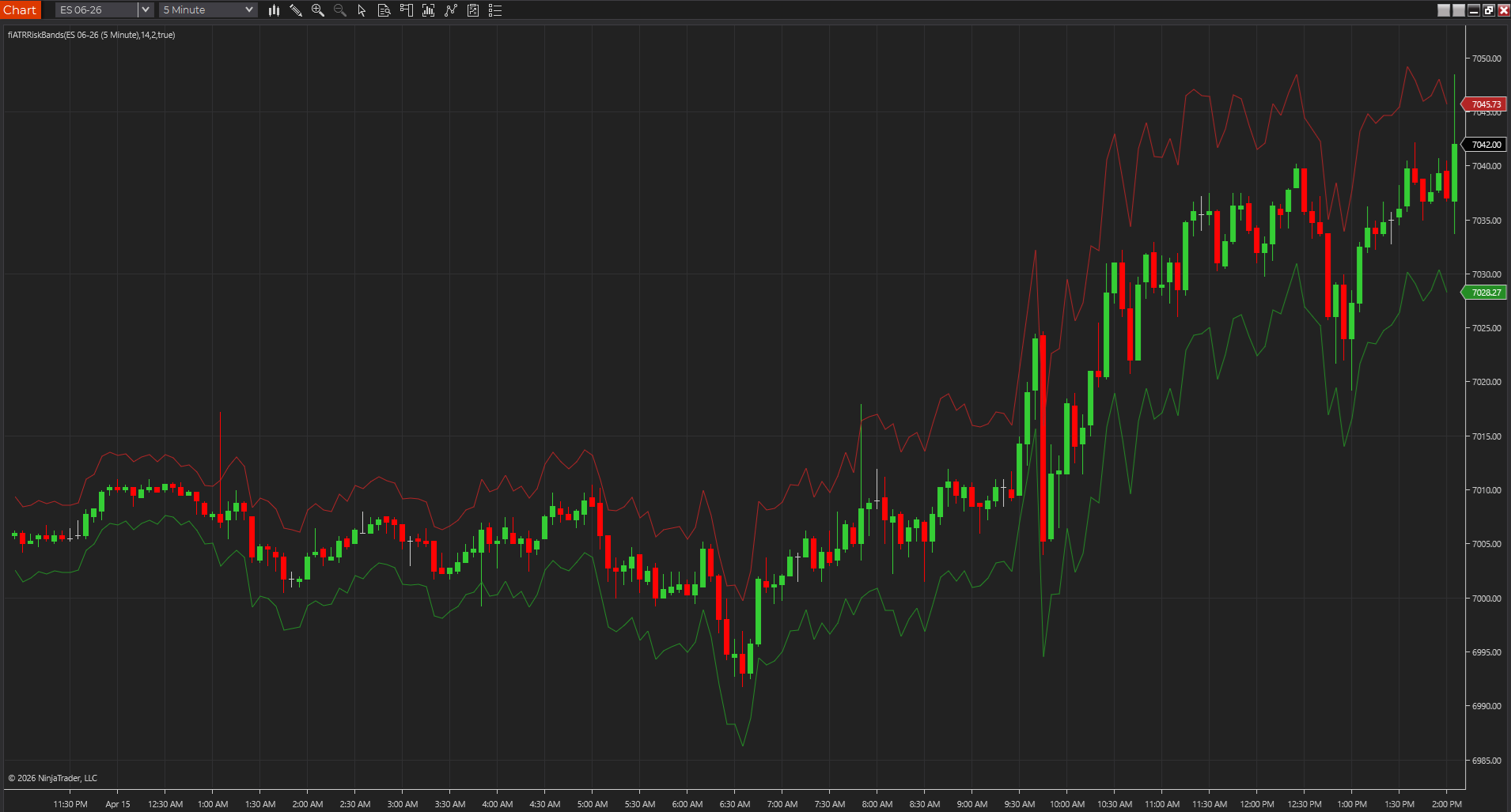
Plots a volatility envelope around price so traders can judge breathing room, stop distance, and stretch with less guesswork than a fixed-tick mindset.
NinjaTraderTradeStationTradingView
+4 more
: additional platforms include MetaTrader, MultiCharts, MT4, MT5
Download ready1 chart screenshotSource code included
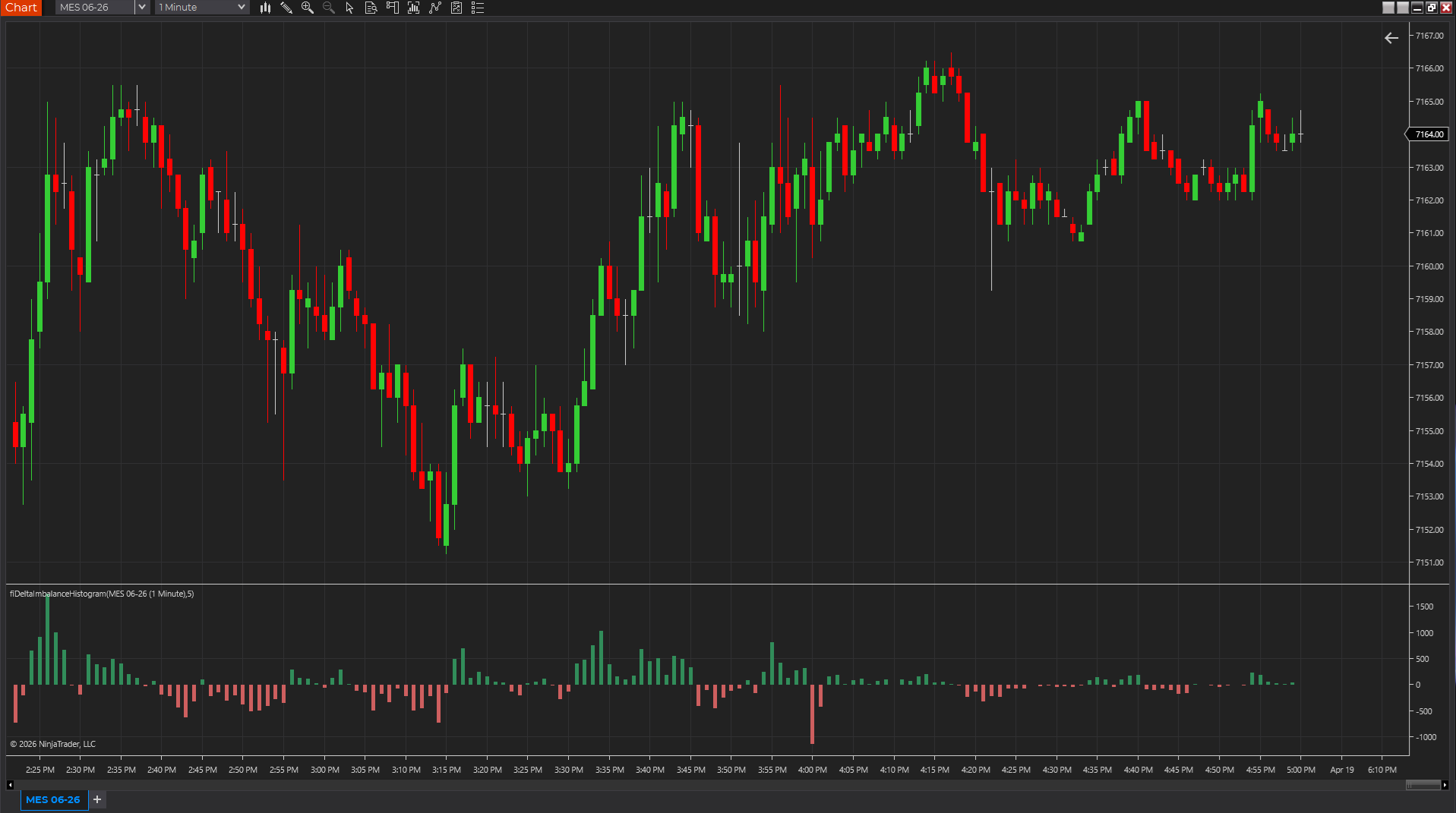
Uses candle body, range, and volume as a lightweight pressure proxy so traders can see whether momentum is skewing positive or negative without a full footprint feed.
NinjaTraderTradeStationTradingView
+4 more
: additional platforms include MetaTrader, MultiCharts, MT4, MT5
Download ready1 chart screenshotSource code included