Free NinjaTrader 8 volume and participation indicators
Volume and participation tools help traders see whether a move is attracting activity. They do not predict direction by themselves, but they can add useful context around breakouts, rotations, and session shifts.
Confirm your data feed supplies the volume type you expect.
Compare spike thresholds across instruments and chart types.
Use participation tools with price structure, not in isolation.
Retest settings when changing chart type, timeframe, or market.
Useful volume context
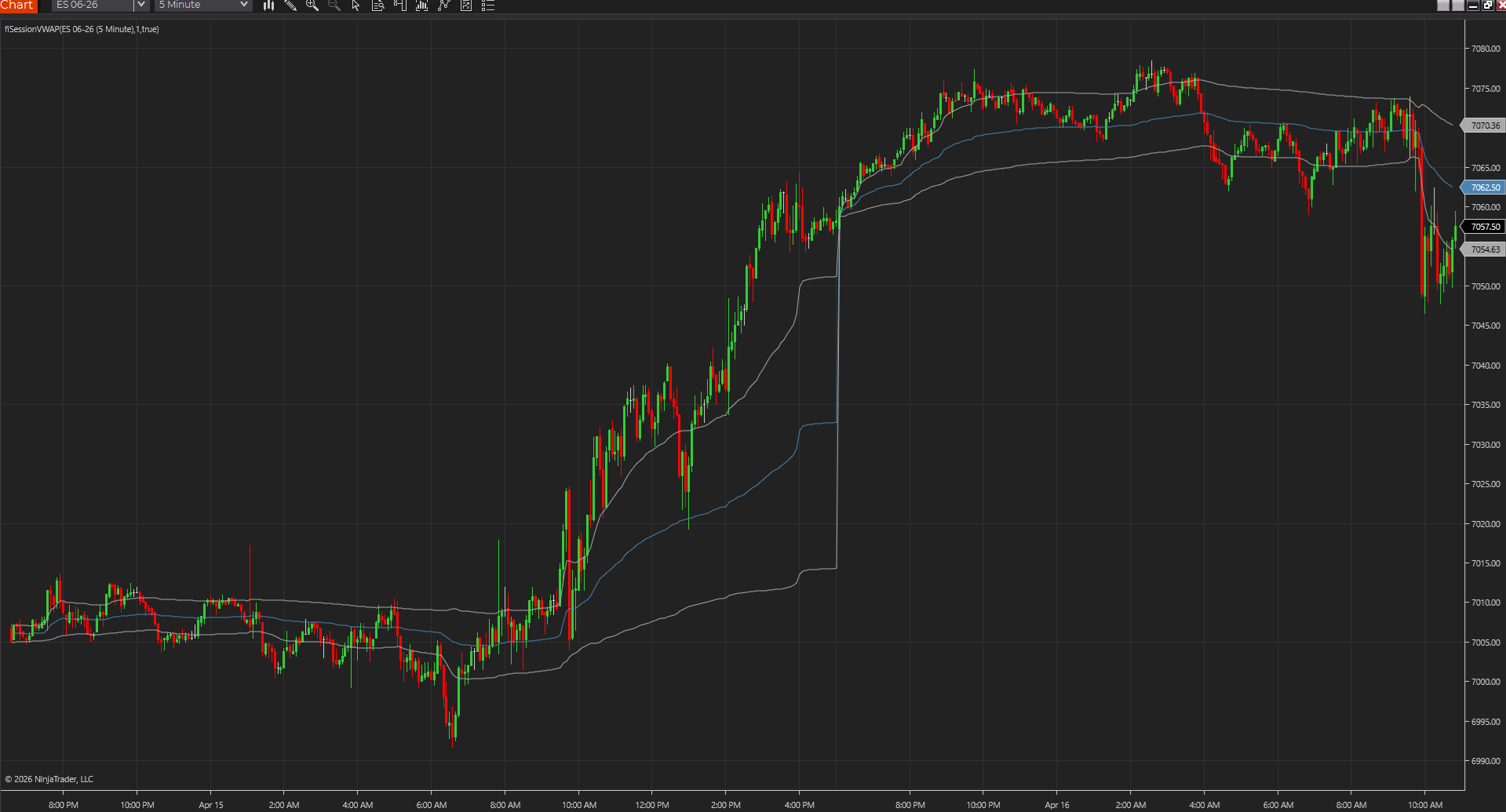
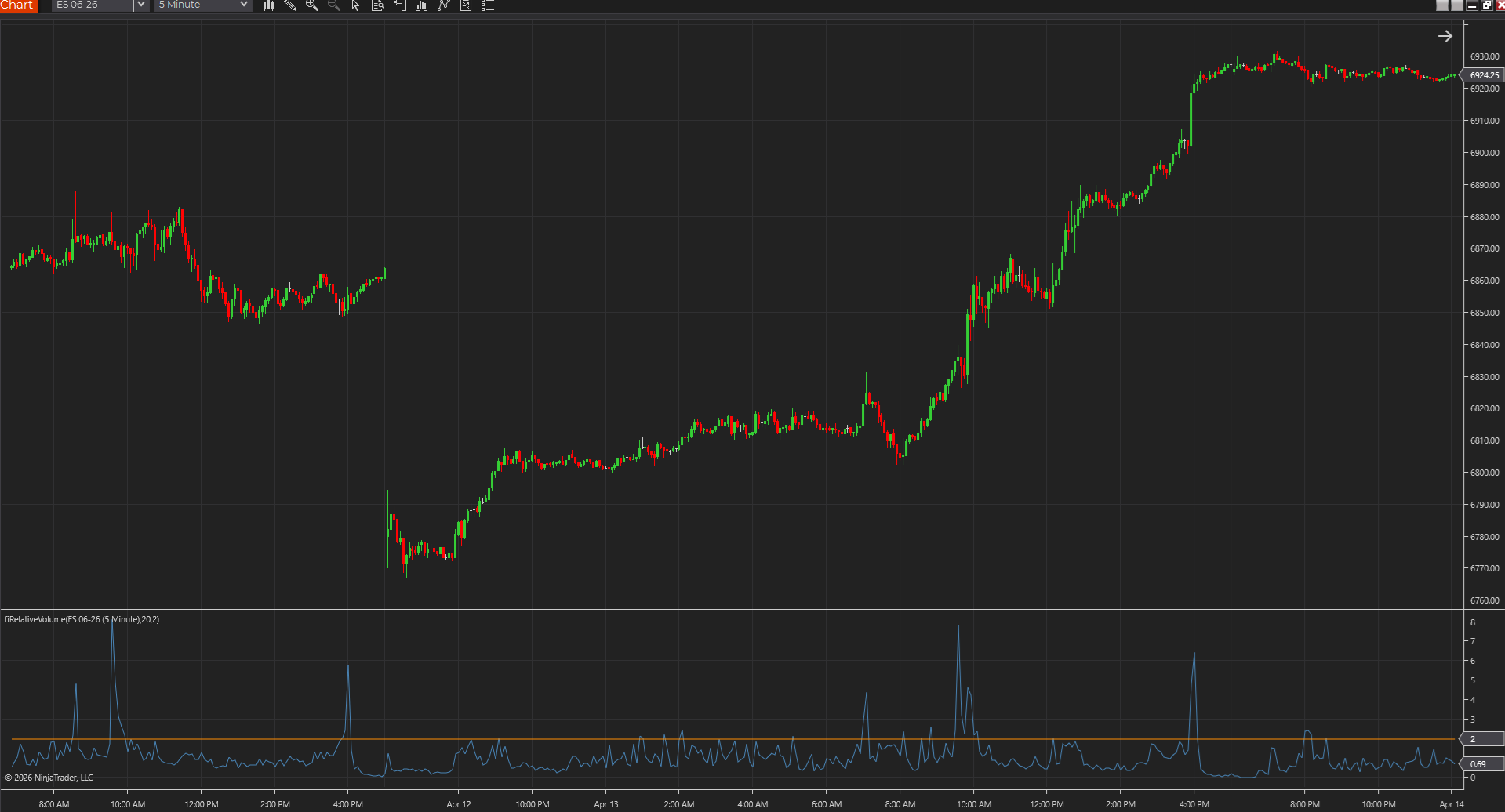
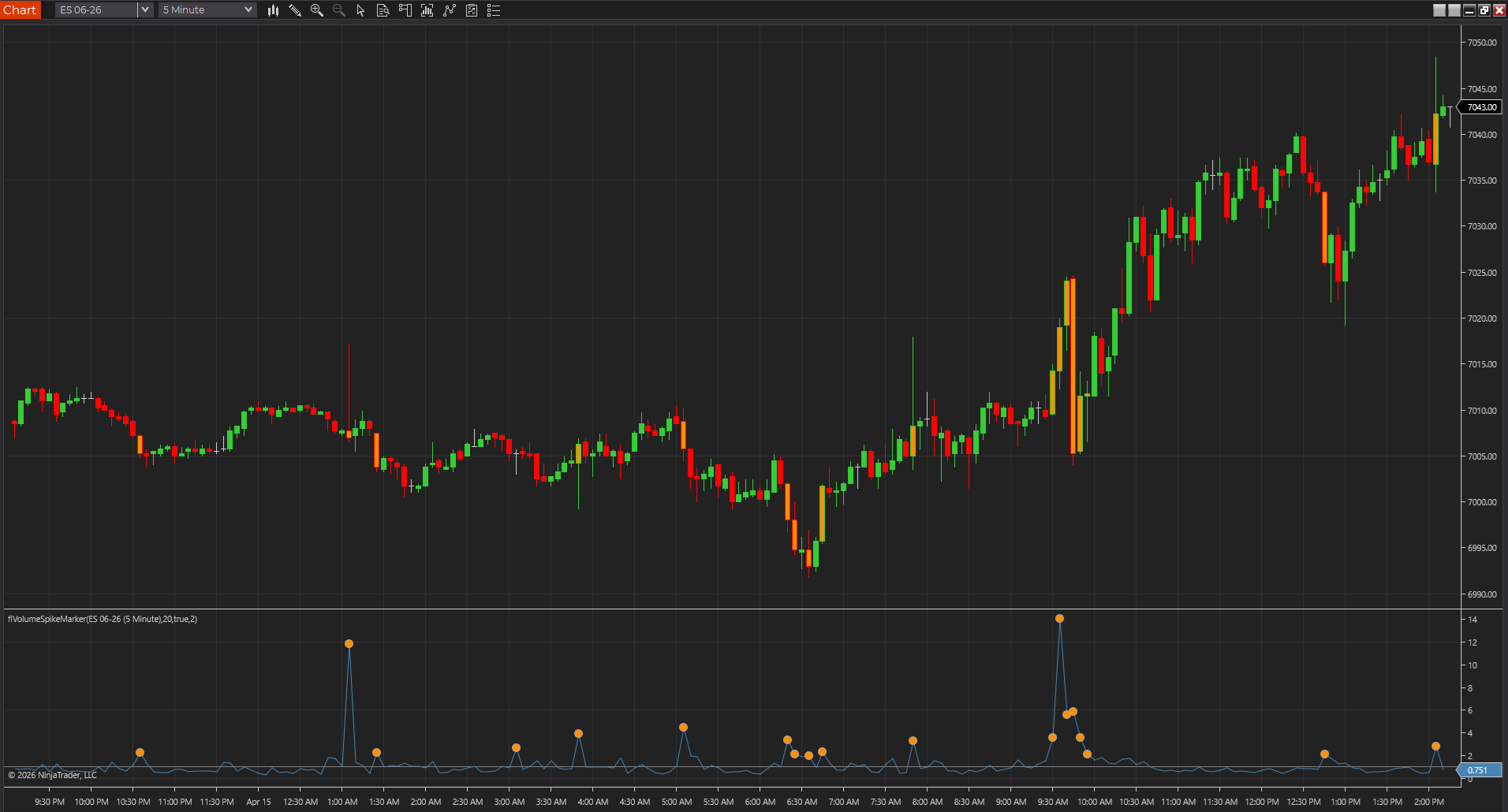
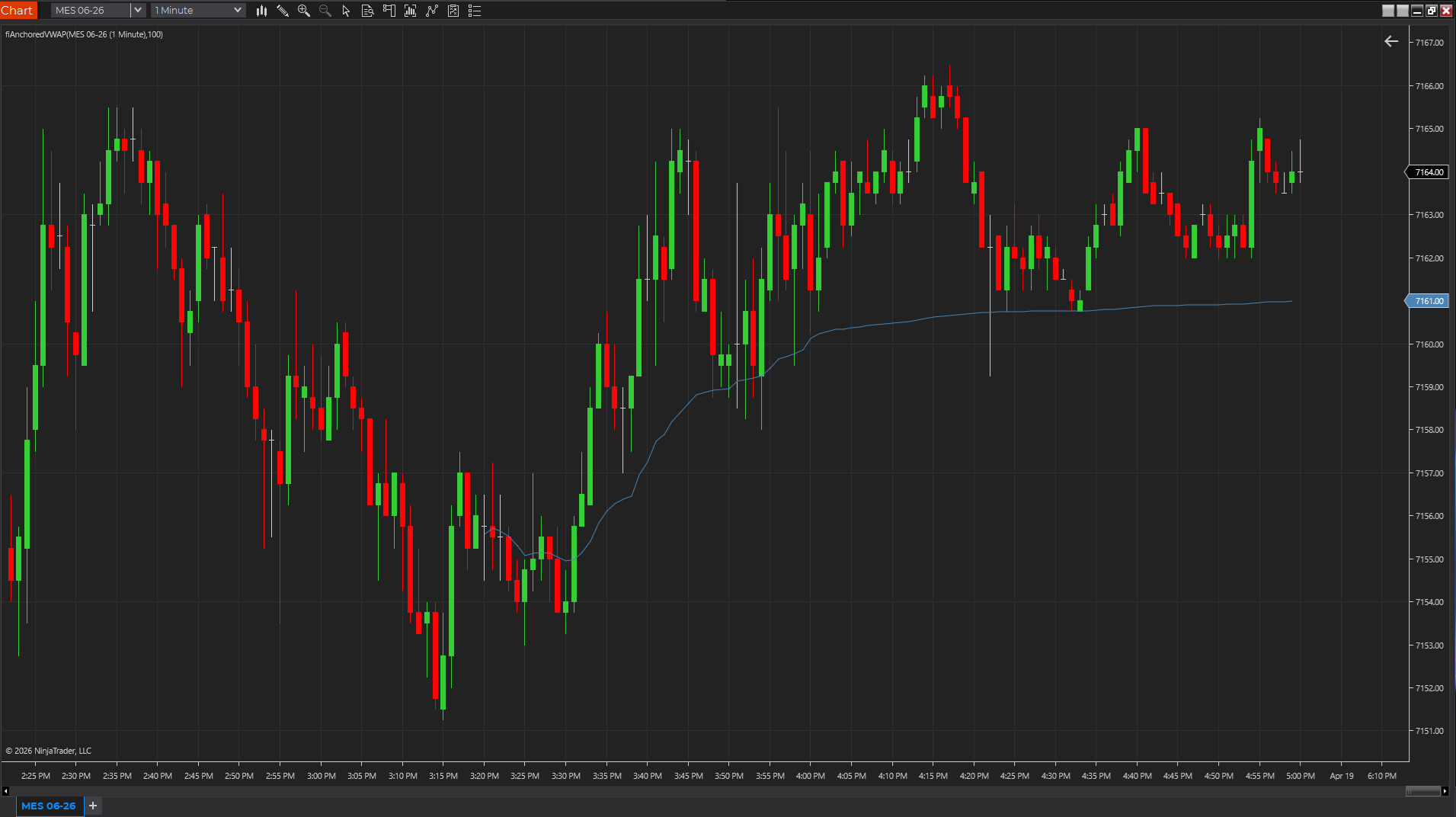
Bar speed, volume ratio, and VWAP-style tools answer different questions: how fast bars are forming, how unusual current activity is, and where recent volume-weighted value sits.
Feed differences
Volume behavior can vary across futures, equities, forex, and crypto feeds. A good setting on one symbol may be noisy or too quiet on another.
Best pairing
Participation tools are strongest when paired with visible price levels, such as opening ranges, pivots, channels, or prior-session references.
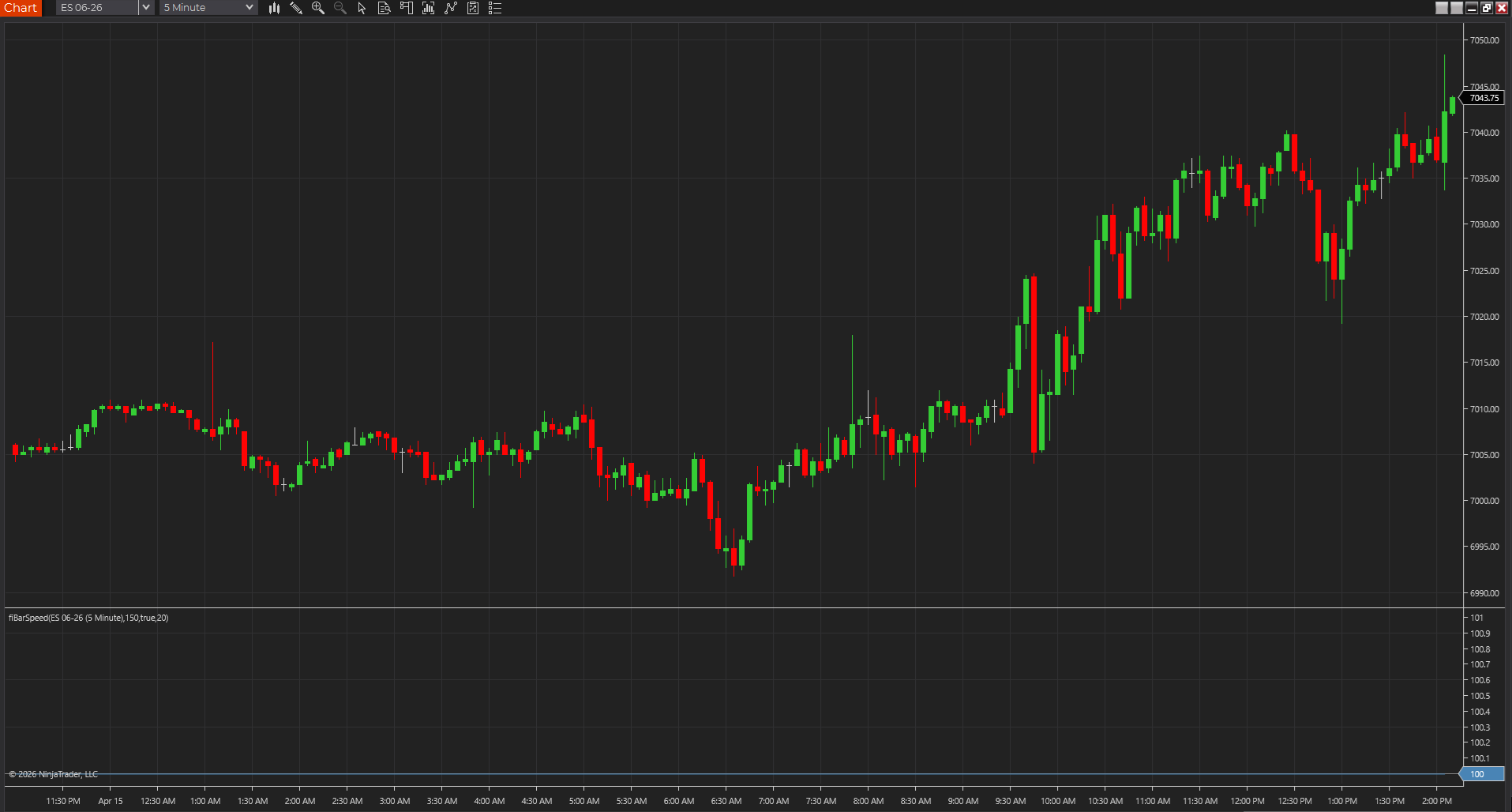
Shows whether bars are printing with real urgency or just drifting, so participation shifts stand out faster across tick, range, Renko, volume, and time charts.
NinjaTraderTradeStationTradingView
+4 more
: additional platforms include MetaTrader, MultiCharts, MT4, MT5
Download ready1 chart screenshotSource code included
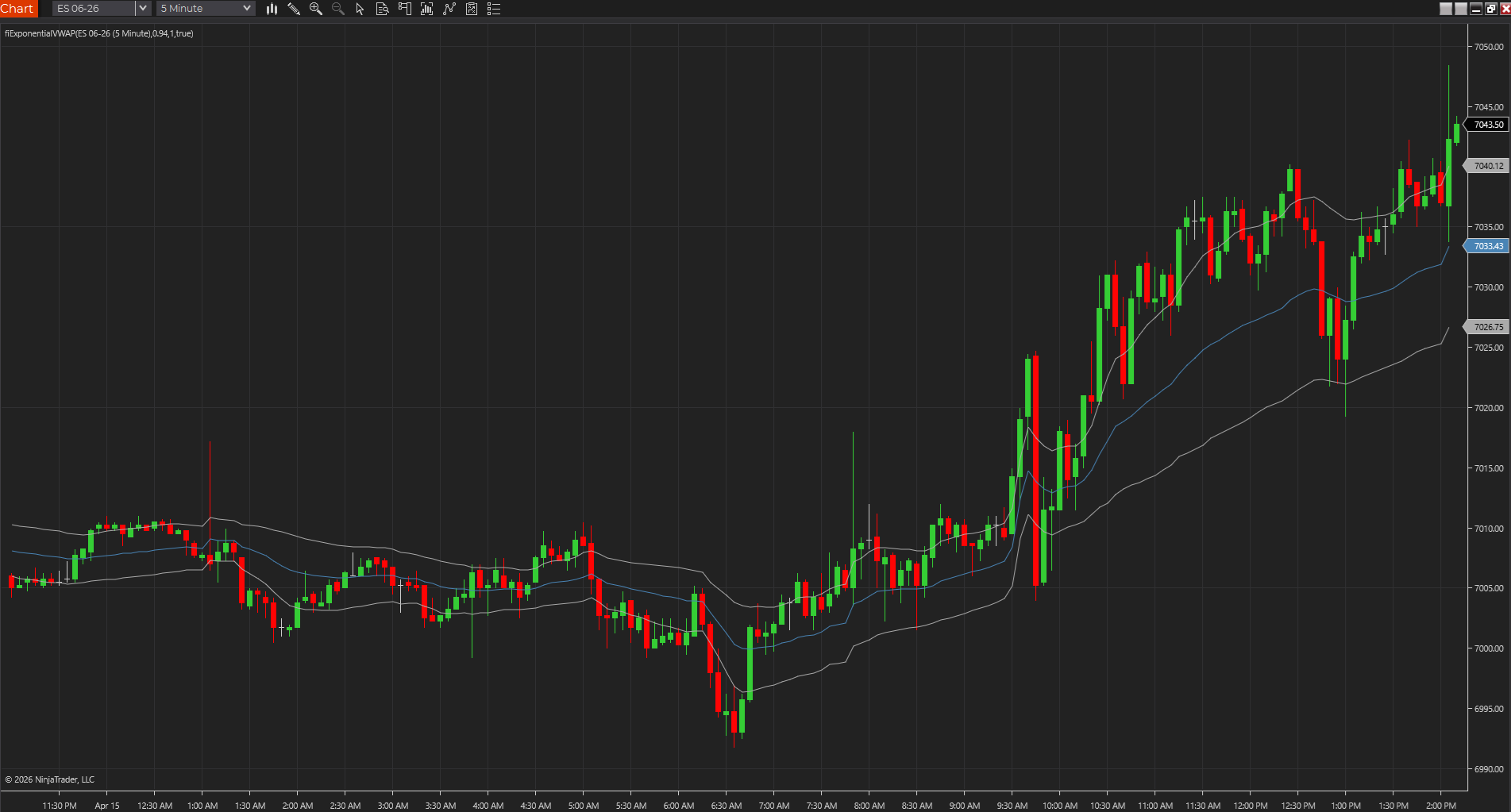
Uses exponential weighting to create a faster volume-weighted reference than standard session VWAP, which can help fair value react sooner during intraday shifts.
NinjaTraderTradeStationTradingView
+4 more
: additional platforms include MetaTrader, MultiCharts, MT4, MT5
Download ready1 chart screenshotSource code included
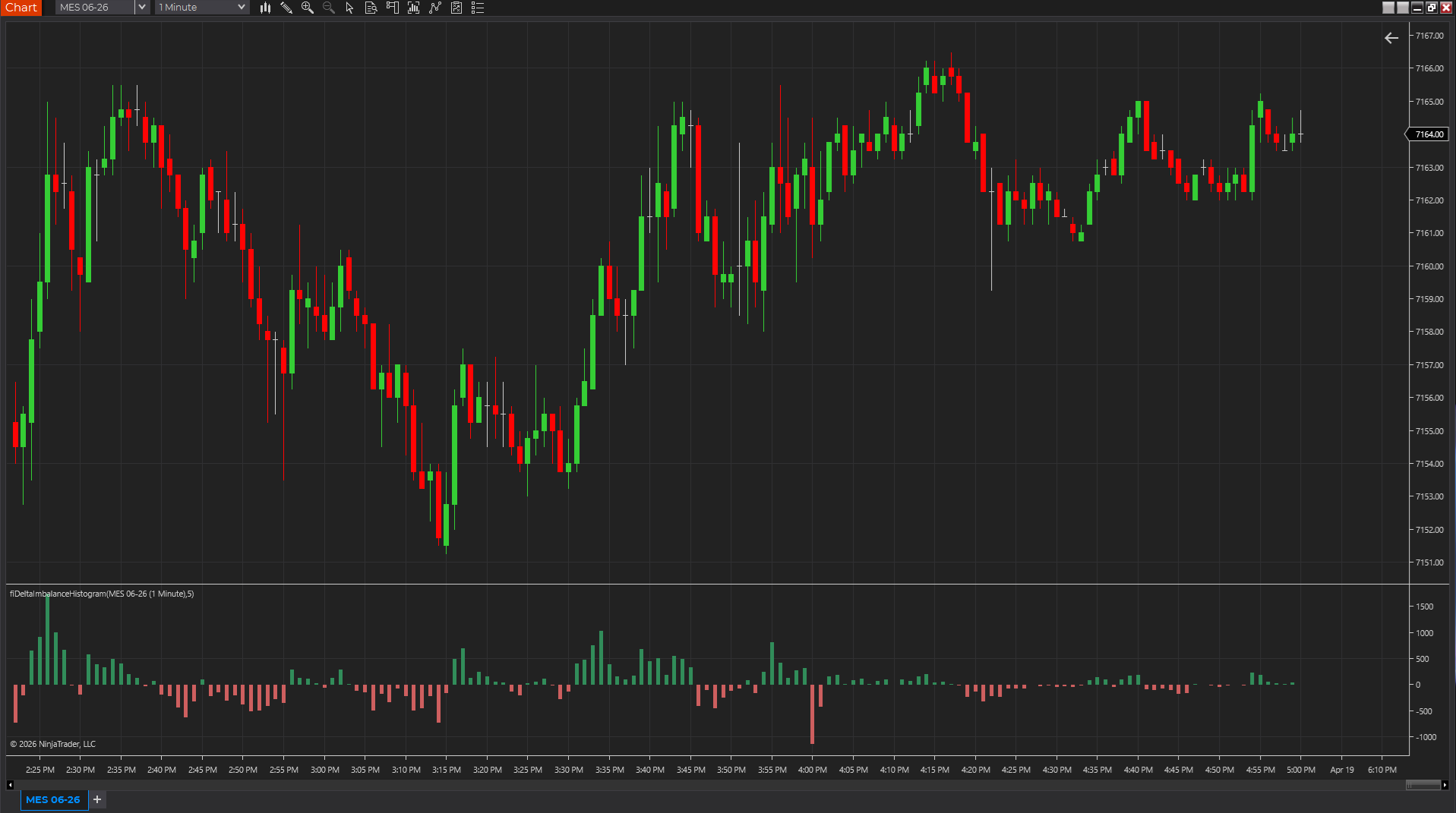
Uses candle body, range, and volume as a lightweight pressure proxy so traders can see whether momentum is skewing positive or negative without a full footprint feed.
NinjaTraderTradeStationTradingView
+4 more
: additional platforms include MetaTrader, MultiCharts, MT4, MT5
Download ready1 chart screenshotSource code included