Before you dive in
- Import ZIP files through NinjaTrader's import flow.
- Test each indicator on a clean chart before adding it to a workspace.
- Match chart session templates to the market you trade.
- Use product pages to review settings, limitations, downloads, and source-code context.
- Keep a backup before replacing or renaming custom NinjaScript files.
- Use the custom-work decision guide when a free indicator needs private rules, a repair, or a conversion.
Best free NT8 indicators
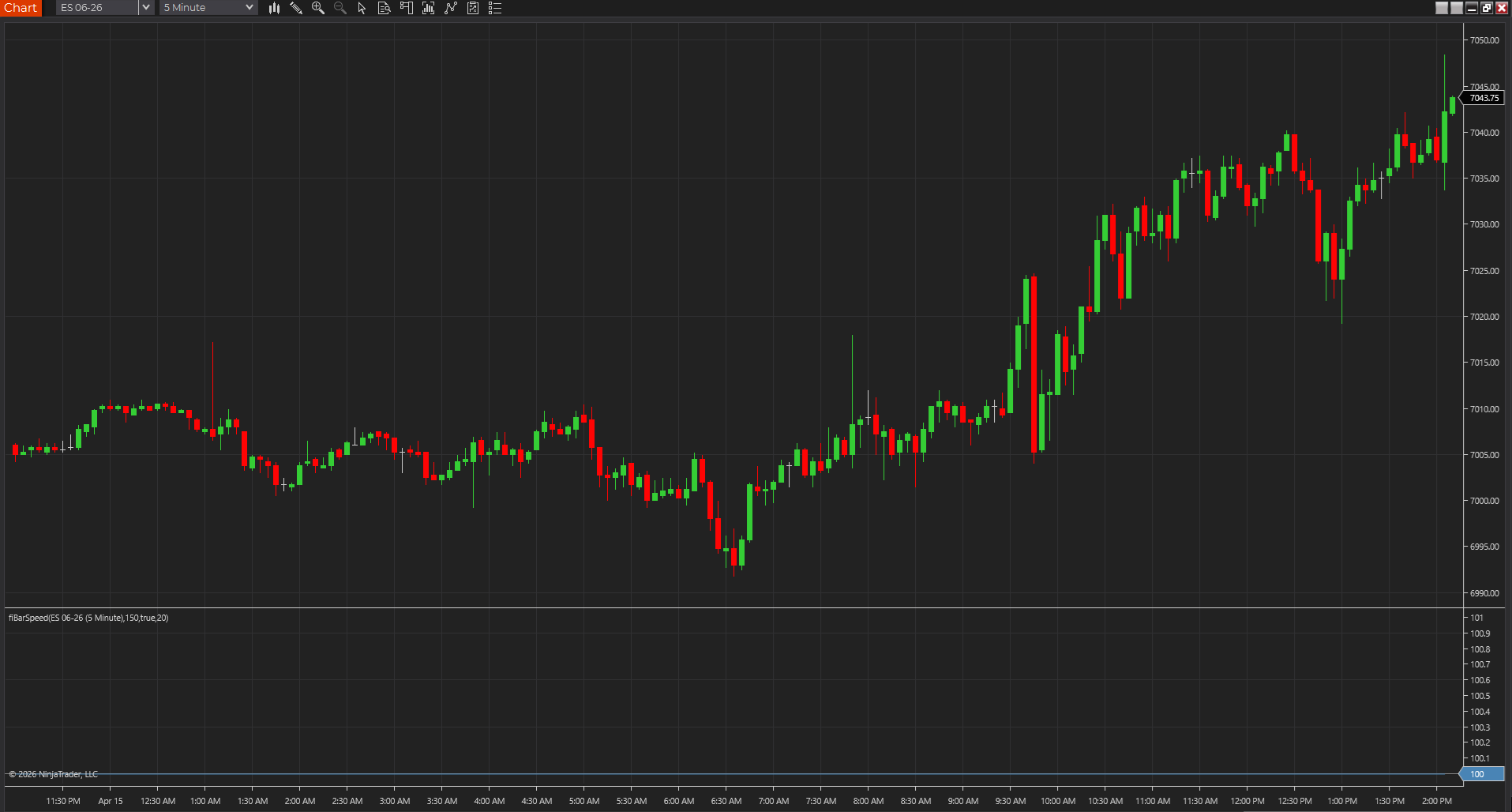
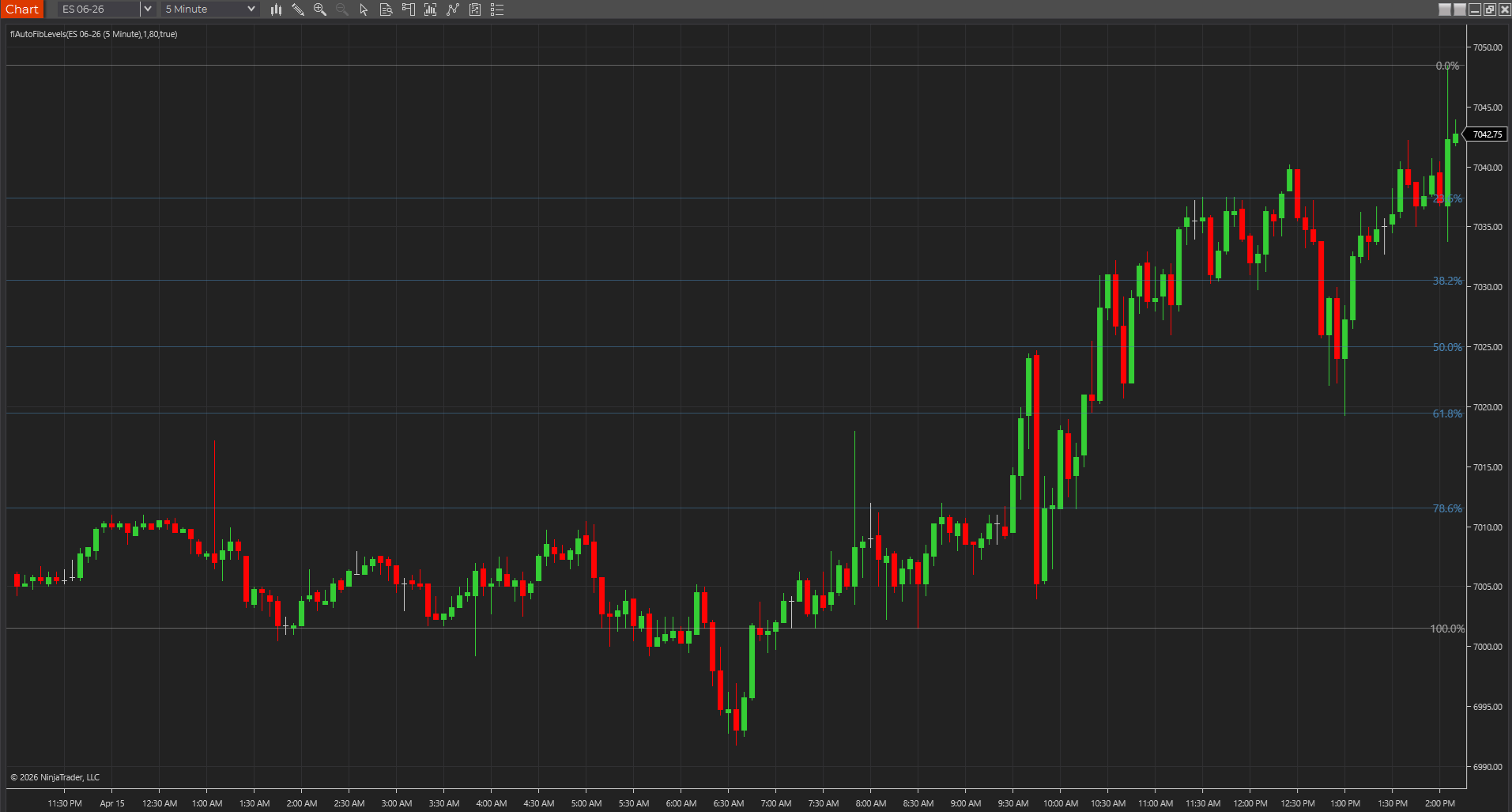
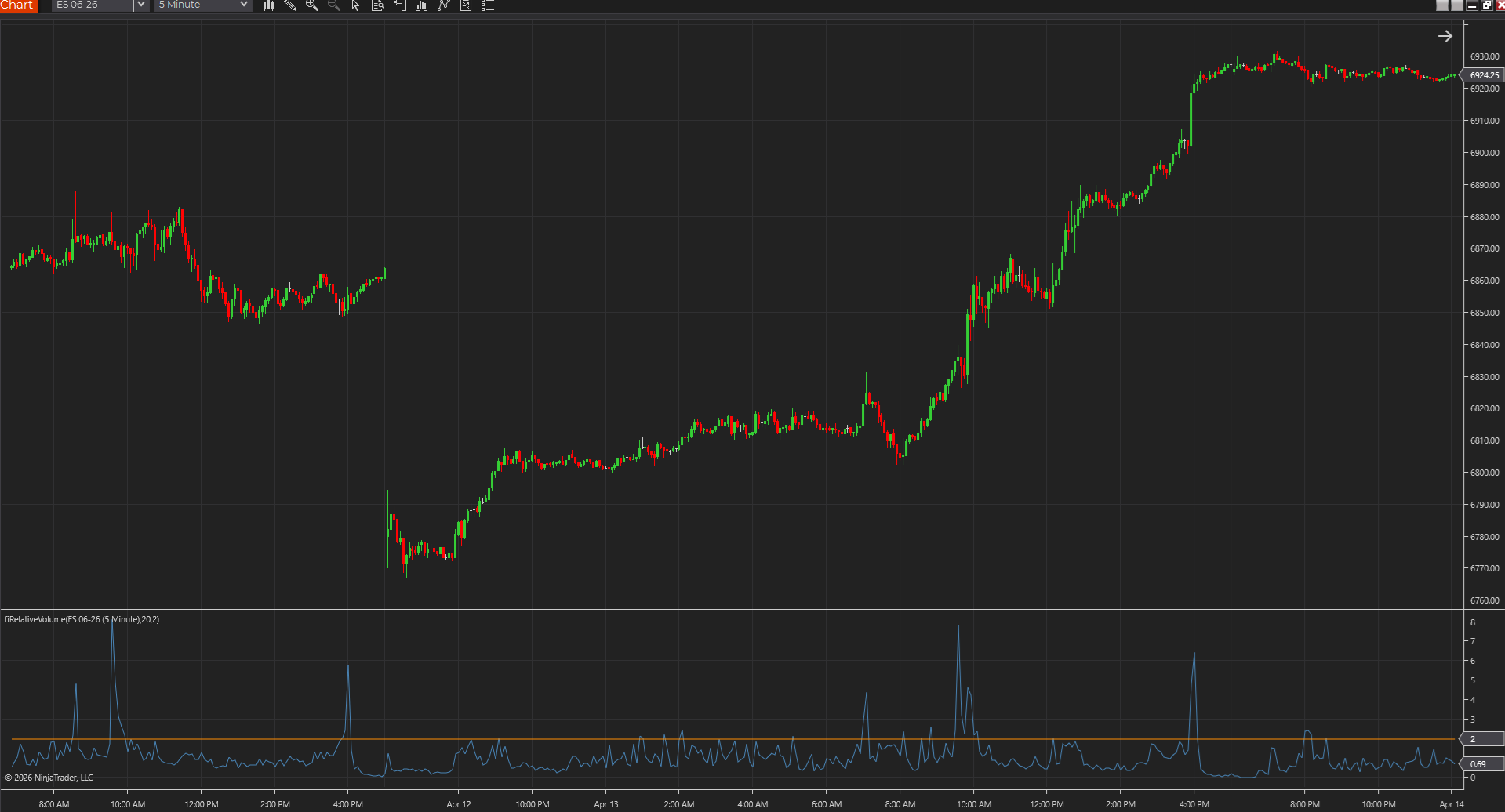
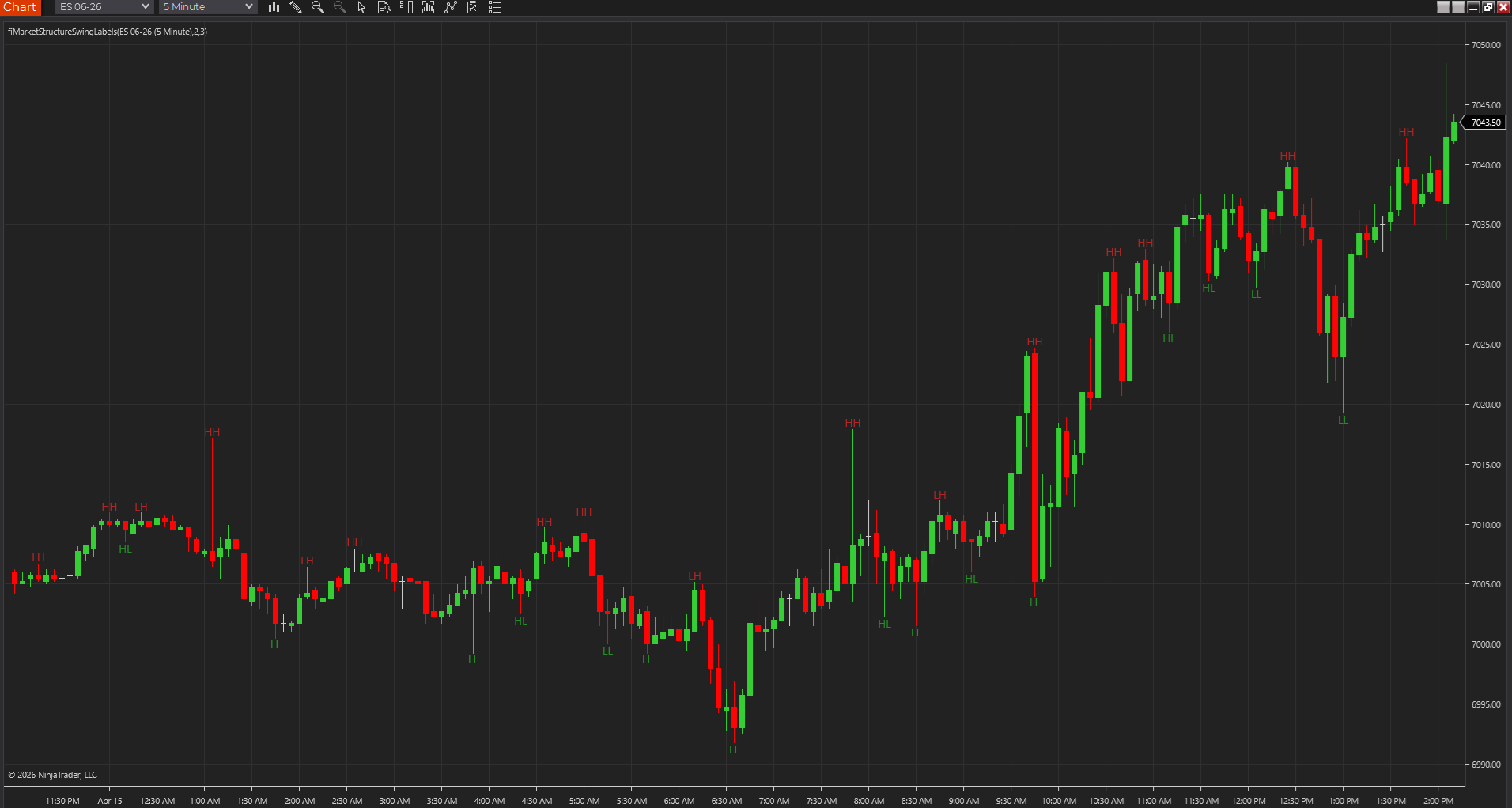
The easiest place to start is with the pages that already have hosted NT8 ZIP downloads, screenshots, and install notes. That gives you something working on the chart before you go deeper.
How to import NT8 indicators
Download the ZIP, import it from inside NinjaTrader, and test it on a clean chart first. If something breaks, save the exact error before you start poking around.
Which indicators include source
A lot of product pages now include source-code sections too, so you can compare the logic across platforms instead of treating the download like a black box.
NT8 vs NT7 compatibility
Older NinjaTrader 7 files are useful as references, but NT7 NinjaScript should not be assumed to compile in NT8 without review. Native NT8 packages should be tested first.
Recommended starter toolkit
A good NT8 starter setup is still pretty simple: one level tool, one risk tool, one price-action tool, and one participation study.
VWAP decision path
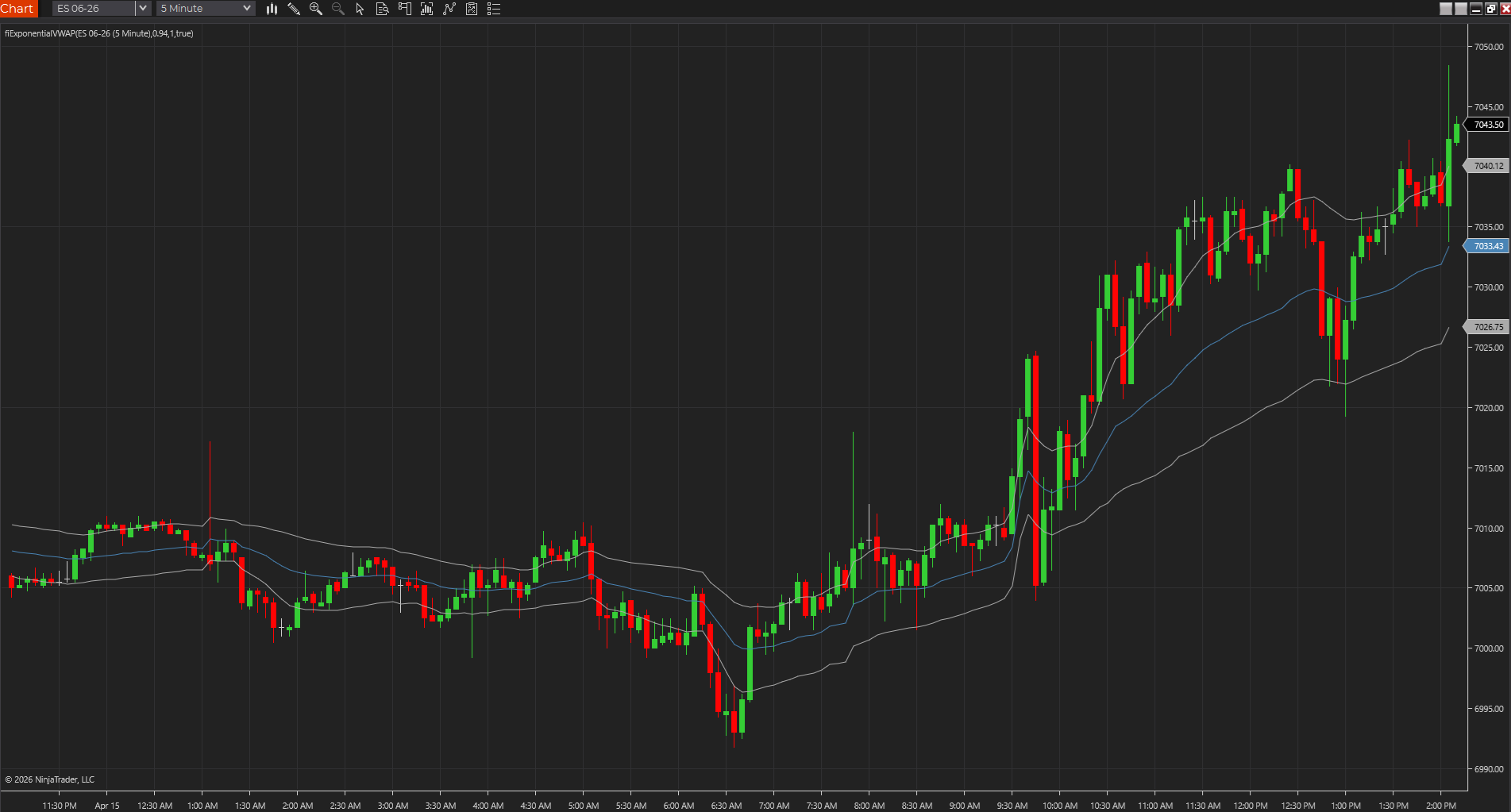
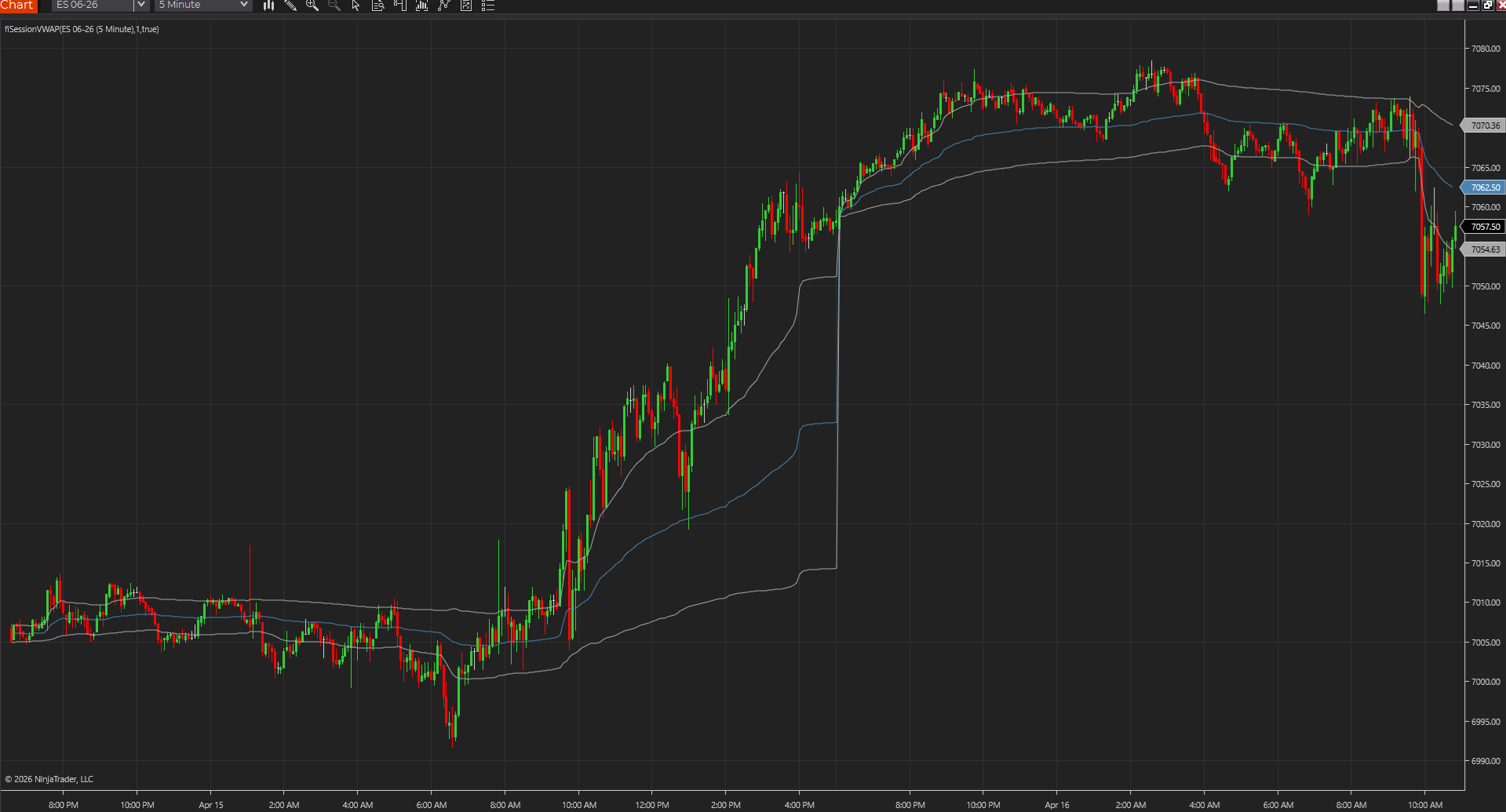
For futures traders comparing VWAP variants, use the NinjaTrader VWAP guide to choose between Session VWAP, Anchored VWAP, and Exponential VWAP before importing another ZIP.
Use this first when
This page is the right starting point when the search intent already includes NinjaTrader 8 indicators, NT8 downloads, or import help. If the real question is broader charting software or platform fit, open the futures comparison guides first.
Custom-work decision path
If the library gets you close but not all the way there, use the NinjaTrader programmer decision guide to decide whether a free request, a modified indicator, or paid NinjaScript work is the right next step.
Custom NinjaScript work
If a free download needs workflow-specific behavior, a port, or cleanup beyond the library queue, start with the NinjaTrader programmer decision guide. Moore Tech also keeps a dedicated NinjaTrader Programmer page for custom NT8 work.
NinjaTrader 8 linkable workflow matrix
Use this matrix as a quick reference for which NT8 page or asset fits the trader's immediate job.
| Option | Best for | Citable proof | Recommended next page |
|---|---|---|---|
| Download first | Traders who want a working ZIP before reading source. | Hosted NT8 downloads with product-page context. | /platforms/ninjatrader-8/free-nt8-indicators/ |
| Install safely | Traders worried about breaking a workspace. | Step-by-step ZIP import and clean-chart testing. | /guides/how-to-import-ninjatrader-8-indicators/ |
| Choose a starter stack | Traders deciding which indicators belong on the first chart. | Structure, levels, participation, and risk matrix. | /guides/best-free-ninjatrader-indicators/ |
| Compare VWAP variants | Futures traders choosing Session, Anchored, or Exponential VWAP. | VWAP variant comparison table. | /guides/best-ninjatrader-vwap-indicators-for-futures-traders/ |
| Scope custom work | Traders who need repairs, ports, private filters, or automation. | Custom vs free and hire-a-programmer decision guides. | /guides/when-to-hire-a-ninjatrader-programmer/ |
How to get something useful out of this page
The quickest way to get value from a platform page is to be honest about what you need. Are you here to install something, study the source, or figure out whether a tool belongs on your chart at all? Those jobs overlap, but they are not the same thing. Download pages help you get up and running. Source pages help you inspect and adapt the logic. Workflow pages help you decide whether the tool is even worth your screen space.
That separation matters even more when you are moving between platforms. A trader who starts on NinjaTrader may still need a product page, a guide, or a glossary entry before the question is really answered. The goal here is to make that path shorter and a little less messy.