Guide walkthrough
Start reading here
This is the main article body, where the page shifts from summary cards into the actual workflow and decision-making notes.
On this page
Key terms for this guide
These glossary pages cover the ideas and platform language most likely to matter as you work through this guide.
Use NinjaTrader's import flow
Choose Tools, then Import, then NinjaScript Add-On, and select the ZIP package. Do not extract the files yourself unless the package clearly was not built for the normal import flow.
- The built-in import flow is the cleanest path for standard NT8 ZIP packages.
- Manual extraction creates unnecessary room for user error.
- Use the normal platform flow first, then troubleshoot only if that fails.
Test on a clean chart first
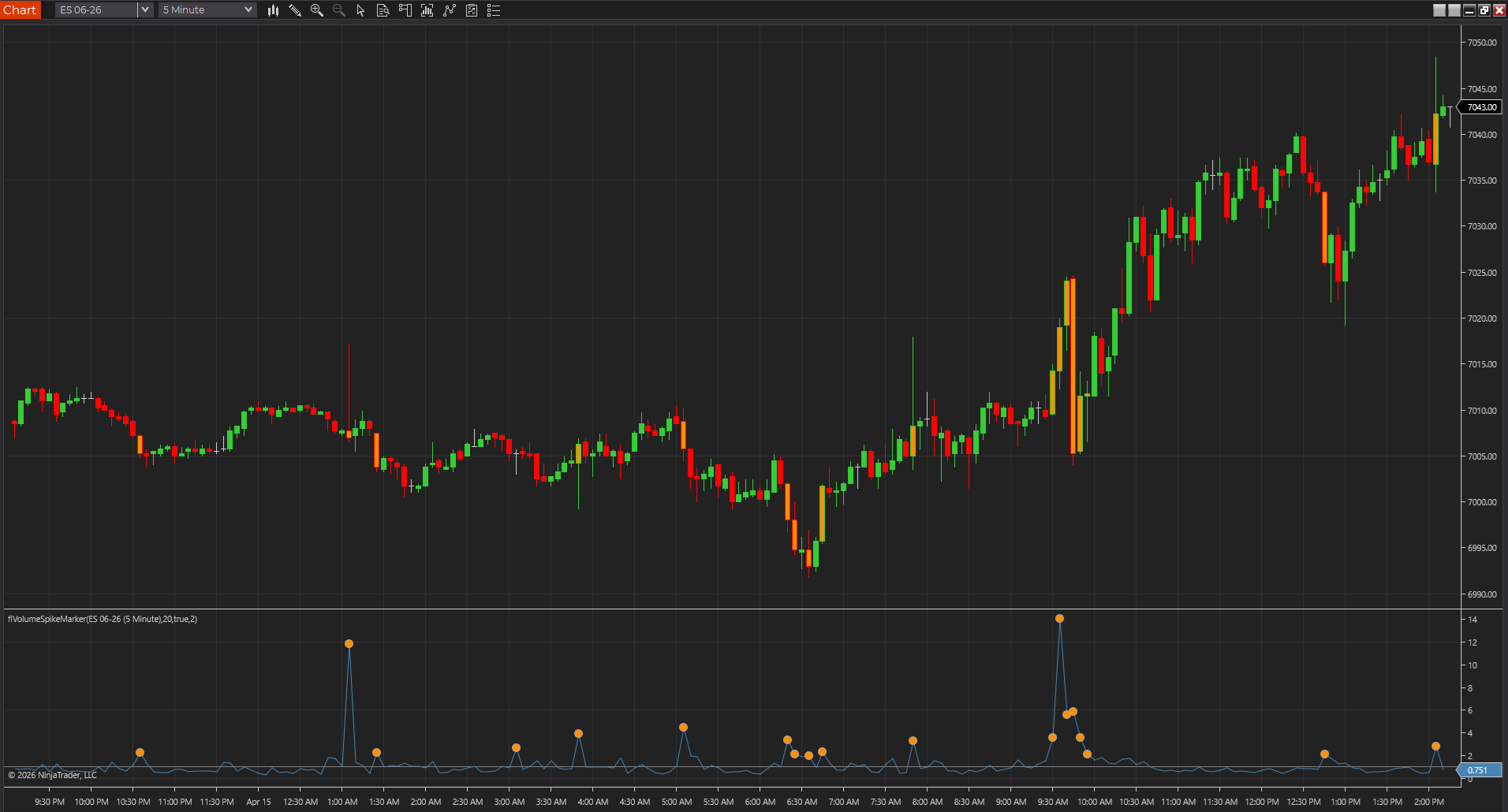
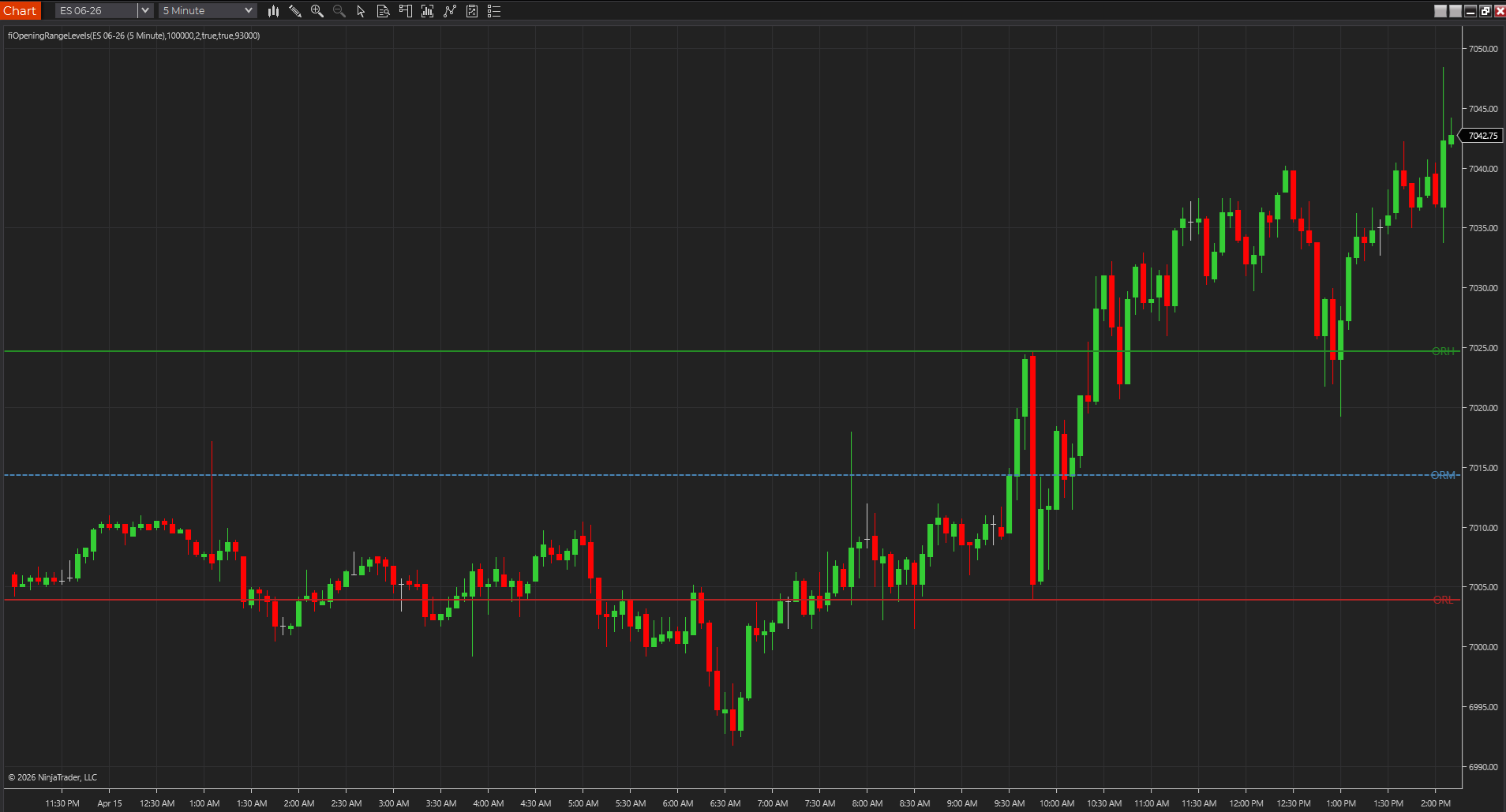
After import, apply the indicator to a blank chart with a common instrument and timeframe. That lets you isolate the study before any template or workspace baggage gets involved.
- A clean chart makes it easier to tell whether the import actually worked.
- It also helps separate indicator issues from workspace issues.
- You want one moving part at a time during installation.
Keep the exact error text
If the import fails, save the exact line number and compile message. Those details are what make the problem diagnosable; 'it would not import' is not.
- Line numbers and file names are what make support useful.
- General descriptions are almost never enough to diagnose code-related failures.
- Capture the message before you start trying random fixes.
Best next reads
These pages pick up the questions most readers usually have next, so you do not have to back out and start a fresh search.
Frequently asked questions
Should I unzip a NinjaTrader indicator package manually first?
Usually no. If the package is meant for the standard NT8 import flow, import the ZIP directly through NinjaTrader.
What should I do immediately after a successful import?
Apply the indicator to a clean chart and verify it loads correctly before adding it to a busy workspace or template.