Guide walkthrough
Start reading here
This is the main article body, where the page shifts from summary cards into the actual workflow and decision-making notes.
On this page
Start with the session reset before debating the function name
Most session-function confusion starts with the chart session or reset rule rather than the Opens, Highs, Lows, or Closes call itself. Confirm whether the study resets on the intended session boundary before you assume the code is wrong.
- State whether the logic is current-session, prior-session, or custom-window first.
- Check the first bar of the intended session against the plotted value.
- Use a plain chart before testing the function inside a larger indicator stack.
Document the exact level job the function is supposed to solve
Searchers looking for session-function documentation usually want the job clarified: session open, prior high and low, current high and low, or a reset around a custom time. The documentation gets better when the page names that job plainly instead of repeating function names without context.
- Separate current-session and prior-session references clearly.
- Name whether the study uses regular-hours or overnight-inclusive logic.
- Link the documented function back to the indicator page that uses it.
Use chart checks that prove the value instead of trusting a compile
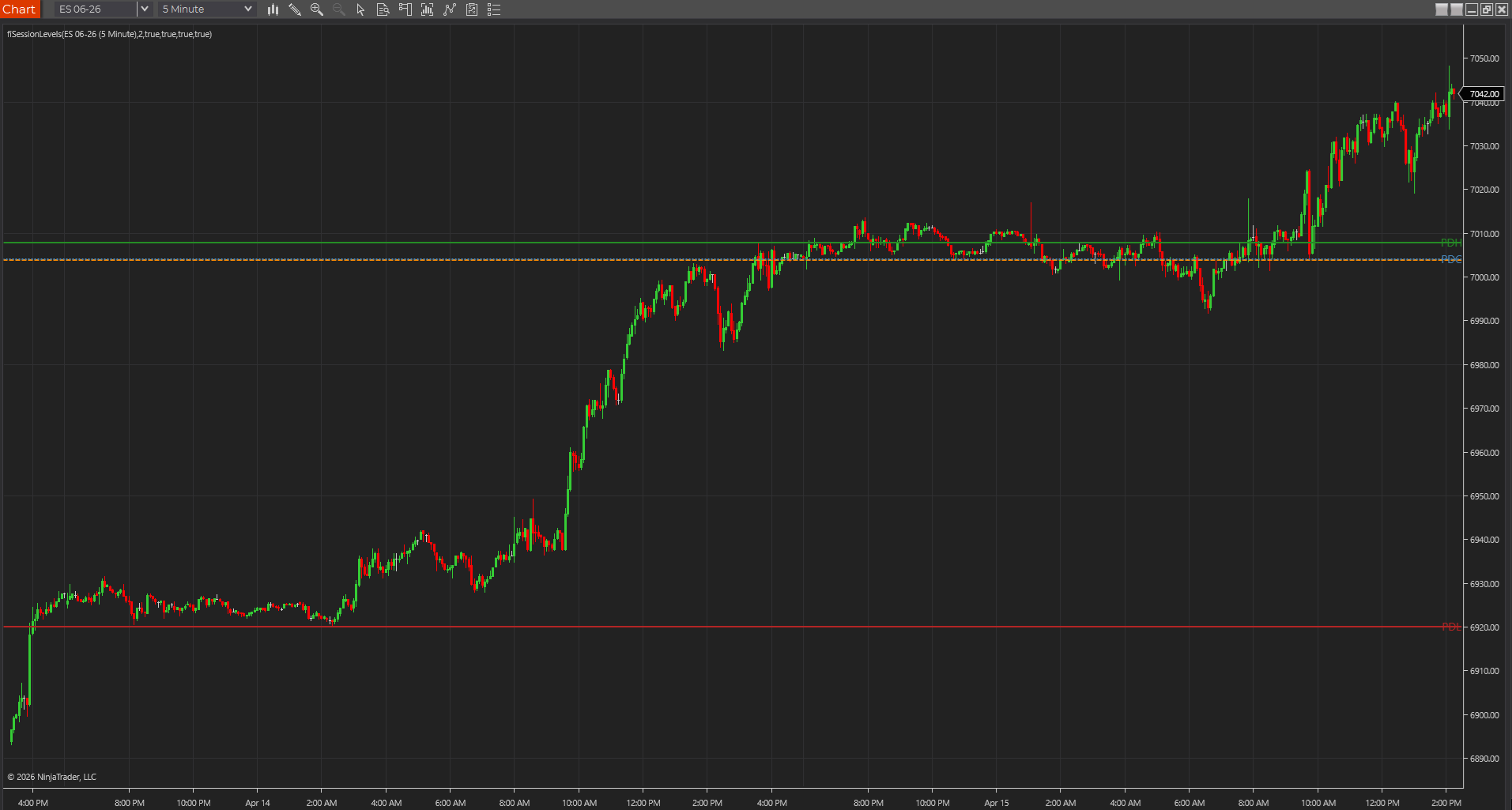
A PowerLanguage study can compile and still be wrong on the chart. The cleanest check is to compare the plotted line to the visible session open or prior-session extreme with the crosshair and Data Window before moving on.
- Compile success is not the same as session correctness.
- Visible chart checks catch believable but false lines quickly.
- This is especially important after EasyLanguage ports.
Best next reads
These pages pick up the questions most readers usually have next, so you do not have to back out and start a fresh search.
Frequently asked questions
What do traders usually mean when they search for MultiCharts session functions documentation?
Usually they need one clear page explaining how session open, highs, lows, closes, and reset boundaries relate to the chart they are actually using.
Why can Opens, Highs, and Lows look wrong even when the code compiles?
Because the chart session, overnight handling, or reset logic is often different from what the trader assumed when reading the function call.
What should be verified first on a session-function study?
Verify the session template, the first bar of the intended session, and whether the line is supposed to represent current-session or prior-session data.