Guide walkthrough
Start reading here
This is the main article body, where the page shifts from summary cards into the actual workflow and decision-making notes.
On this page
Session functions only make sense after the chart session is clear
Most MultiCharts confusion around Opens, Highs, and Lows starts with the chart session template, not the function name. Before you trust any PowerLanguage session-open study, confirm which session the chart is actually using and whether overnight data is included.
- Check the symbol session template before debugging the code.
- Compare the plotted session open against the raw first bar of the intended session.
- Use a clean chart first so workspace settings do not hide the issue.
Use direct session levels before adding more logic
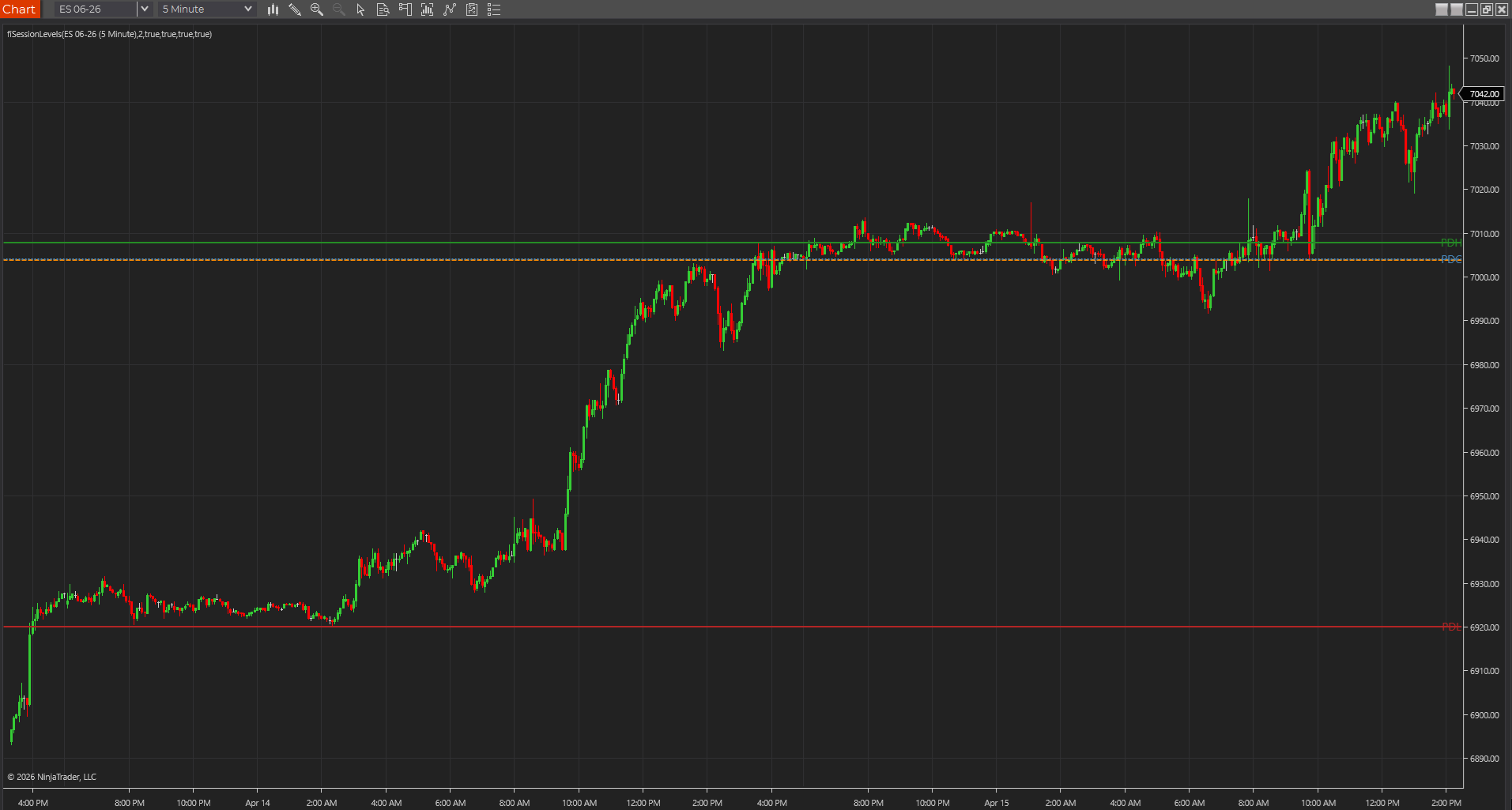
A reliable PowerLanguage levels script should first prove that it can hold the current session open and prior-session high, low, and close cleanly. Once those references match the chart, then it makes sense to add alerts, labels, or more complex filters.
- Start with session open, prior high, prior low, and prior close.
- Verify each plotted value against the Data Window or chart crosshair.
- Avoid adding breakout logic until the base references are right.
PowerLanguage and EasyLanguage look similar but session behavior still needs proof
EasyLanguage examples often port into PowerLanguage with only small edits, which is why session bugs are easy to miss. The syntax can look familiar while the chart settings, recalculation behavior, or data stream assumptions still produce different output.
- Do not assume a TradeStation version is finished just because it compiles.
- Check Date, Time, session, and Data2 assumptions after every port.
- Document any MultiCharts-specific changes so the study remains maintainable.
Prior highs and lows are strongest when the page explains the reset
Searchers looking for PowerLanguage opens, highs, and lows usually need the reset rule more than another generic indicator pitch. Spell out whether the level resets by calendar day, trading session, exchange session, or a custom time window.
- Name the reset model in the page title or first section.
- Show which levels come from the current session versus the prior session.
- Link the source example back to the main session-level indicator page.
Best next reads
These pages pick up the questions most readers usually have next, so you do not have to back out and start a fresh search.
Frequently asked questions
Why does a PowerLanguage session open not match my MultiCharts chart?
The most common reason is a session template or data setting mismatch. Confirm the chart session, overnight handling, and first bar of the intended session before changing the code.
Are EasyLanguage Opens, Highs, and Lows examples safe to use in MultiCharts?
They can be useful starting points, but they still need to be compiled and verified in PowerLanguage Editor because platform settings and session behavior can differ.
Which levels should a MultiCharts session-level script verify first?
Start with current session open, prior-session high, prior-session low, and prior-session close. Those references are easy to compare against the raw chart before adding alerts or filters.