Guide walkthrough
Start reading here
This is the main article body, where the page shifts from summary cards into the actual workflow and decision-making notes.
On this page
TradingView futures charts work best with a small, explicit stack
For futures traders, TradingView usually works best when the chart is built around a few clear jobs instead of a giant public-library pile. The best Pine indicators for this workflow usually solve location, opening behavior, and confirmation without pretending the browser chart should behave like a cluttered desktop terminal.
- A smaller stack keeps the chart fast to read.
- That matters more than the sheer number of studies you can load.
- Futures traders still need clear location and confirmation first.
Live-bar honesty matters more than script cleverness
TradingView makes it easy to find impressive-looking scripts, but futures traders should care more about whether the study behaves honestly on active bars. If a script feels perfect only after the candle closes, the chart workflow needs to account for that instead of pretending the signal was obvious in real time.
- Bar-close discipline is part of Pine workflow quality.
- Alerts and visual markers should be judged on live bars, not static charts.
- That is where honest TradingView studies separate from decorative ones.
Use TradingView for the workflow it actually supports well
TradingView is strongest for futures traders who want clean charting, portability, and fast script iteration without building their whole routine around a heavier desktop platform. That is a real strength, but it works best when the indicator choices fit that environment instead of trying to mimic another platform badly.
- Use the platform's speed and accessibility as a strength, not as a compromise.
- Choose studies that stay readable in that chart-first workflow.
- That keeps TradingView from becoming a pale copy of something else.
Location plus confirmation is still the core futures pattern
Even on TradingView, futures traders still benefit most from a location layer, an opening or context layer, and one confirmation tool. That is the same logic that works elsewhere, but Pine-based scripts make it especially important to know which signals are stable and which are still provisional on the active bar.
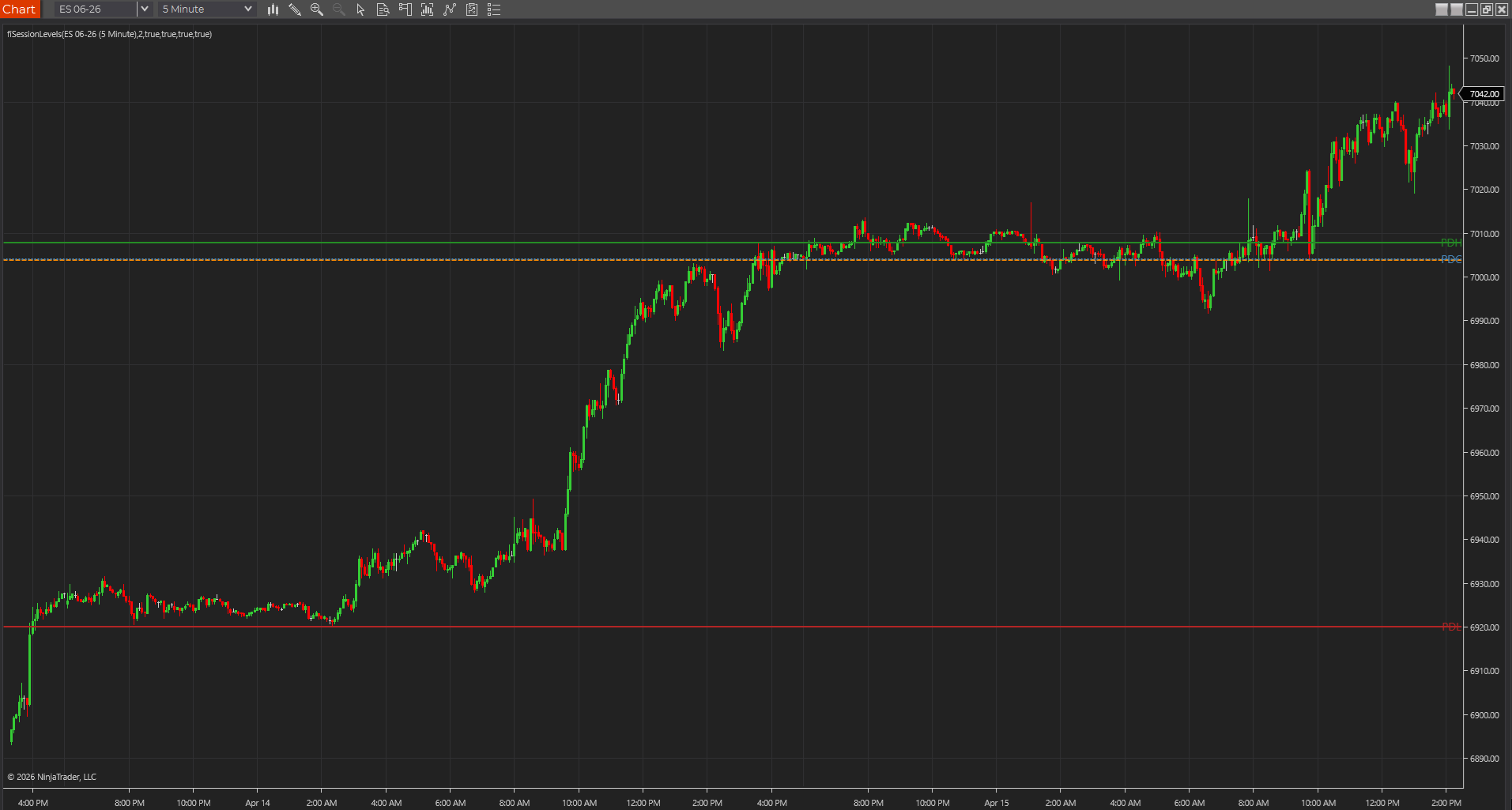
- Session references and anchored VWAP help with location.
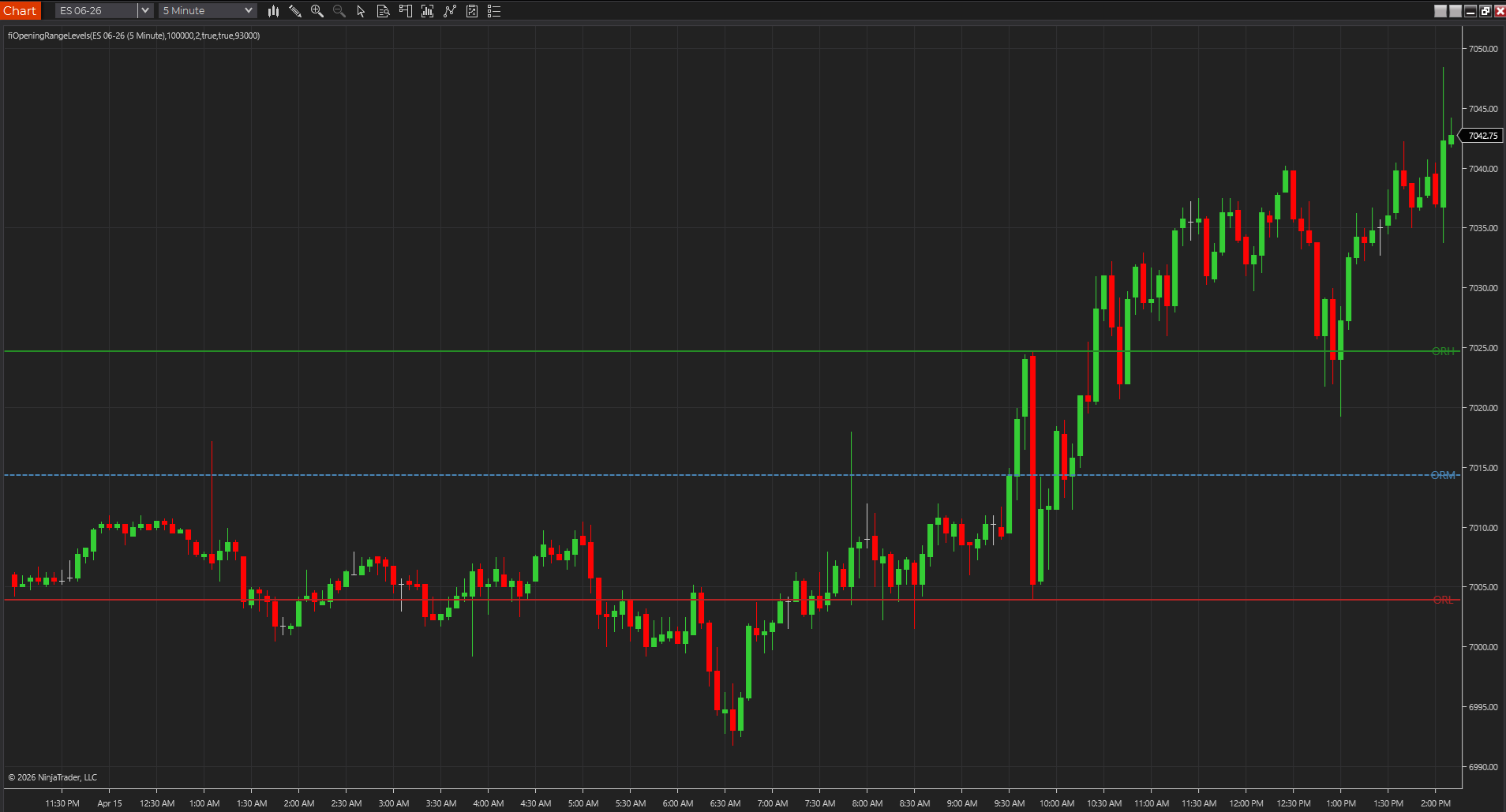
- Opening range helps frame the first expansion.
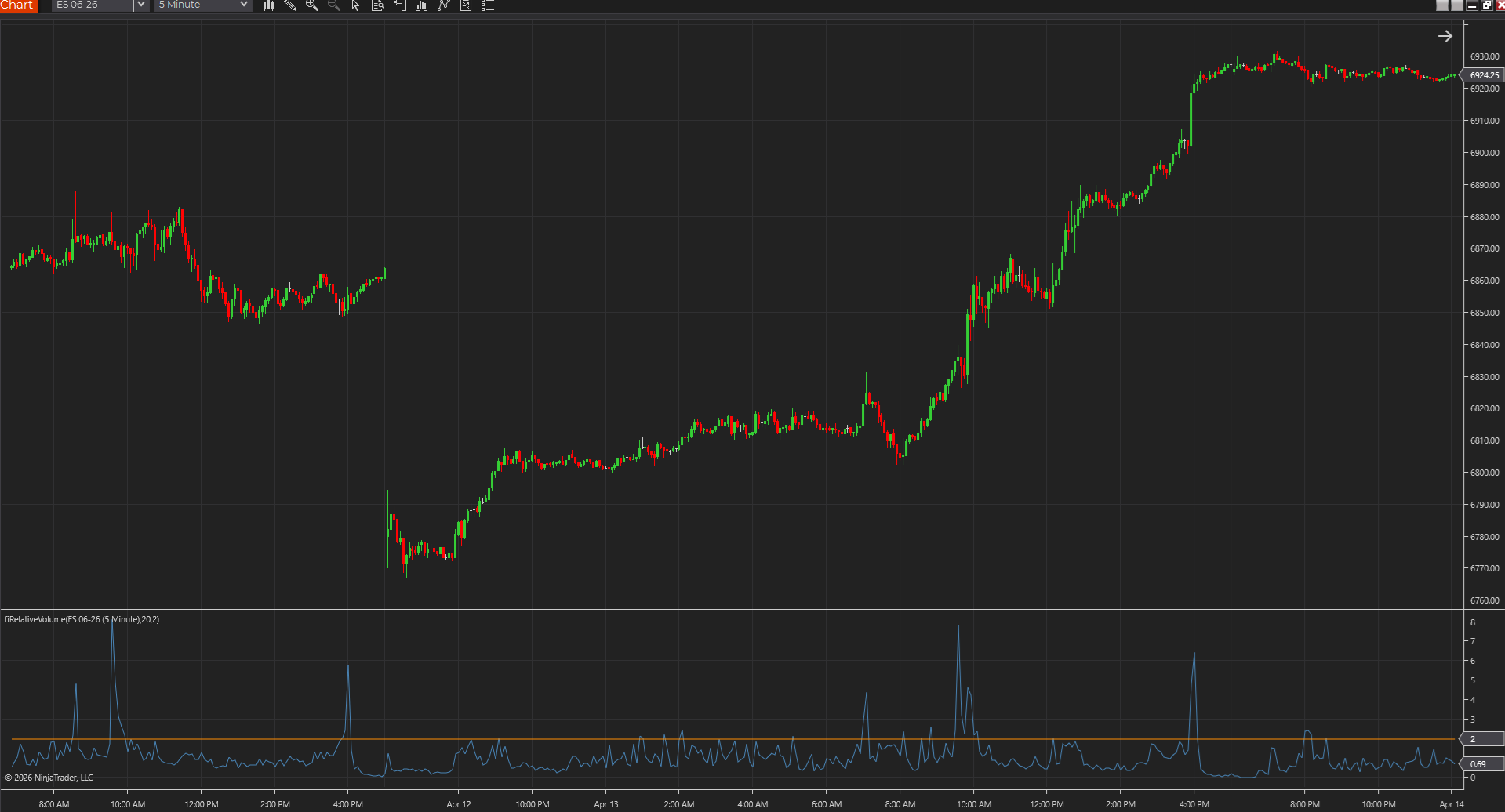
- Relative volume or structure confirmation helps decide whether the move deserves commitment.
The best TradingView futures charts feel intentional, not crowded
One good test for a TradingView futures stack is whether the chart still feels deliberate after a week of normal use. If it turns into a rotating pile of library scripts, the workflow usually gets worse even if each script looked smart on day one. The stronger charts keep a small identity and make the same core questions easy to answer every session.
- A consistent chart routine matters more than constant script swapping.
- Public-library variety is useful, but it is not a workflow by itself.
- The best TradingView stacks usually stay recognizable from one session to the next.
Best next reads
These pages pick up the questions most readers usually have next, so you do not have to back out and start a fresh search.
Frequently asked questions
What makes a good TradingView indicator for futures traders?
It should solve a specific chart job cleanly, stay honest on live bars, and fit a small chart-first workflow instead of adding ornamental complexity.
Should TradingView futures charts use lots of public-library scripts?
Usually no. Futures traders generally get better results from a small number of trustworthy studies than from a crowded stack of scripts that all look clever in hindsight.
What is a warning sign that a TradingView futures chart is getting worse instead of better?
If you keep adding scripts but the chart becomes slower to read and less consistent session to session, the stack is probably drifting away from a real workflow.