Use this table to choose the right TradingView path before opening a pile of scripts that all solve different problems.
Option
Best fit
Why it helps
Open this first when
Pine Script source pages
Transparent script logic
Readable source lowers trust friction and speeds up testing
You want to inspect or tweak the idea instead of trusting a black box
Best TradingView guides
Fastest shortlist
Turns a broad library into a smaller set of usable first options
You want a starting point without browsing everything
Testing guides
Cleaner script evaluation
Helps you avoid hindsight bias and misunderstood repaint behavior
You are not sure whether the script is genuinely helping
Cross-platform comparisons
Portability context
Shows how TradingView fits against NinjaTrader or other stacks
You are deciding whether TV is the final home or just the testing layer
Copy, save, and test in the Pine Editor
Open a source page below, read its limitations, and copy the complete Pine script. In TradingView, open the Pine Editor, create a new indicator, paste the code, save it, and add it to your chart. Check the symbol, session, and settings before using alerts.
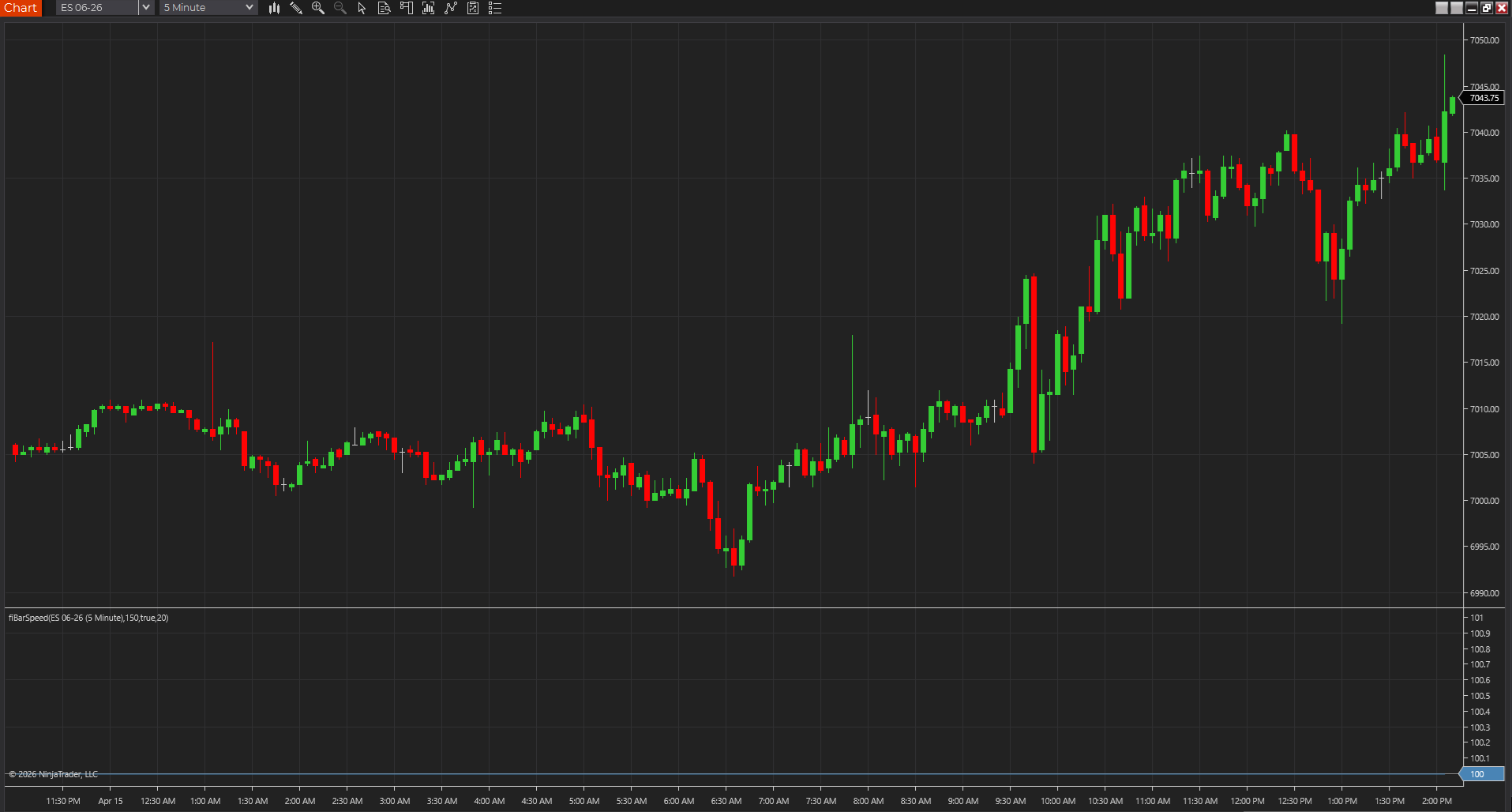
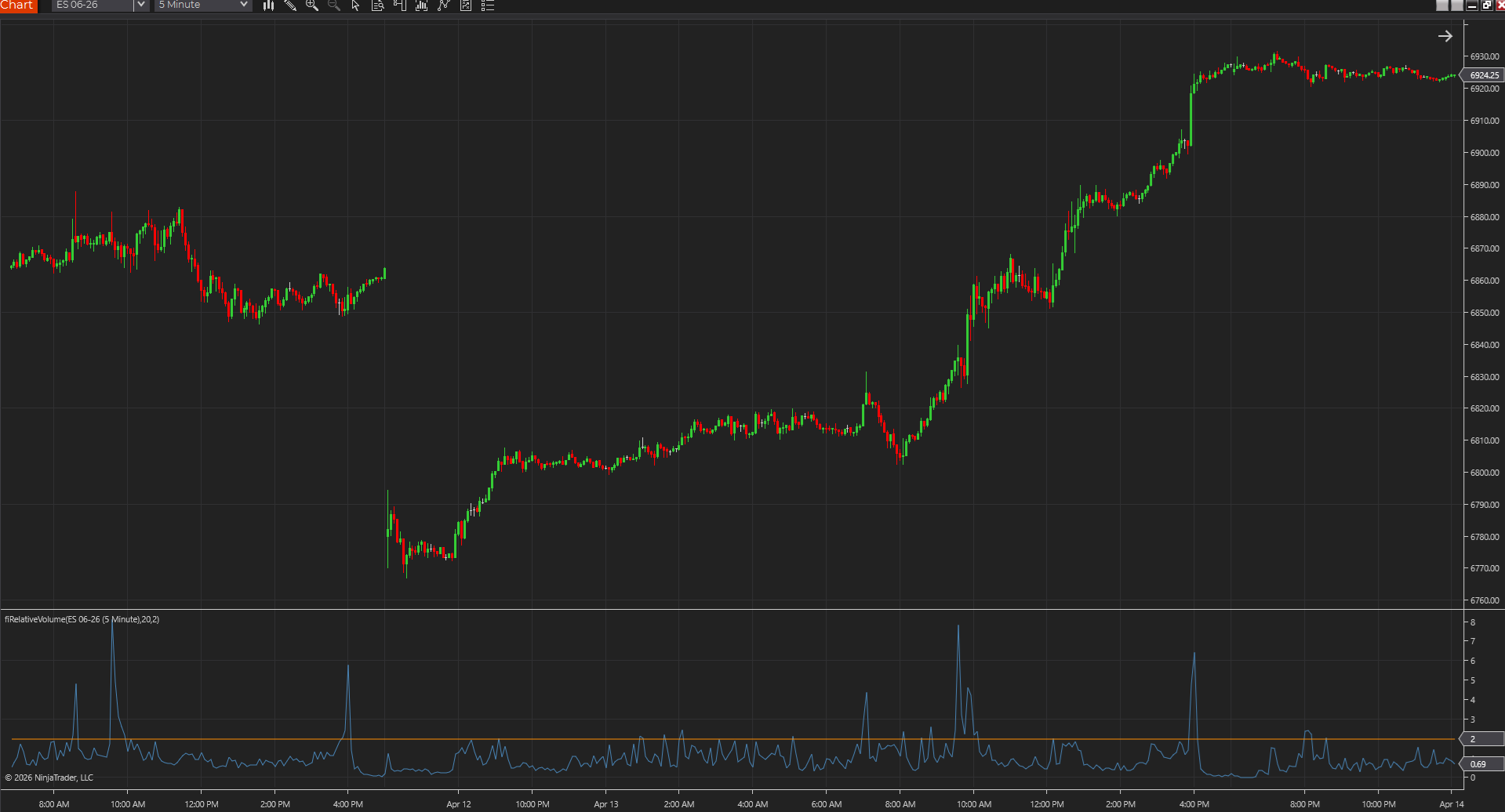
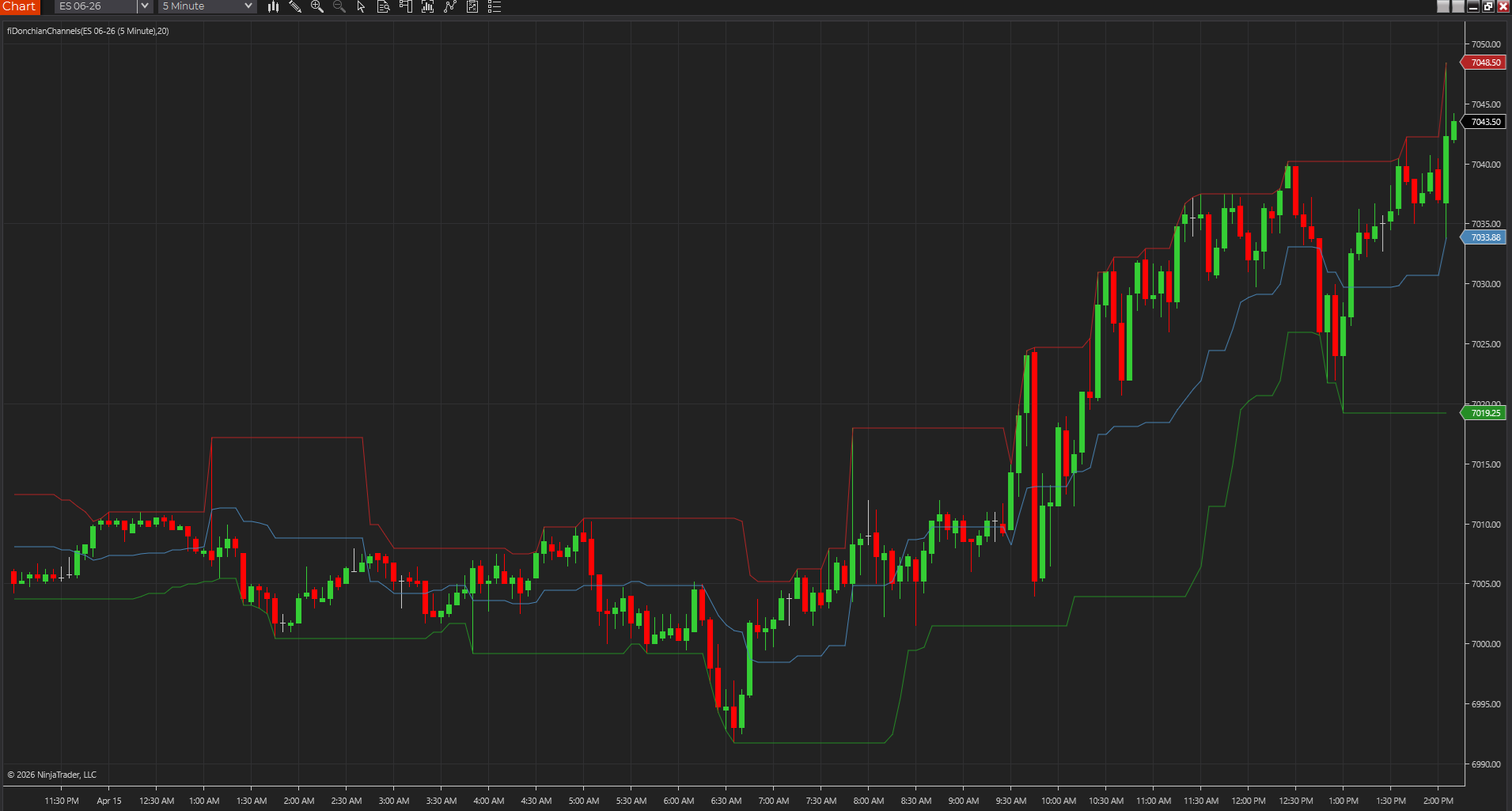
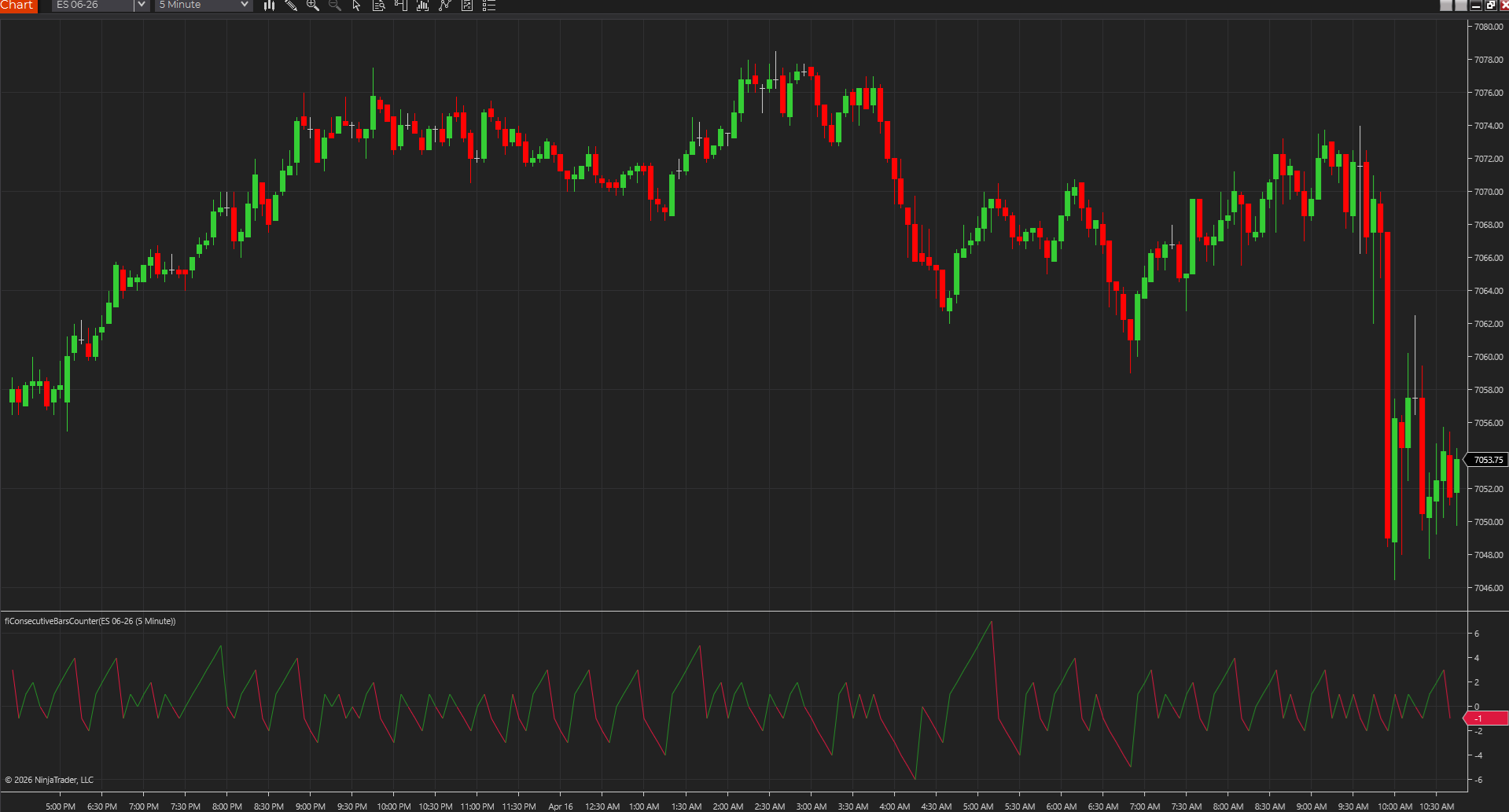
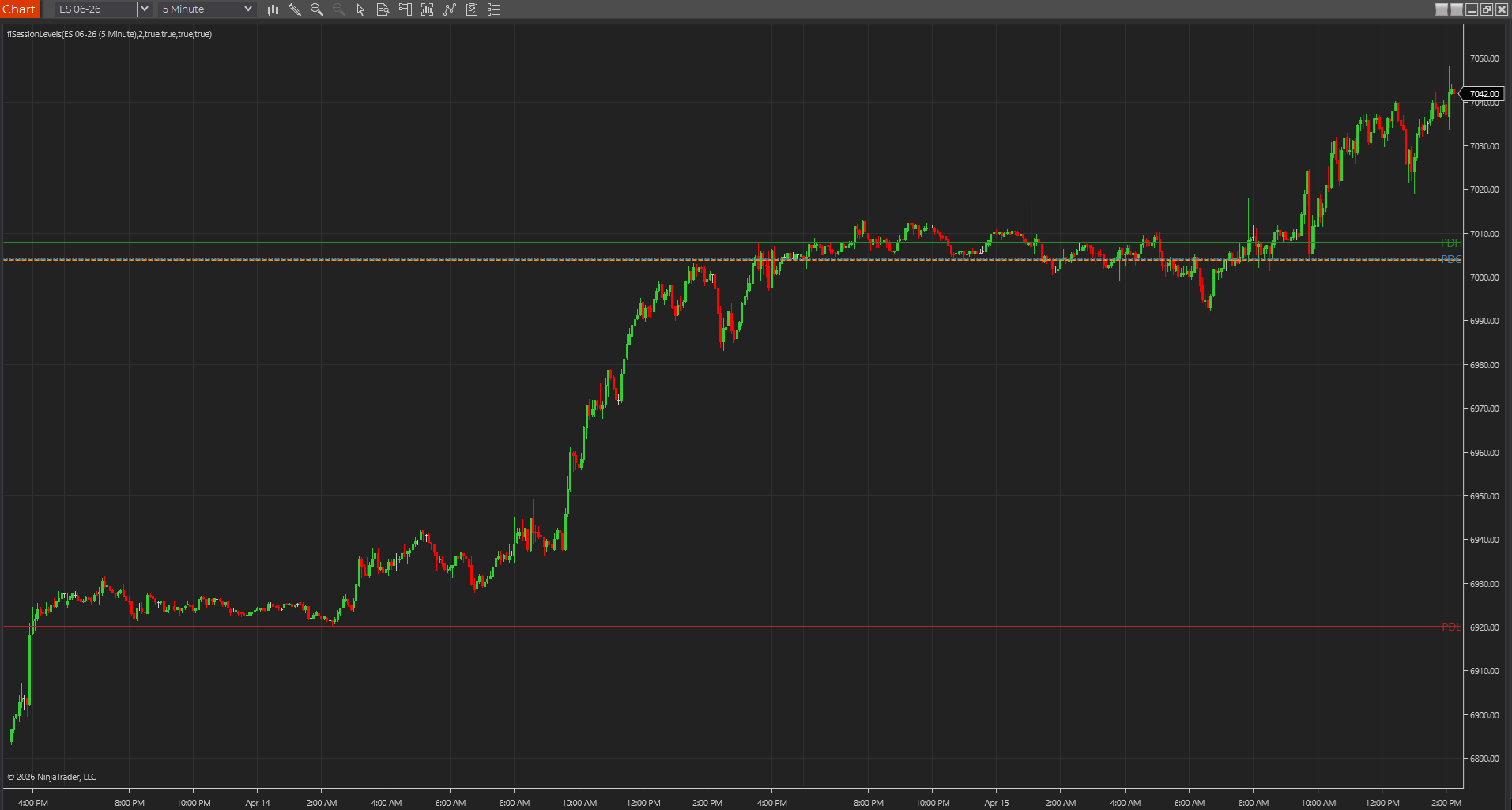
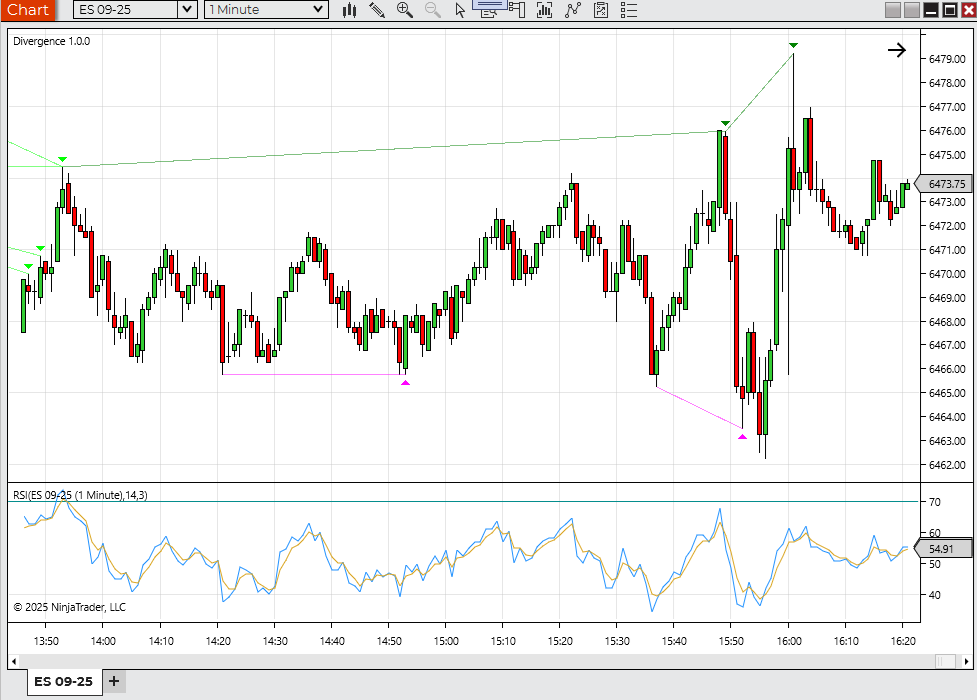
Shows whether bars are printing with real urgency or just drifting, so participation shifts stand out faster across tick, range, Renko, volume, and time charts.
NinjaTraderTradeStationTradingView
+4 more
: additional platforms include MetaTrader, MultiCharts, MT4, MT5
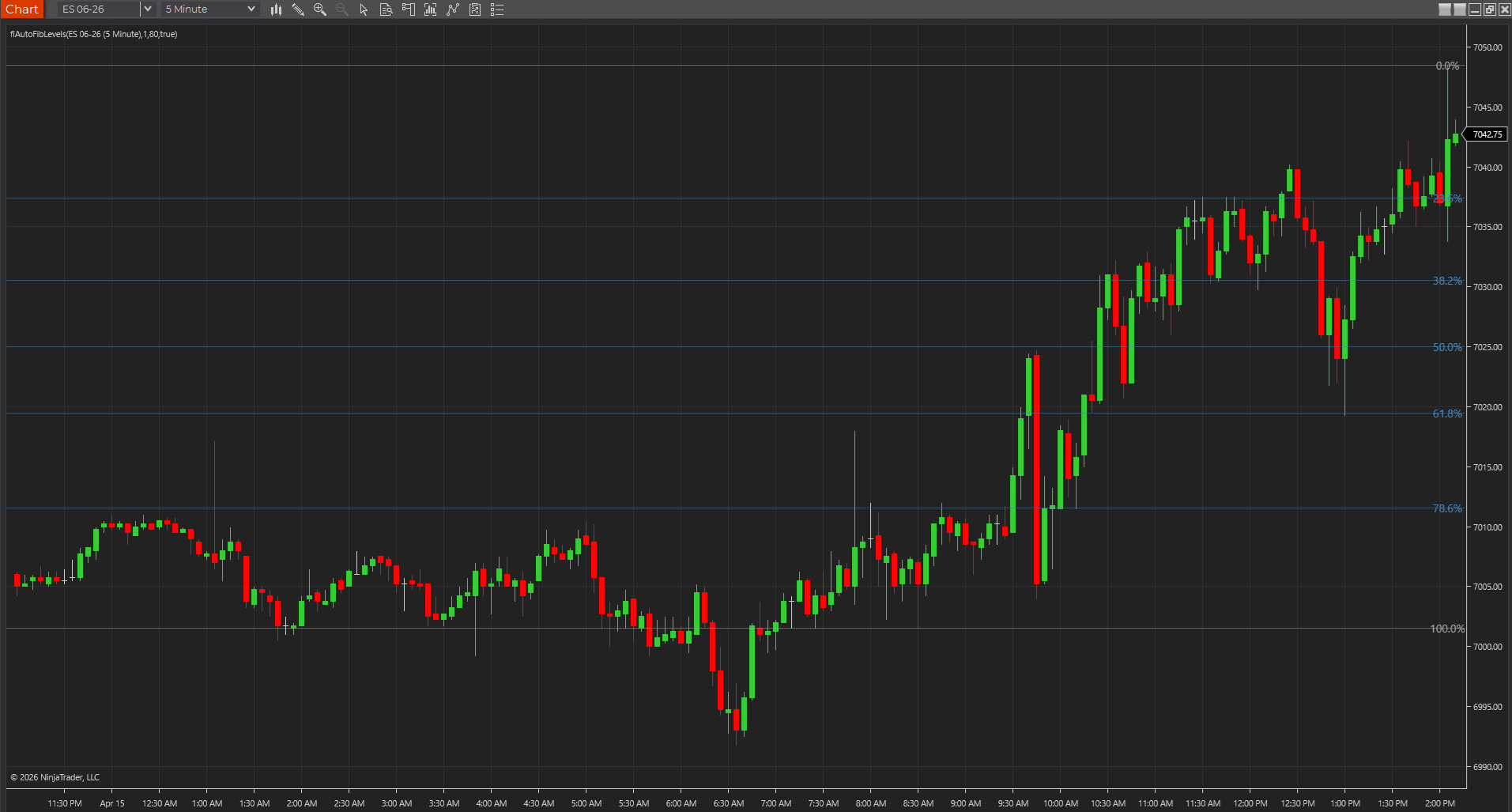
Keeps the recent swing's main Fibonacci retracement levels on screen so NinjaTrader and cross-platform traders can keep pullback zones visible without manual drawing.
NinjaTraderTradeStationTradingView
+4 more
: additional platforms include MetaTrader, MultiCharts, MT4, MT5
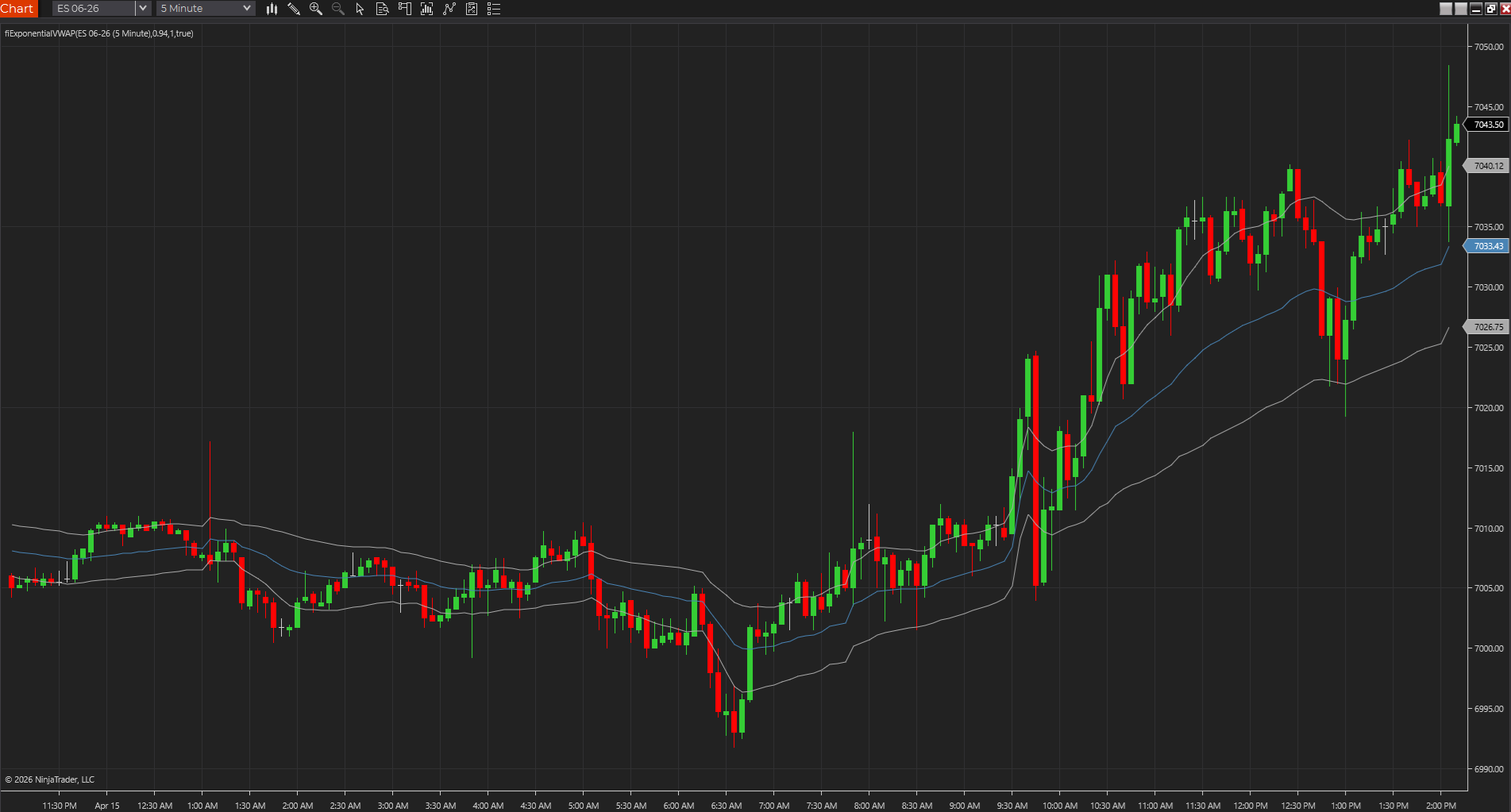
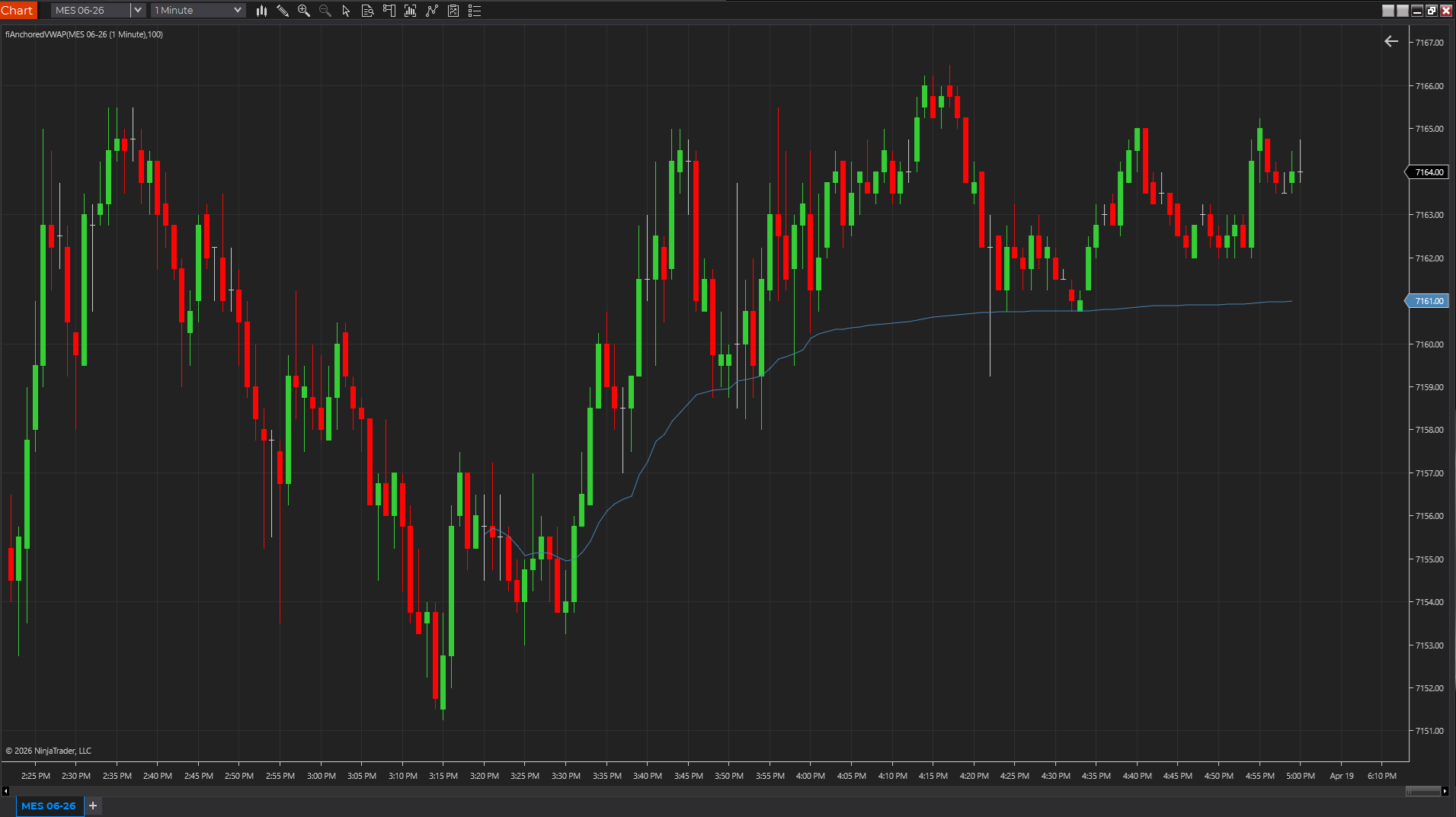
Uses exponential weighting to create a faster volume-weighted reference than standard session VWAP, which can help fair value react sooner during intraday shifts.
NinjaTraderTradeStationTradingView
+4 more
: additional platforms include MetaTrader, MultiCharts, MT4, MT5
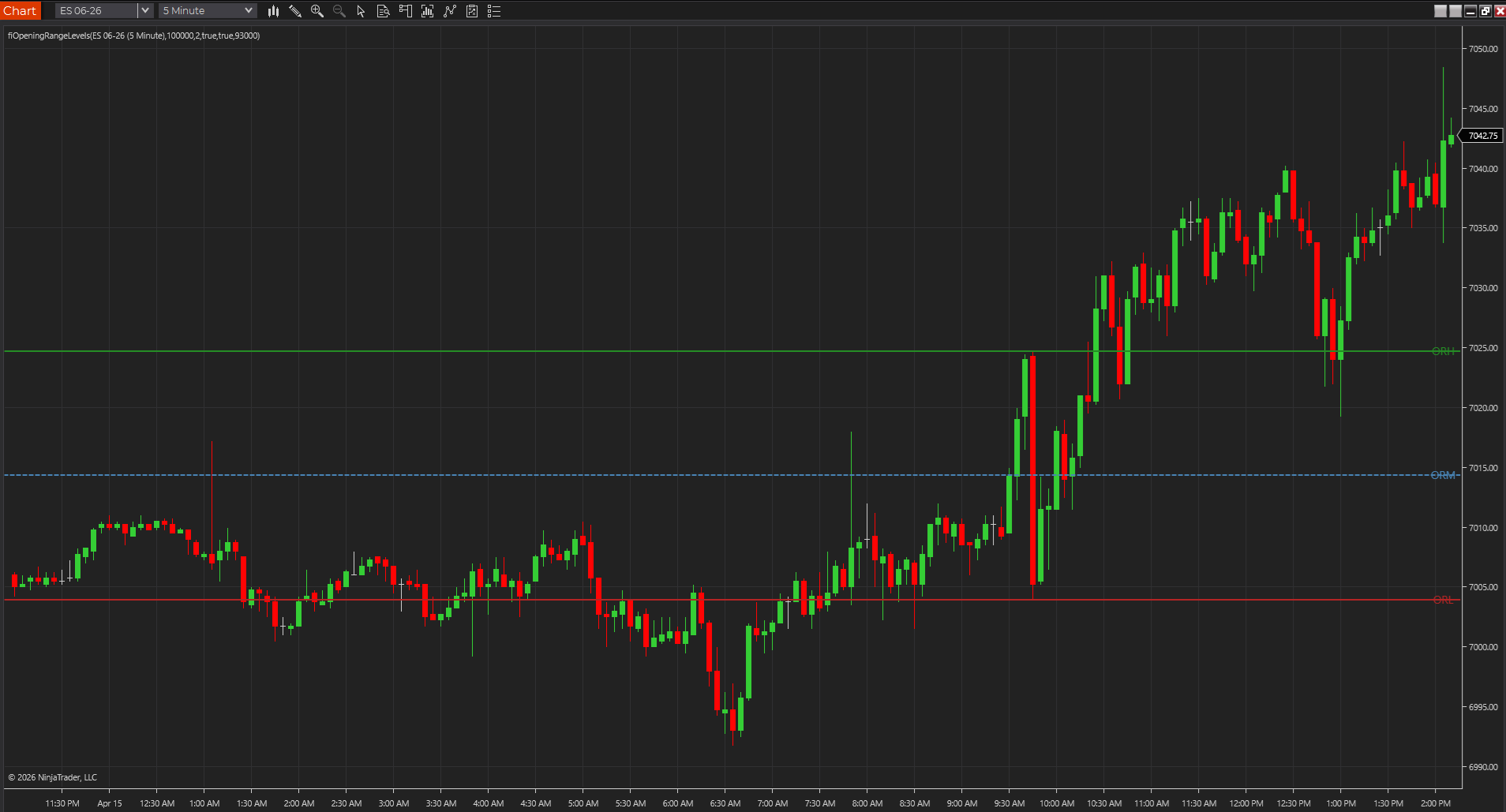
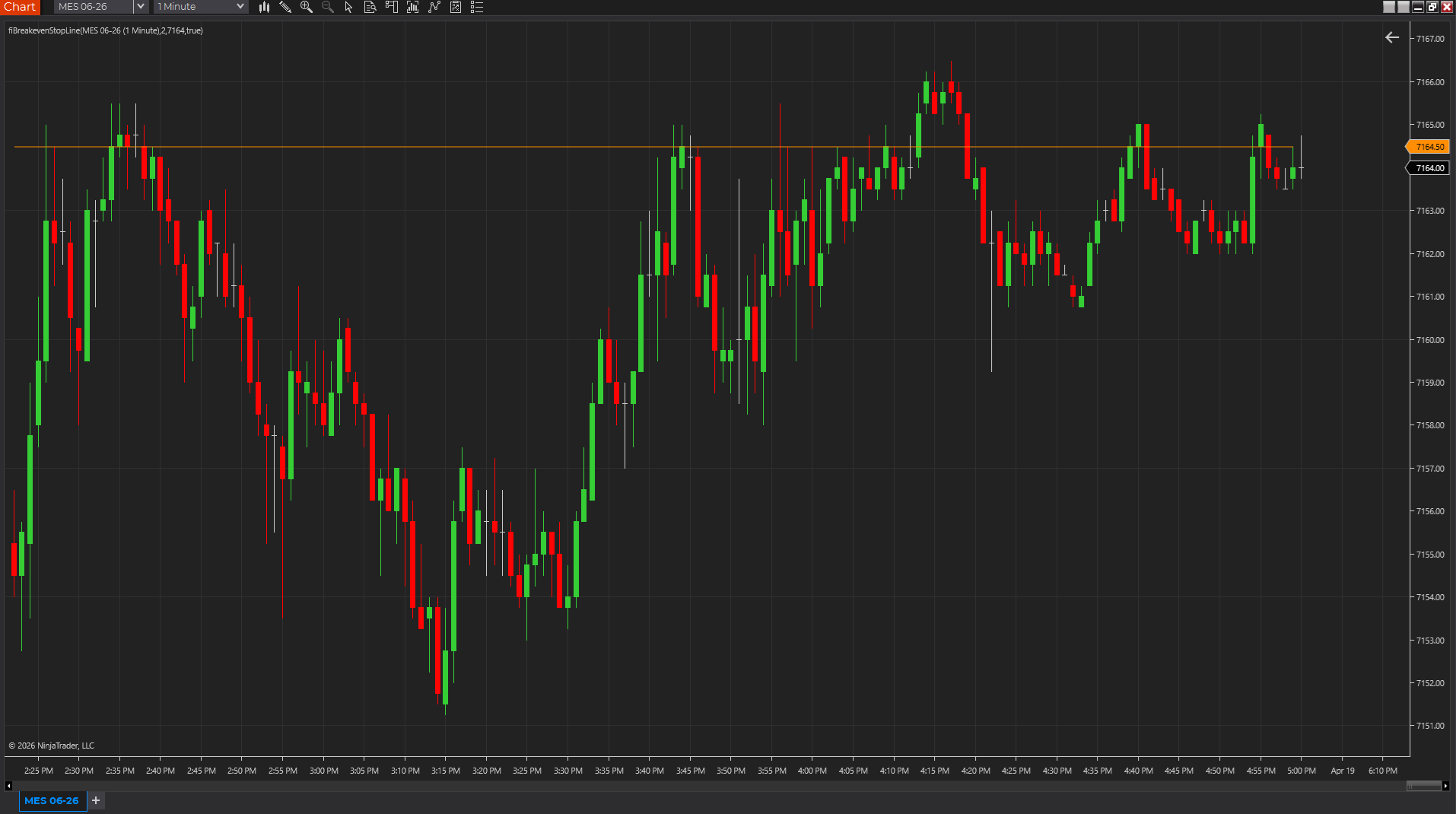
Marks the opening range high, low, and midpoint so traders can frame the first session expansion before deciding whether a breakout deserves attention.
NinjaTraderTradeStationTradingView
+4 more
: additional platforms include MetaTrader, MultiCharts, MT4, MT5
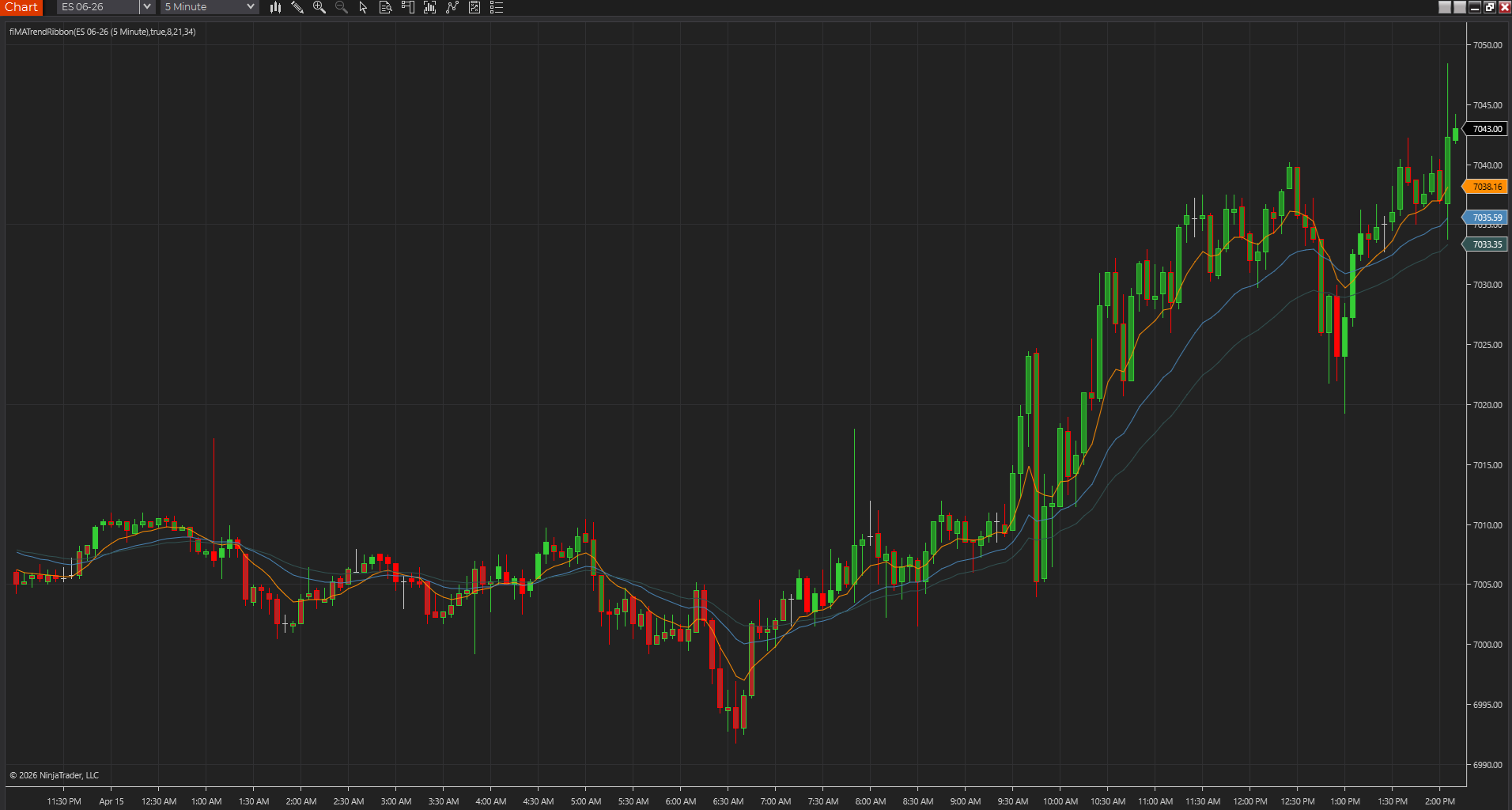
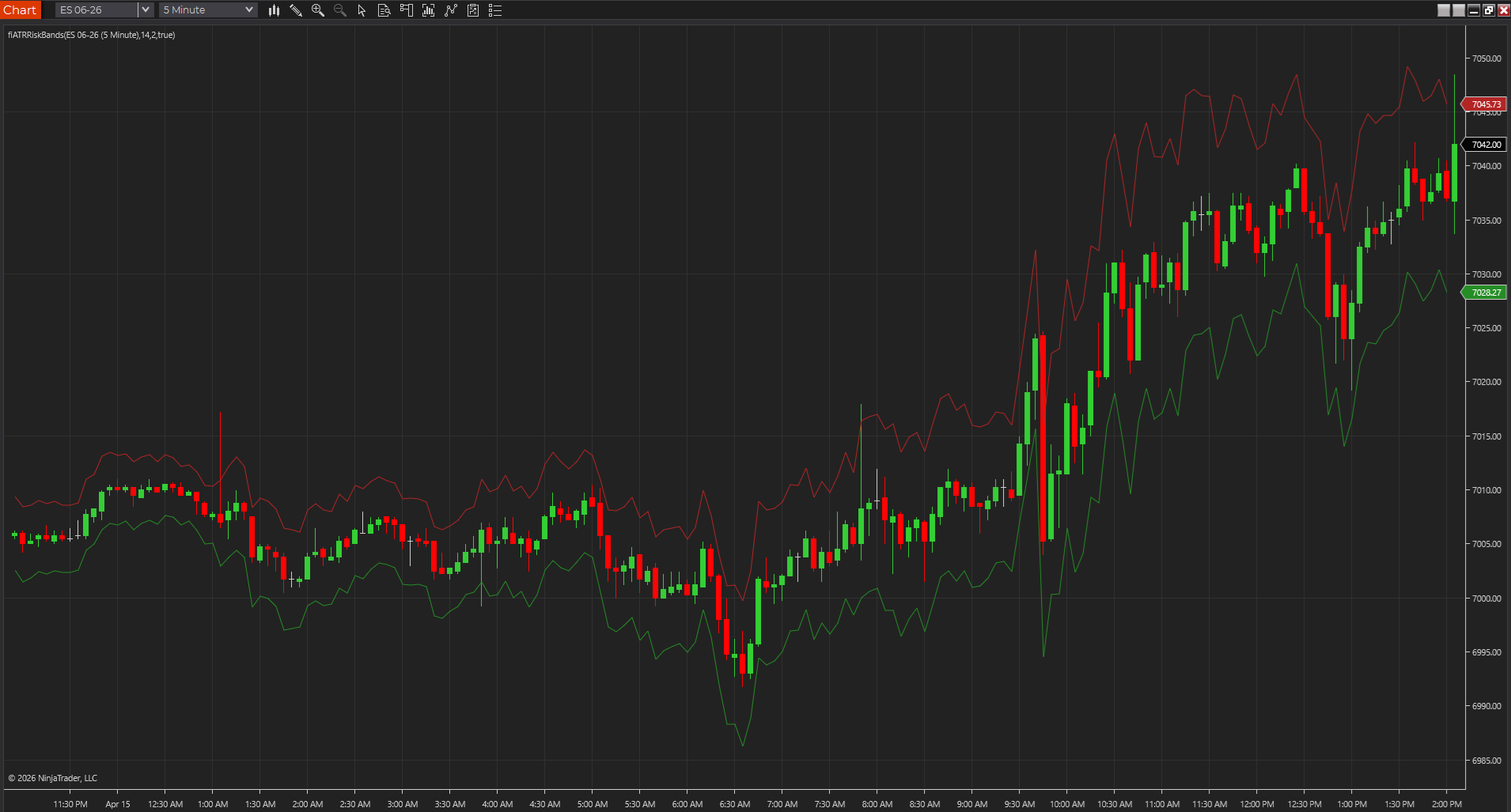
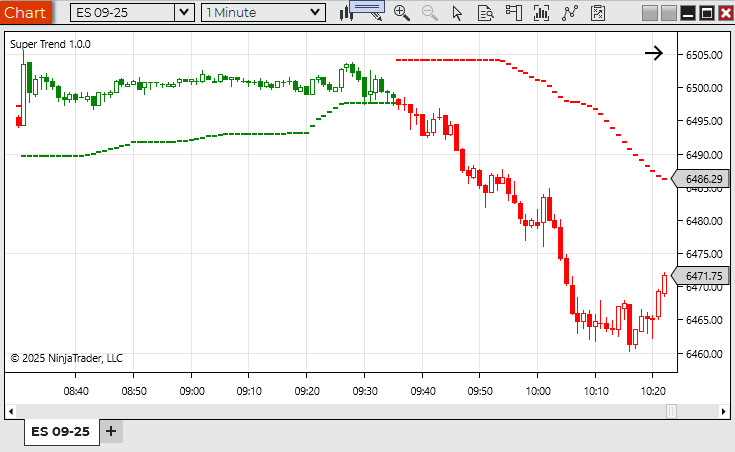
Plots a volatility envelope around price so traders can judge breathing room, stop distance, and stretch with less guesswork than a fixed-tick mindset.
NinjaTraderTradeStationTradingView
+4 more
: additional platforms include MetaTrader, MultiCharts, MT4, MT5
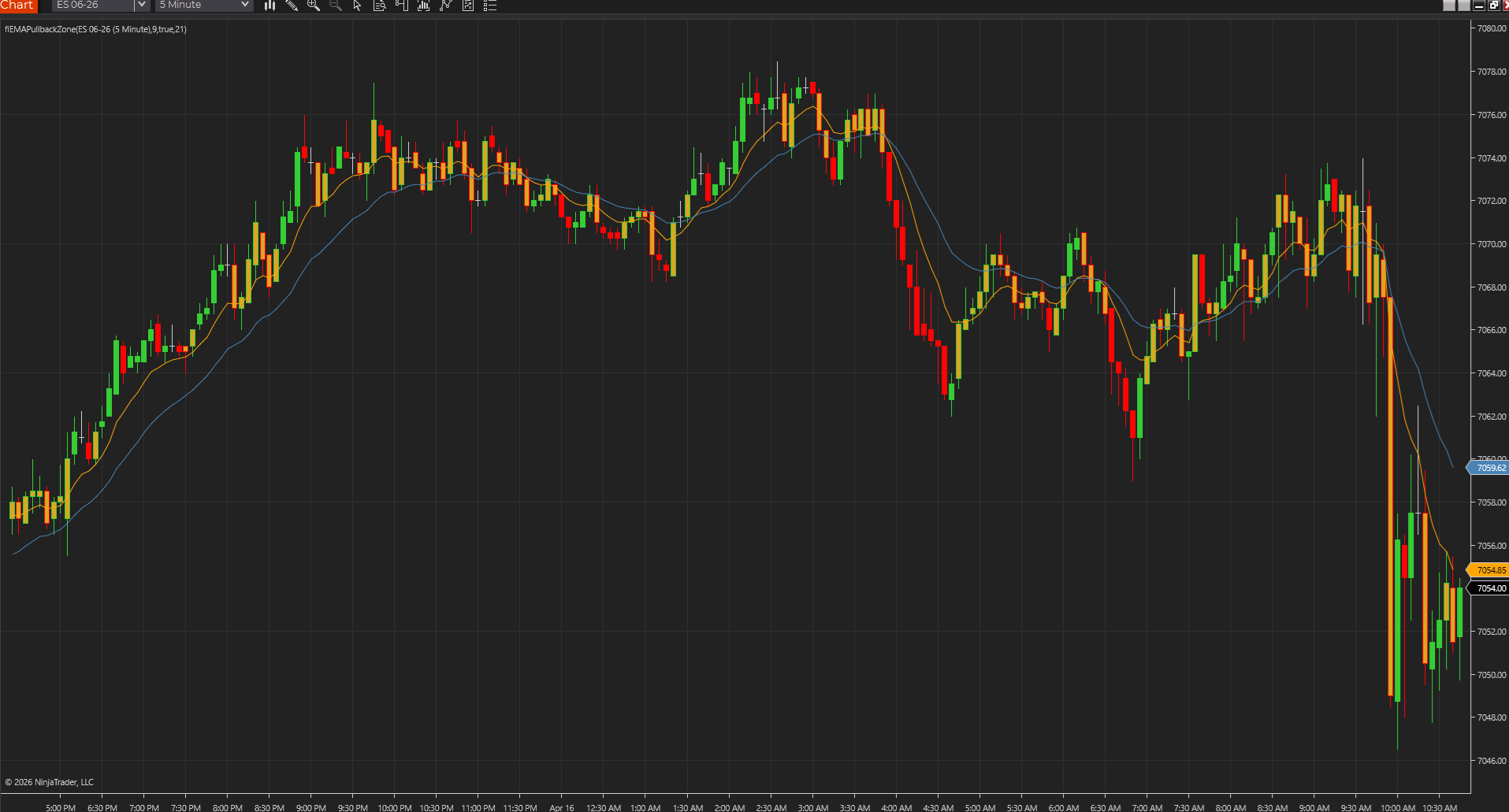
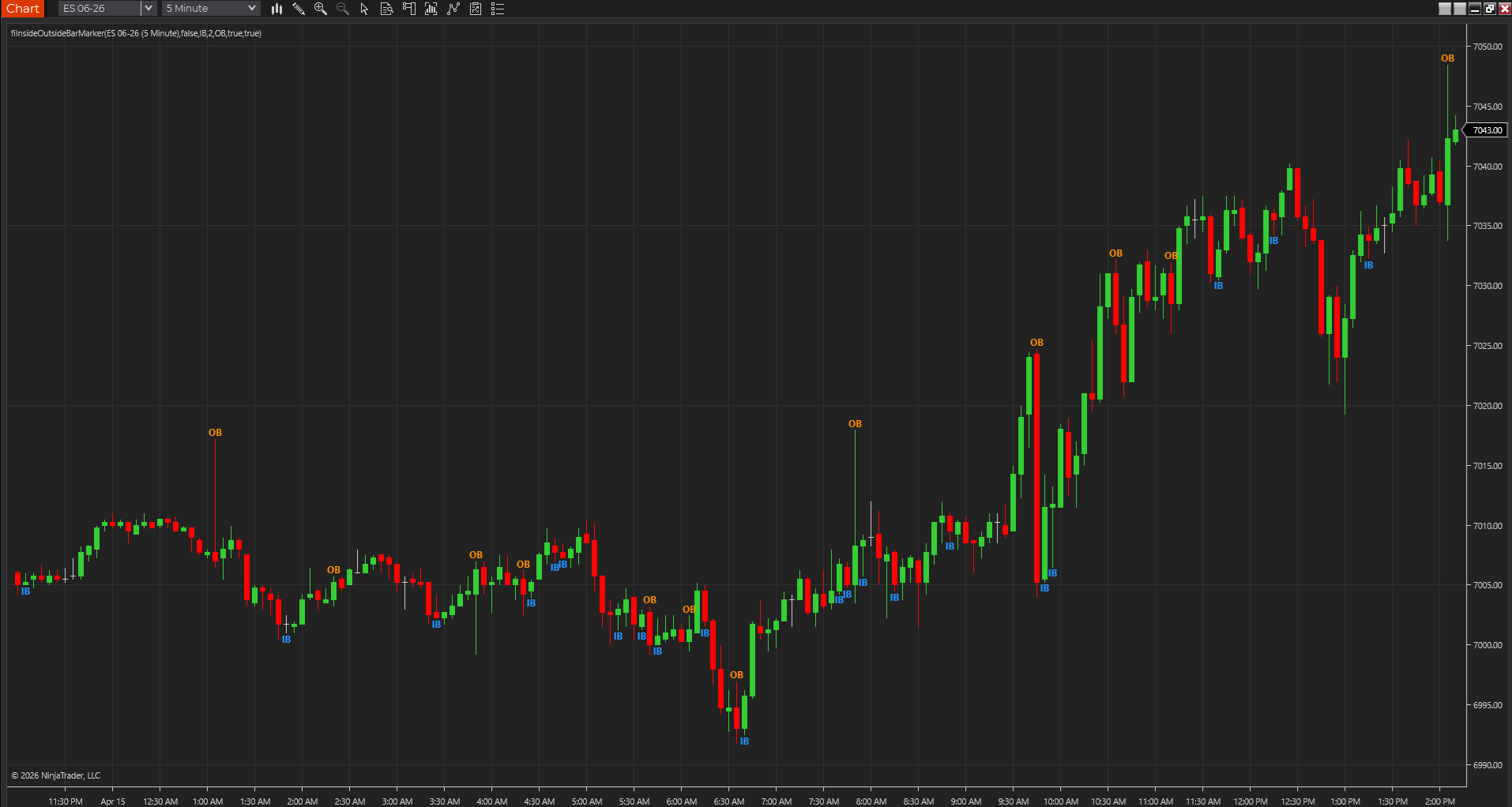
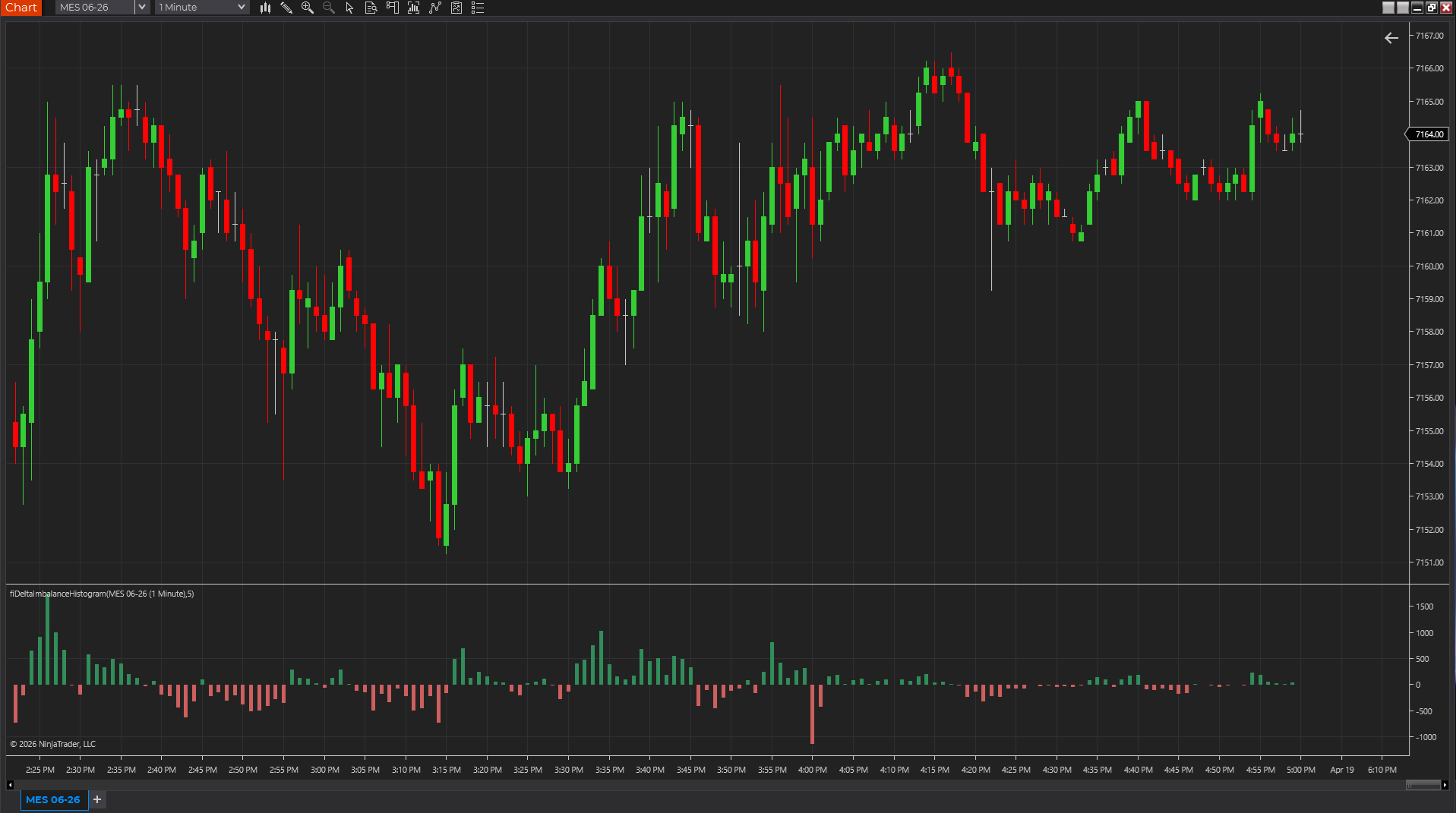
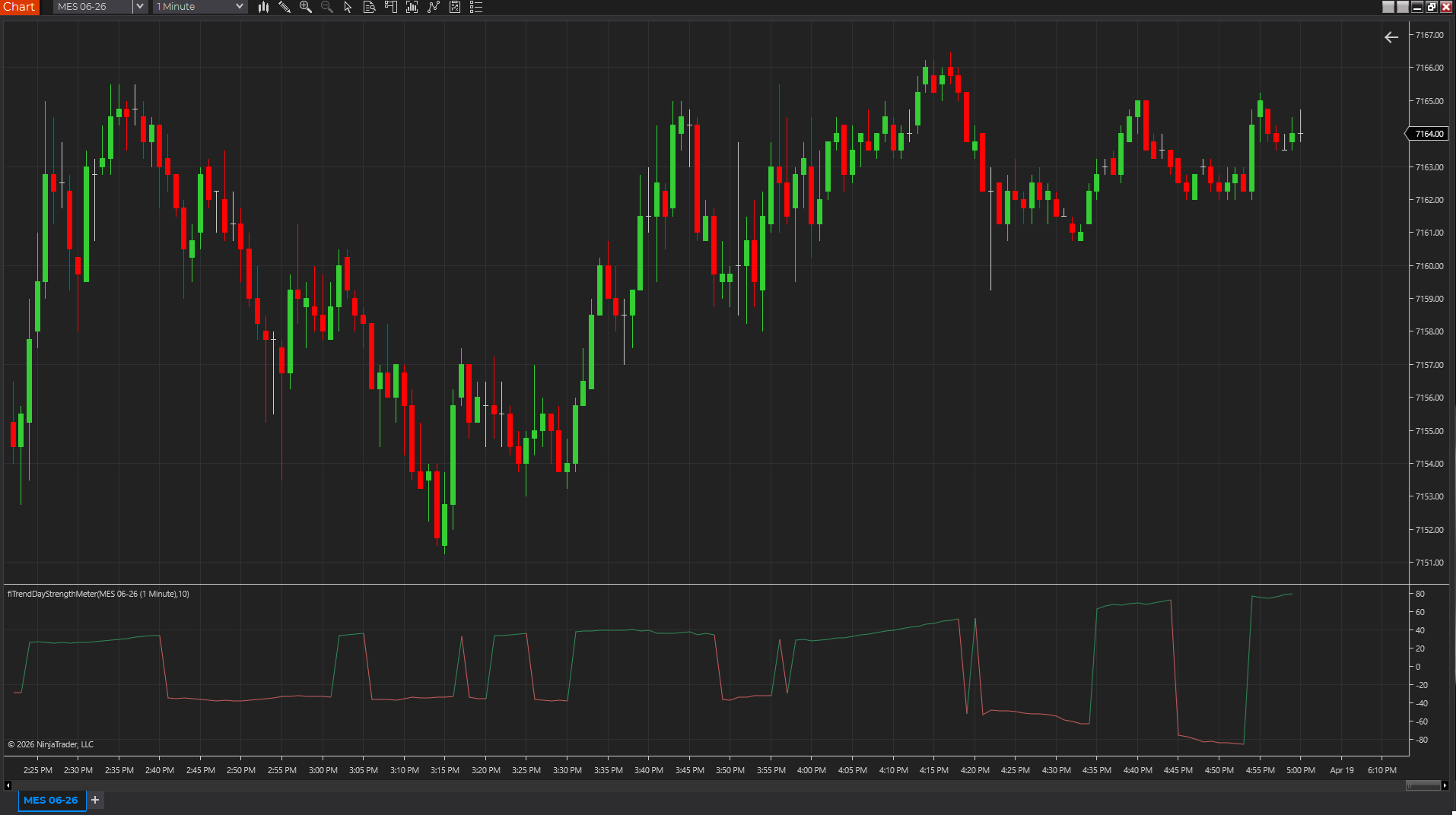
Uses candle body, range, and volume as a lightweight pressure proxy so traders can see whether momentum is skewing positive or negative without a full footprint feed.
NinjaTraderTradeStationTradingView
+4 more
: additional platforms include MetaTrader, MultiCharts, MT4, MT5
Share the Pine source and describe the condition, session rule, or target platform you need. Moore Tech can review the request and agree the scope before paid work begins.
A TradingView Pine Script guide to detecting a new day or session with ta.change(time("D")), resetting variables, and avoiding common mistakes in VWAP, opening range, and session-level scripts.
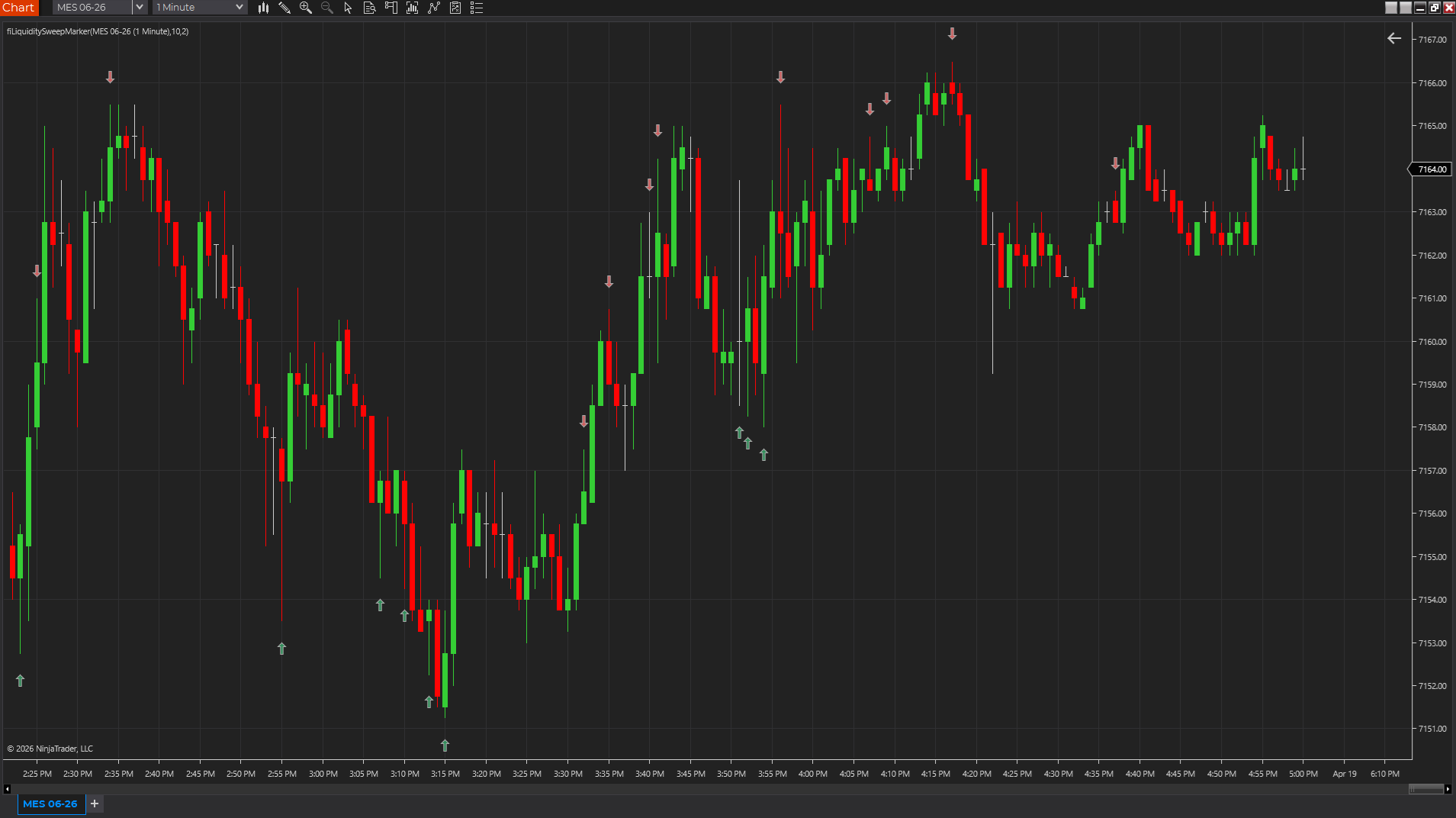
A practical guide to building and testing a TradingView Pine Script liquidity sweep indicator that marks failed breaks above recent highs or below recent lows without pretending every sweep is a reversal.
A practical guide to the best TradingView indicators for structure, trend, session context, and participation when you care more about usable Pine scripts than marketplace hype.
A practical TradingView testing guide for Pine Script users who want to avoid hindsight bias, misunderstood repainting, sloppy chart assumptions, and the trap of confusing a pretty chart with a useful script.
Start here if your main question is how to get a study working on TradingView before
you worry about workflow details, comparisons, or source translation.
Copy and adapt Pine Script examples for TradingView charts, including liquidity sweep logic, request.security workflows, daily session resets, repainting notes, and testing.
This platform hub collects downloads, source examples, install instructions, compatibility notes,
troubleshooting content, and platform-specific comparison pages. Keeping every tool connected to a platform
hub gives traders a faster path to the right resource.
That matters because platform intent is usually the first filter a trader applies. Before someone compares
indicators, they often need to know whether the site supports NinjaTrader, TradeStation, MultiCharts,
MetaTrader, or TradingView in a practical way. A strong hub reduces that friction and points people toward
the right kind of page instead of making them decode the whole site structure by trial and error.
How to move from this hub
Once you know this is the right platform, the next best move depends on the task. If you want a real
packaged download, move into the relevant product pages. If you want code transparency, move into the
platform source pages. If you are still deciding how a workflow fits together, the guides, glossary, and
category pages usually provide the missing context. The goal of the hub is not to answer every question on
one screen, but to make sure the next click is a good one.