Guide walkthrough
Start reading here
This is the main article body, where the page shifts from summary cards into the actual workflow and decision-making notes.
On this page
Use ta.change(time("D")) when the script needs a daily reset
In Pine Script, ta.change(time("D")) is a compact way to detect that the chart has moved into a new daily bucket. It is useful for session VWAP, opening range logic, daily high-low tracking, and any script that needs to clear stored values at the start of a new day.
- Use it to reset var values that carry across bars.
- Pair it with nz() when the previous value may be empty.
- Confirm the chart session because daily buckets and trading sessions are not always identical.
Reset variables on the new day before collecting fresh values
The safest pattern is to detect the new day, reset the stored value, then let the current bar start rebuilding the calculation. This keeps stale highs, lows, VWAP sums, or opening-range values from leaking into the next session.
- For high tracking, reset to the current high or na before collecting.
- For low tracking, reset to the current low or na before collecting.
- For VWAP-style sums, reset both price-volume and volume at the same time.
Daily reset logic is not always the same as a custom session
The phrase new day sounds simple, but futures, forex, and crypto charts can make it messy. If the script is supposed to reset at a specific market open, a custom session condition may be better than a plain daily time bucket.
- Use ta.change(time("D")) for broad daily resets.
- Use time-session conditions when the exchange session open matters.
- Test on the market hours you actually trade.
This pattern shows up in VWAP and opening range scripts
The same reset pattern appears across many TradingView examples. Session VWAP resets cumulative sums, opening range scripts reset high and low storage, and daily level scripts reset references before new values are collected.
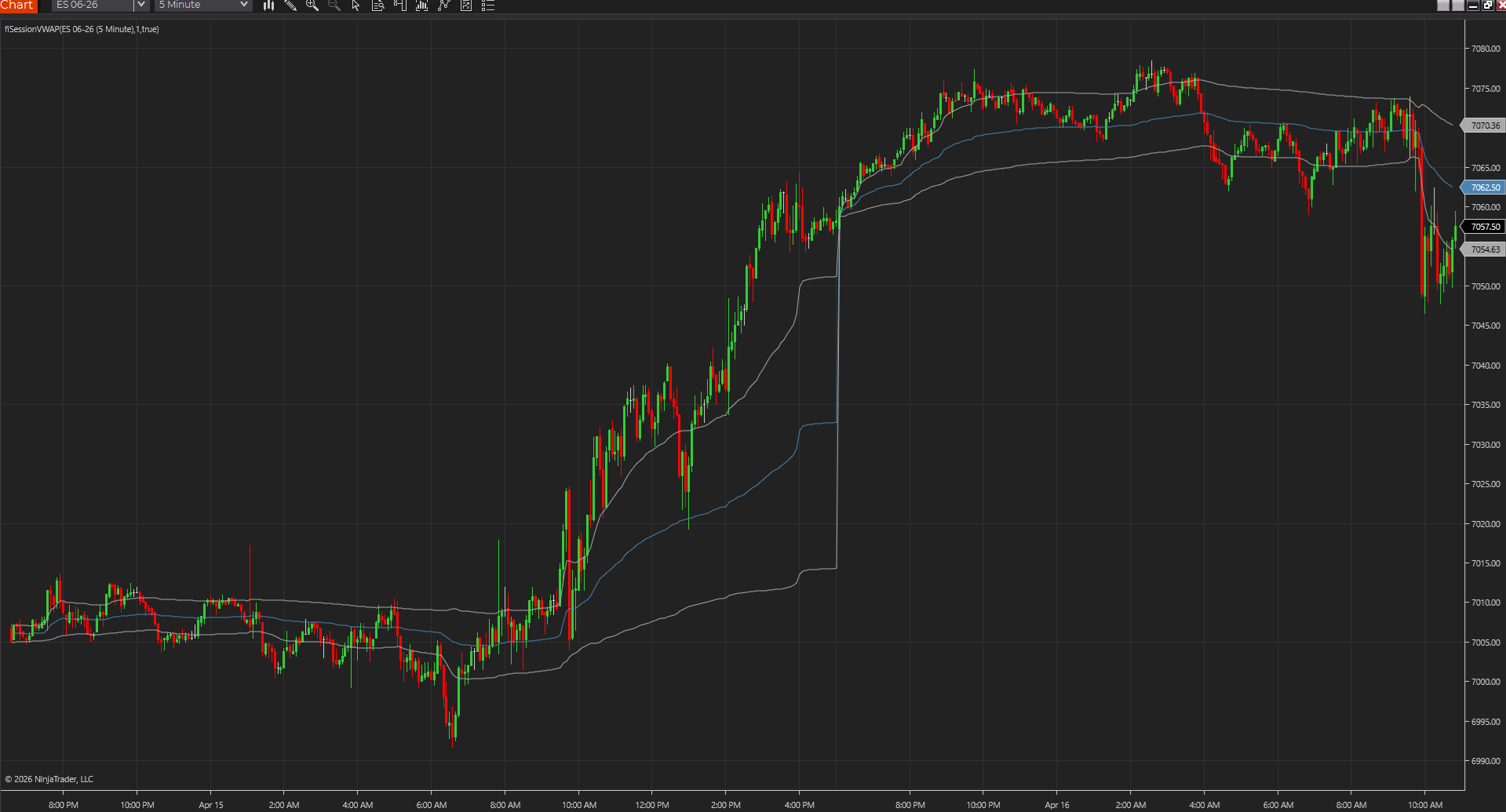
- Session VWAP resets cumulative price-volume and volume.
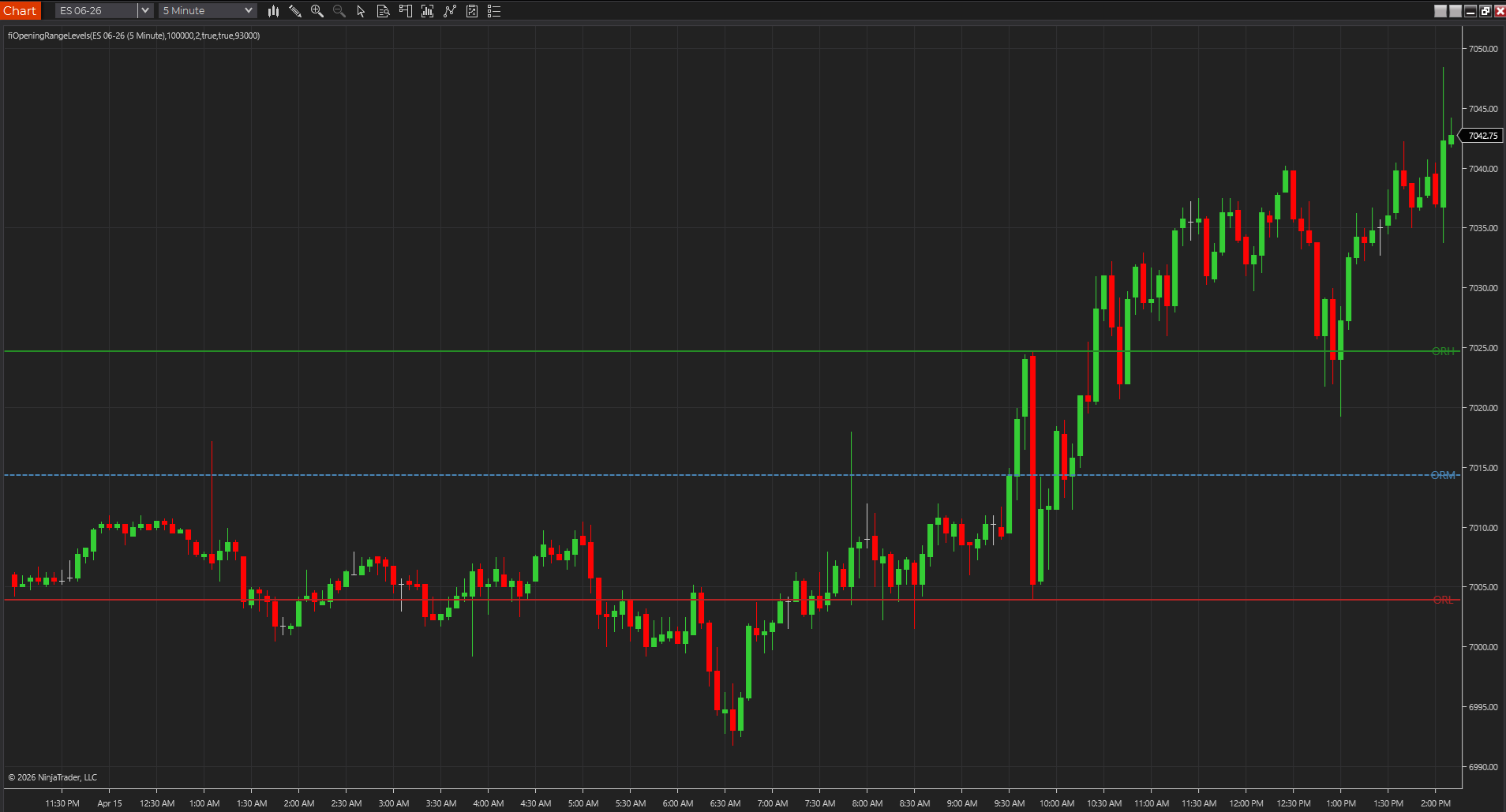
- Opening range logic resets range highs and lows.
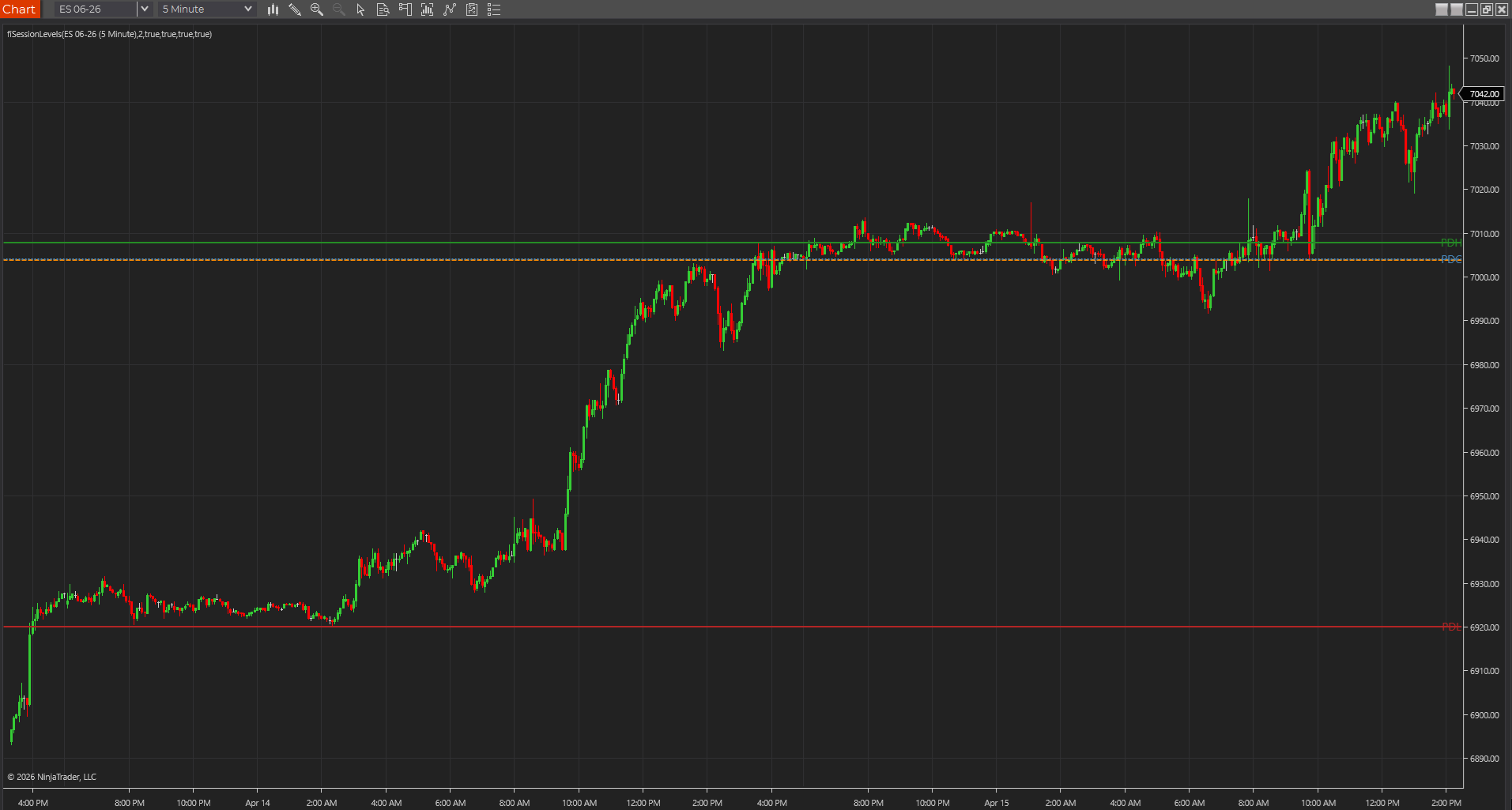
- Daily level scripts reset stored references before plotting new ones.
Best next reads
These pages pick up the questions most readers usually have next, so you do not have to back out and start a fresh search.
Frequently asked questions
What does ta.change(time("D")) do in Pine Script?
It detects when the chart has entered a new daily time bucket. Traders often use it to reset stored variables in daily, session, VWAP, and opening-range scripts.
Is ta.change(time("D")) the same as a market session open?
Not always. It is a daily reset condition, but some markets and workflows need a custom session condition tied to a specific open.
Why do Pine Script session values sometimes carry into the next day?
Usually the script is not resetting all related variables together. VWAP-style scripts need to reset both numerator and denominator, while range scripts need to reset both high and low storage.