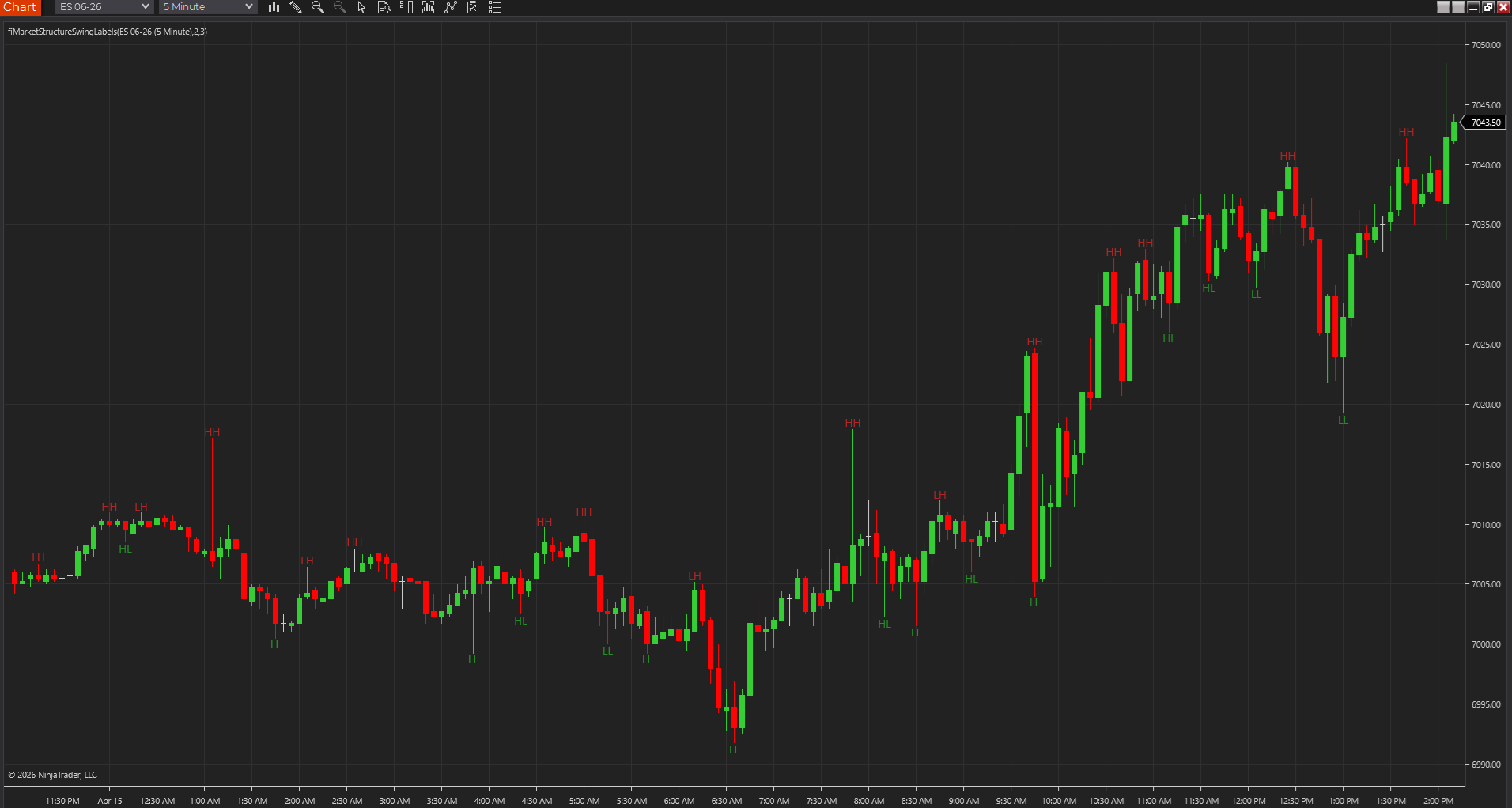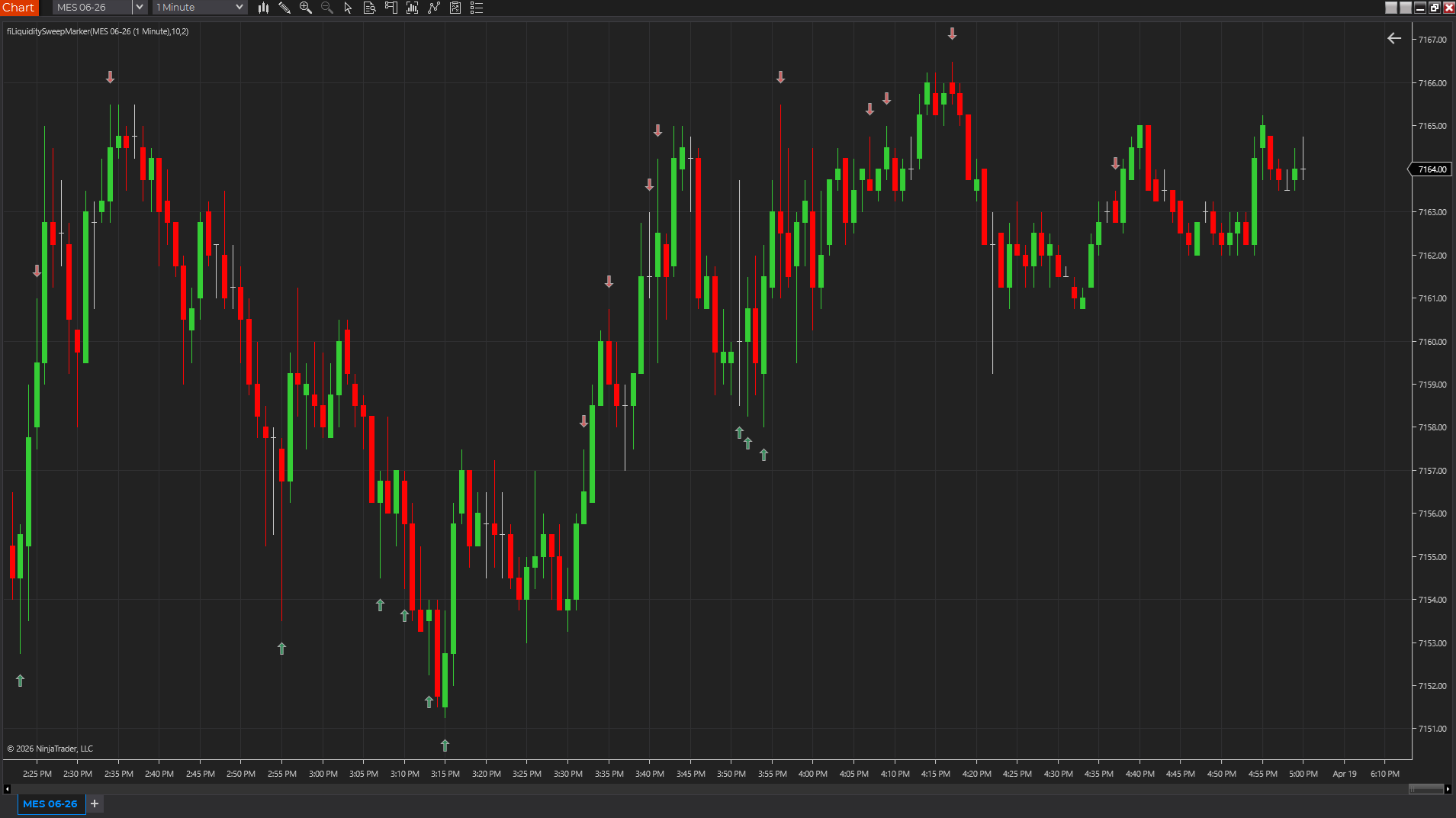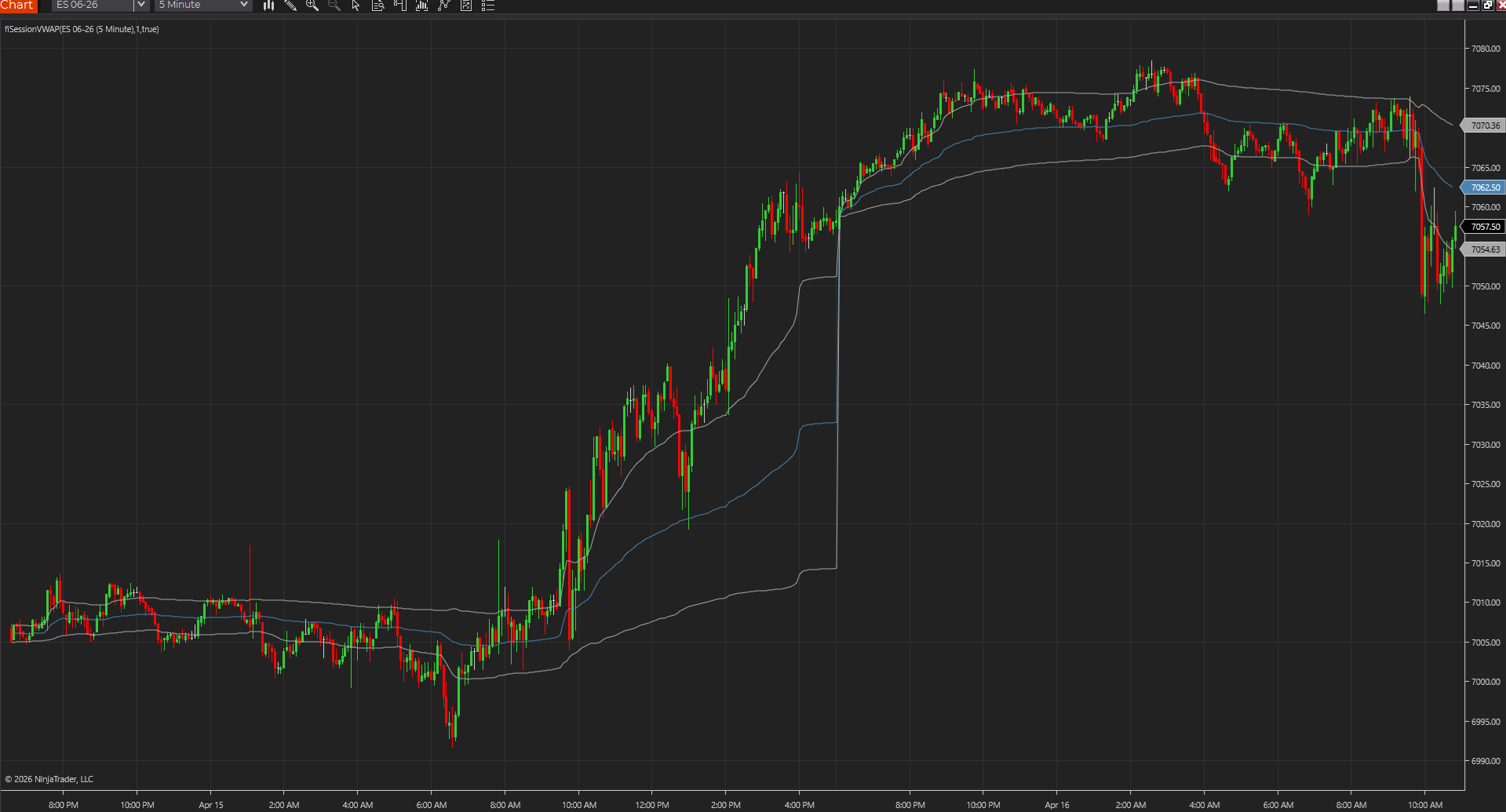
Guide walkthrough
Start reading here
This is the main article body, where the page shifts from summary cards into the actual workflow and decision-making notes.
On this page
Key terms for this guide
These glossary pages cover the ideas and platform language most likely to matter as you work through this guide.
Pine Script to NinjaTrader is usually a rewrite
The useful trading idea can often move from TradingView to NinjaTrader, but the code rarely moves as a literal translation. Pine Script and NinjaScript handle state, sessions, drawing, alerts, and bar updates differently enough that a clean NinjaTrader rewrite is usually the honest path.
- The source logic matters more than matching syntax line by line.
- A NinjaScript version should behave naturally inside NinjaTrader.
- Exact visual matching is less important than correct decision logic.
Bring the source, screenshots, and expected outputs
A conversion request gets much clearer when the trader provides the original Pine Script, screenshots of expected behavior, examples of bad signals, and notes about which settings matter. Without those inputs, the developer has to infer too much from chart appearance.
- Source code is the strongest starting point.
- Screenshots clarify expected markers and alerts.
- Failure examples show what the NinjaTrader version must avoid.
Session and repainting assumptions need special attention
Many TradingView scripts rely on behavior that is easy to miss: bar confirmation, higher-time-frame requests, session definitions, or repainting patterns. Those assumptions need to be made explicit before the NinjaTrader version is built.
- Confirm whether signals should wait for bar close.
- Document the session template or trading hours used in TradingView.
- Call out any higher-time-frame or security-request behavior.
The converted version can be better than the original
A good conversion is not always a clone. It can clean up alerts, expose better inputs, handle futures sessions more deliberately, and fit the NinjaTrader workspace better than the original Pine version fit TradingView.
- Use the conversion to remove weak assumptions.
- Keep only settings that help the target workflow.
- Test the NinjaTrader version against the examples that justified the port.
Best next reads
These pages pick up the questions most readers usually have next, so you do not have to back out and start a fresh search.
Frequently asked questions
Can TradingView Pine Script be converted to NinjaTrader?
Many Pine Script indicators can be recreated in NinjaTrader, but the work is usually a NinjaScript rewrite rather than a direct code conversion.
Do I need the Pine Script source code for conversion?
Source code is strongly recommended. Screenshots help, but the source, expected outputs, and edge cases make the conversion much more accurate.
Why does a converted NinjaTrader indicator behave differently from TradingView?
The platforms handle sessions, bar updates, repainting, drawings, alerts, and data requests differently, so the target behavior needs to be defined and tested.