Guide walkthrough
Start reading here
This is the main article body, where the page shifts from summary cards into the actual workflow and decision-making notes.
On this page
Key terms for this guide
These glossary pages cover the ideas and platform language most likely to matter as you work through this guide.
Use the platform import flow
Most NinjaTrader indicators should be imported from the platform's tools menu as a ZIP package. That route lets NinjaTrader place files where it expects them and immediately surface import or compile problems.
- Use `Tools > Import > NinjaScript Add-On` for the first pass whenever the download is packaged as a ZIP.
- Avoid dragging files into `Documents\NinjaTrader 8\bin\Custom` unless the page explicitly says a manual install is required.
- If the download looks like source code instead of a packaged add-on, stop and confirm the intended install path before you mix workflows.
Import one package at a time
A lot of troubleshooting pain starts when several new packages are imported in one sitting. If something breaks after a batch install, you immediately lose the easiest clue about what caused it.
- Install one new indicator package, verify it, then move to the next one.
- If you are testing updates to an older custom tool, note the previous version before replacing it.
- A small amount of discipline here saves a lot of false debugging later.
Restart and verify on a clean chart
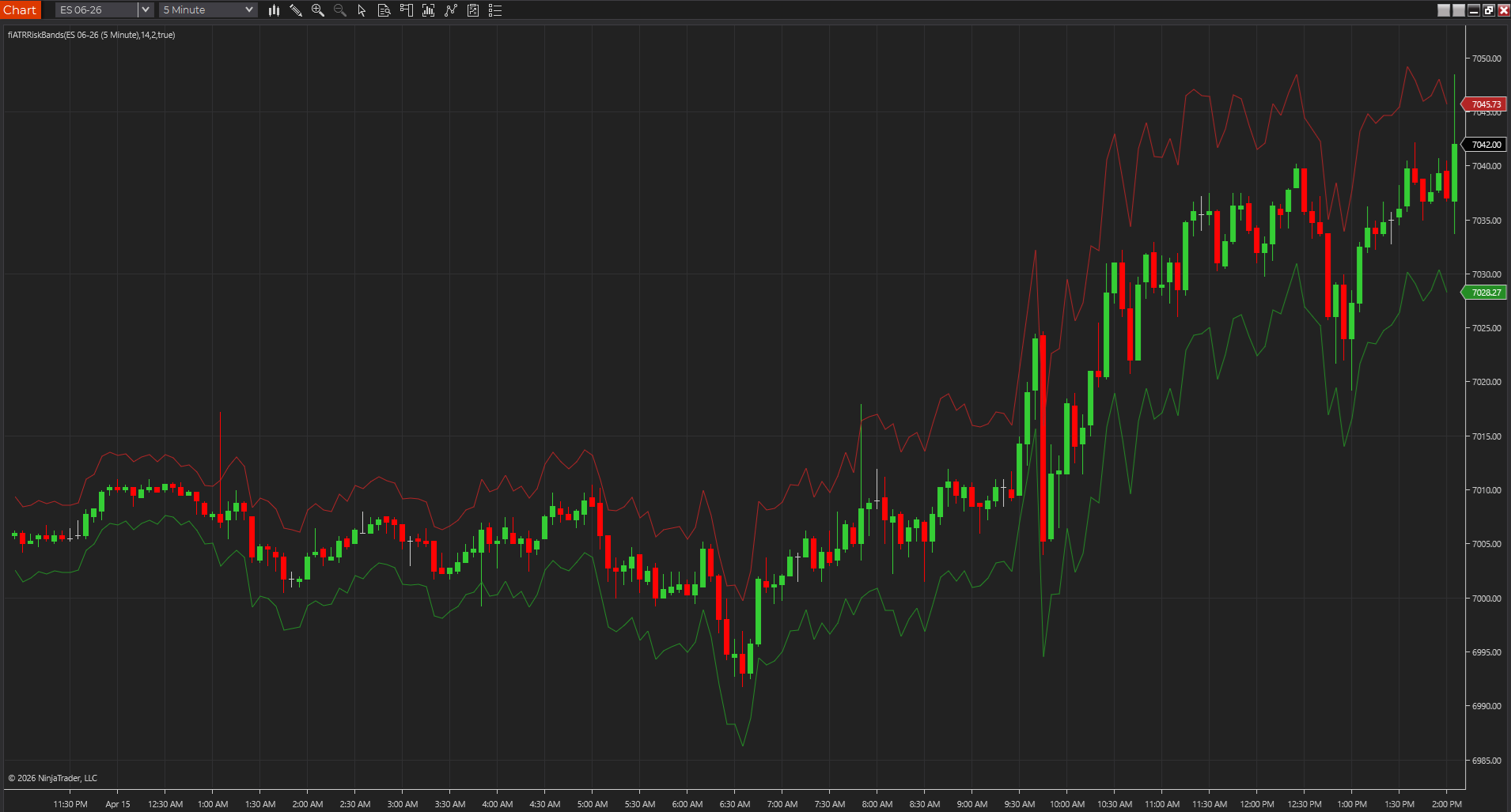
After import, restart NinjaTrader if the platform asks for it, then open one plain chart and add only the new indicator. That simple chart is the real proof that the import succeeded and that the study can compile and draw in a normal environment.
- Use a common symbol and a default chart template for the first test.
- Confirm the indicator appears in the indicator list and loads without compile messages.
- Check whether the study belongs on the price panel, in a subpanel, or as labels and markers so you do not mistake a layout issue for a code issue.
Check the settings before you trust the output
An indicator can load successfully and still be wrong for your chart because the session template, lookback, or default inputs do not match the workflow. Installation is only half the job; the first settings review matters too.
- Session-based studies should be checked against the exact session template you trade.
- Indicators that depend on volatility, swing length, or breakout windows deserve a quick sanity check on their default inputs.
- If the plots look dead or misplaced, inspect panel placement, colors, and scale before assuming the package is broken.
Troubleshoot one variable at a time
If an indicator fails, test it on a default chart, then check the platform version, session template, data availability, and any conflicting custom assemblies. The cleaner the test, the easier it is to tell whether the problem is the package, the chart, or the surrounding workspace.
- Save the exact error text if NinjaTrader shows a compile or import message.
- If the tool works on a clean chart but not in your normal workspace, the install probably succeeded and the environment needs attention.
- When in doubt, isolate templates, data series, and custom add-ons one by one instead of changing everything at once.
Best next reads
These pages pick up the questions most readers usually have next, so you do not have to back out and start a fresh search.
Frequently asked questions
Should I unzip a NinjaTrader indicator package before importing it?
Usually no. If the file is meant to be imported as a NinjaTrader add-on, leave it as a ZIP and use the platform import flow first.
What is the first thing I should do after a successful import?
Open one clean chart, add the study, and make sure it loads and plots the way the page describes before you move it into a saved workspace.
Why does an indicator sometimes import but still not work?
Because import success does not guarantee the chart assumptions are correct. Session templates, data series, default inputs, and existing custom assemblies can still make the study behave badly.
