Guide walkthrough
Start reading here
This is the main article body, where the page shifts from summary cards into the actual workflow and decision-making notes.
On this page
Download pages are built for immediate action
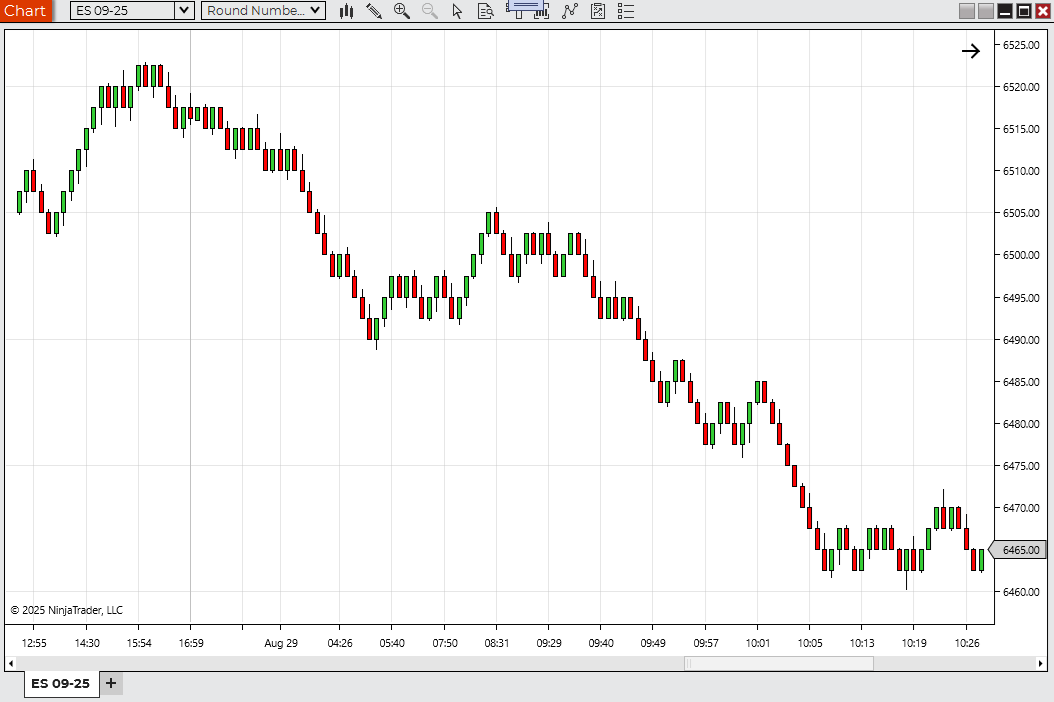
A real download page should answer the practical question: can I put this on a chart now, and do I have enough context to do it safely? That usually means a live file, chart evidence, platform clarity, and some notes about what the tool is for.
- The page should support an install decision directly.
- That makes screenshots and install notes more important here.
- The next click is usually download or test.
Source pages are stronger when the real goal is inspection or portability
A source page usually matters most when the trader wants to inspect logic, compare platform versions, or think about adaptation instead of simply importing a ZIP. That makes it a different kind of value than a download page, not a weaker copy of one.
- Source pages often lower the trust burden through transparency.
- They also create better raw material for platform comparisons.
- The next click is often inspect, compare, or port.
Reference pages can still be useful when the page is honest about what it is
A reference page becomes frustrating when it pretends to be install-ready and is not. It becomes useful when it clearly explains the idea, the workflow, and the limits of what is currently posted. That honesty is what keeps a reference page from feeling like a dead end.
- Reference pages are often strongest for education and comparison.
- They work better when expectations are set clearly.
- The next click is usually browse, compare, or request.
The right expectation usually makes the whole site easier to use
A lot of site friction disappears once the reader knows what kind of page they are on. Download pages answer install questions. Source pages answer inspection and portability questions. Reference pages answer learning and workflow questions. Once that is obvious, the next click usually becomes obvious too.
- Page type clarity improves trust quickly.
- It also reduces frustration because the page is judged fairly.
- That is why this distinction matters so much.
Most frustration comes from expecting the wrong kind of proof
When someone gets irritated with an indicator page, it is often not because the page is useless. It is because they expected install-ready proof from a reference page, or expected code portability from a download page that was really built for quick use. Once the proof standard matches the page type, the page becomes much easier to judge fairly.
- Different page types should be asked for different kinds of evidence.
- That is what keeps the reader from mislabeling a useful page as a bad one.
- The expectation mismatch is often the real source of the friction.
A strong page should make the next action feel obvious
Good indicator pages do more than explain themselves. They reduce hesitation about what to do next. A download page should make testing the file feel natural. A source page should make inspection or comparison feel natural. A reference page should make the learning or follow-up path feel natural. When the next action is still fuzzy, the page usually has not clarified its job enough.
- Good page structure lowers reader decision friction.
- The page type should point naturally to the next sensible step.
- That is often the simplest test of whether the page is doing its job.
Best next reads
These pages pick up the questions most readers usually have next, so you do not have to back out and start a fresh search.
Frequently asked questions
Is a source page better than a download page?
Not universally. They solve different problems. Download pages are stronger for installation, while source pages are stronger for inspection, comparison, and conversion paths.
What is a reference page good for if there is no file?
It can still be useful for understanding the workflow, comparing related tools, or deciding what kind of indicator you actually want before you install anything.
How can I tell what kind of indicator page I am on quickly?
Check what the page is making easy. If it gives you a file and install notes, it is acting like a download page. If it emphasizes code and portability, it is acting like a source page. If it mainly explains the concept and related tools, it is probably a reference page.
What is the simplest test for whether an indicator page is well structured?
After reading it, you should know what kind of page it is and what the next sensible action should be. If that still feels vague, the page is probably carrying too much ambiguity.
